
Sign In Start Free Trial
Account

Add to playlist

Create a Playlist

Modal Close icon
You need to login to use this feature.
  • Book Overview & Buying Selenium WebDriver Quick Start Guide
  • Table Of Contents Toc
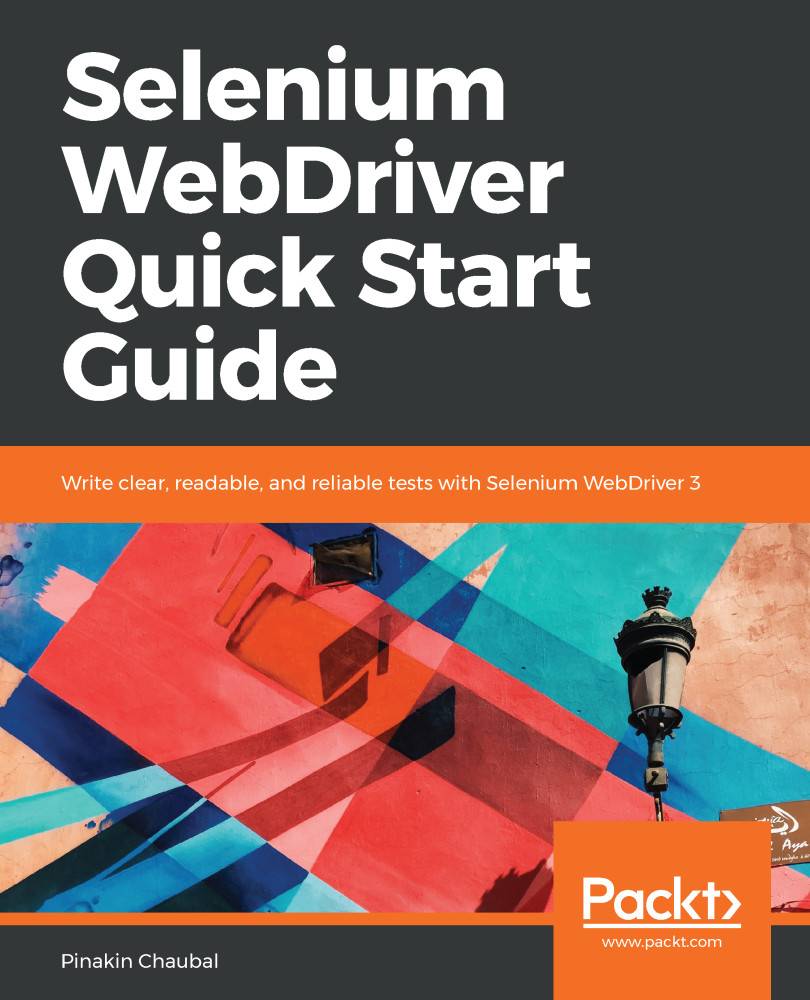
Selenium WebDriver Quick Start Guide

Selenium WebDriver Quick Start Guide

By : Chaubal
4 (3)
close
close
Selenium WebDriver Quick Start Guide

Selenium WebDriver Quick Start Guide

4 (3)
By: Chaubal

Overview of this book

Selenium WebDriver is a platform-independent API for automating the testing of both browser and mobile applications. It is also a core technology in many other browser automation tools, APIs, and frameworks. This book will guide you through the WebDriver APIs that are used in automation tests. Chapter by chapter, we will construct the building blocks of a page object model framework as you learn about the required Java and Selenium methods and terminology. The book starts with an introduction to the same-origin policy, cross-site scripting dangers, and the Document Object Model (DOM). Moving ahead, we'll learn about XPath, which allows us to select items on a page, and how to design a customized XPath. After that, we will be creating singleton patterns and drivers. Then you will learn about synchronization and handling pop-up windows. You will see how to create a factory for browsers and understand command design patterns applicable to this area. At the end of the book, we tie all this together by creating a framework and implementing multi-browser testing with Selenium Grid.
Table of Contents (10 chapters)
close
close

Summary

This chapter started off with the builder pattern, and we went over the actions class in detail. We created some generic methods that were put into TestBase at the end of this chapter. TestBase serves as a parent for all classes in our framework. This is where inheritance comes into the picture. We saw what JavascriptExecutor is and also created a few generic methods using this API. We went over a few scenarios of the actions class and JavaScriptExecutor. We saw the very important concept of listeners in Selenium and went over EventFiringWebDriver to listen to the executing code and log it to the console. We also downloaded the Selenium Server standalone for the setup of Selenium Grid and went over its architecture.

In the next chapter, we will look at the command pattern and the various pieces of the framework.

CONTINUE READING
83
Tech Concepts
36
Programming languages
73
Tech Tools
Icon Unlimited access to the largest independent learning library in tech of over 8,000 expert-authored tech books and videos.
Icon Innovative learning tools, including AI book assistants, code context explainers, and text-to-speech.
Icon 50+ new titles added per month and exclusive early access to books as they are being written.
Selenium WebDriver Quick Start Guide
notes
bookmark Notes and Bookmarks search Search in title playlist Add to playlist download Download options font-size Font size

Change the font size

margin-width Margin width

Change margin width

day-mode Day/Sepia/Night Modes

Change background colour

Close icon Search
Country selected

Close icon Your notes and bookmarks

Confirmation

Modal Close icon
claim successful

Buy this book with your credits?

Modal Close icon
Are you sure you want to buy this book with one of your credits?
Close
YES, BUY

Submit Your Feedback

Modal Close icon
Modal Close icon
Modal Close icon