Sign In Start Free Trial
Account

Add to playlist

Create a Playlist

Modal Close icon
You need to login to use this feature.
  • Book Overview & Buying Mastering Vim
  • Table Of Contents Toc
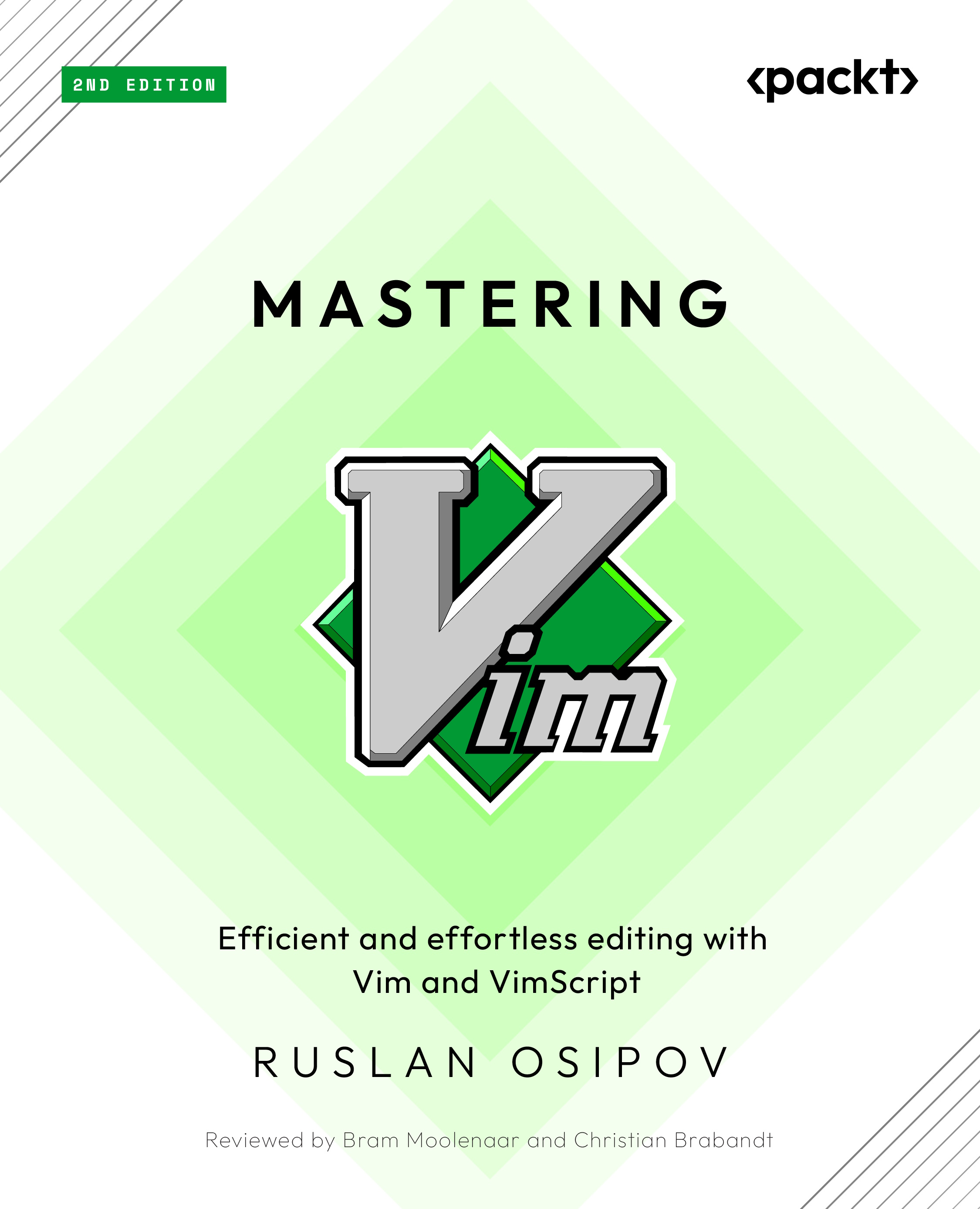
Mastering Vim

Mastering Vim - Second Edition

By : Osipov
5 (1)
close
close
Mastering Vim

Mastering Vim

5 (1)
By: Osipov

Overview of this book

Discover what makes Vim one of the most popular text editors in the world, renowned for its blend of efficiency, customization, extensibility, and portability. With Mastering Vim, you’ll come to appreciate its extensive plugin system and seamless integration with various tools, which enable Vim to provide developers with an extensible and customizable development environment for programmers. This comprehensive guide to Vim will help you become more efficient at editing text: be it prose or code. Starting from the basics, advanced movement, and text operations, you’ll learn how Vim can be used as a full-fledged IDE. You’ll then progress to refactoring, debugging, building, testing, version control, plugins, and Vimscript through practical guidance. This second edition comes packed with fully revamped examples that are both engaging and easy to understand, complemented by drawings and diagrams that help to visualize the concepts covered in the book. Updated to cover Vim 9, this edition includes updated installation and troubleshooting instructions, along with examples in Vim9script. By the end of this Vim book, you’ll be well-versed in Vim and have the skills you need to build a complete application using this popular text editor.
Table of Contents (11 chapters)
close
close

Summary

You now know how to navigate core concepts Vim operates by using buffers to represent files, utilizing split windows, and using tabs to organize multiple windows. You’ve also learned how to use folds to make navigating large files more manageable.

You now should be more confident getting through a large code base by navigating files with plugins such as Netrw, NERDTree, Vinegar, and CtrlP. Oh, and this chapter taught you a quick (even though it’s a slightly manual) way to install said plugins.

This chapter covered new movement operations, text objects, ways to quickly dart into insert mode, and how to make even fancier jumps throughout the file using the EasyMotion plugin. We’ve also dipped into search functionality, searching both within a single file and across the whole code base. You get a bonus point for trying out the ack plugin.

Finally, this chapter covered the concept of registers, and how you can use them to supercharge copying and pasting...

Visually different images
CONTINUE READING
83
Tech Concepts
36
Programming languages
73
Tech Tools
Icon Unlimited access to the largest independent learning library in tech of over 8,000 expert-authored tech books and videos.
Icon Innovative learning tools, including AI book assistants, code context explainers, and text-to-speech.
Icon 50+ new titles added per month and exclusive early access to books as they are being written.
Mastering Vim
notes
bookmark Notes and Bookmarks search Search in title playlist Add to playlist download Download options font-size Font size

Change the font size

margin-width Margin width

Change margin width

day-mode Day/Sepia/Night Modes

Change background colour

Close icon Search
Country selected

Close icon Your notes and bookmarks

Confirmation

Modal Close icon
claim successful

Buy this book with your credits?

Modal Close icon
Are you sure you want to buy this book with one of your credits?
Close
YES, BUY

Submit Your Feedback

Modal Close icon
Modal Close icon
Modal Close icon