Sign In Start Free Trial
Account

Add to playlist

Create a Playlist

Modal Close icon
You need to login to use this feature.
  • Book Overview & Buying Python Multimedia
  • Table Of Contents Toc
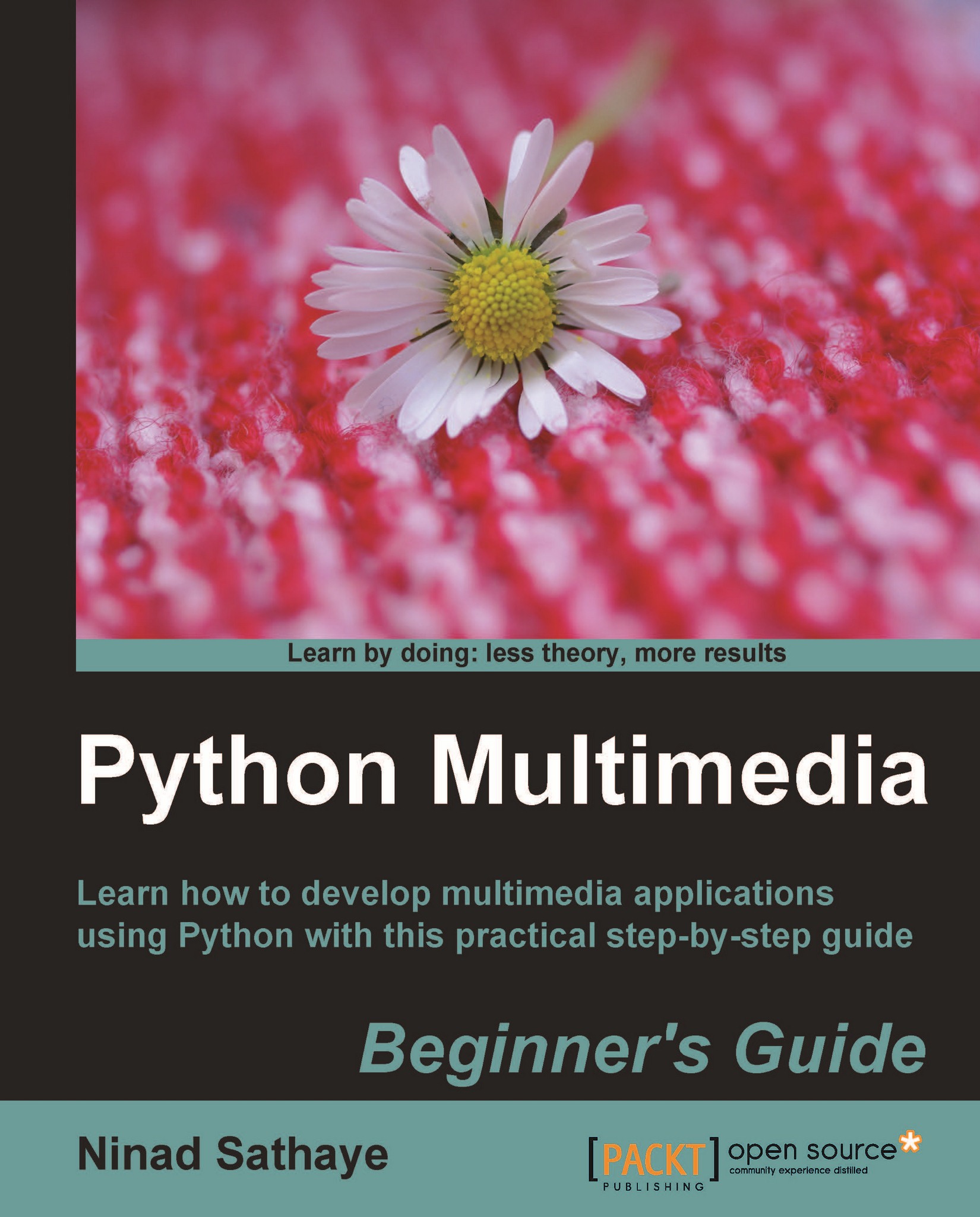
Python Multimedia

Python Multimedia

By : Ninad Sathaye
3 (3)
close
close
Python Multimedia

Python Multimedia

3 (3)
By: Ninad Sathaye

Overview of this book

Multimedia applications are used by a range of industries to enhance the visual appeal of a product. This book will teach the reader how to perform multimedia processing using Python. This step-by-step guide gives you hands-on experience for developing exciting multimedia applications using Python. This book will help you to build applications for processing images, creating 2D animations and processing audio and video. Writing applications that work with images, videos, and other sensory effects is great. Not every application gets to make full use of audio/visual effects, but a certain amount of multimedia makes any application a lot more appealing. There are numerous multimedia libraries for which Python bindings are available. These libraries enable working with different kinds of media, such as images, audio, video, games, and so on. This book introduces the reader to the most widely used open source libraries through several exciting, real world projects. Popular multimedia frameworks and libraries such as GStreamer,Pyglet, QT Phonon, and Python Imaging library are used to develop various multimedia applications.
Table of Contents (13 chapters)
close
close
Python Multimedia Beginner's Guide
Credits
About the Author
About the Reviewers
Preface

Time for action – generating the UI code


The UI file necessary for this application is already created for you. The purpose of this section is not to show you how to generate the UI from scratch. It will just illustrate some of the important aspects of developing GUI using QT Designer for this application. You can then experiment with it further to add new widgets to the music player application. We used QT Designer while developing the 'Thumbnail Maker' application in Chapter 2, Working with Images. We will cover some of those things here as well.

  1. Download the file Ui_AudioPlayerDialog.ui from the Packt website.

  2. Start the QT Designer application that comes with the PyQt4 installation.

  3. Open this file in QT Designer. Click on each widget element within this audio player dialog. The QT class associated with the selected widget will be displayed in the Property Editor panel of the QT Designer.

  4. Notice the red-colored borders around various UI widgets within the dialog. These borders indicate a ...

Visually different images
CONTINUE READING
83
Tech Concepts
36
Programming languages
73
Tech Tools
Icon Unlimited access to the largest independent learning library in tech of over 8,000 expert-authored tech books and videos.
Icon Innovative learning tools, including AI book assistants, code context explainers, and text-to-speech.
Icon 50+ new titles added per month and exclusive early access to books as they are being written.
Python Multimedia
notes
bookmark Notes and Bookmarks search Search in title playlist Add to playlist font-size Font size

Change the font size

margin-width Margin width

Change margin width

day-mode Day/Sepia/Night Modes

Change background colour

Close icon Search
Country selected

Close icon Your notes and bookmarks

Confirmation

Modal Close icon
claim successful

Buy this book with your credits?

Modal Close icon
Are you sure you want to buy this book with one of your credits?
Close
YES, BUY

Submit Your Feedback

Modal Close icon
Modal Close icon
Modal Close icon