Sign In Start Free Trial
Account

Add to playlist

Create a Playlist

Modal Close icon
You need to login to use this feature.
  • Book Overview & Buying Nmap: Network Exploration and Security Auditing Cookbook
  • Table Of Contents Toc
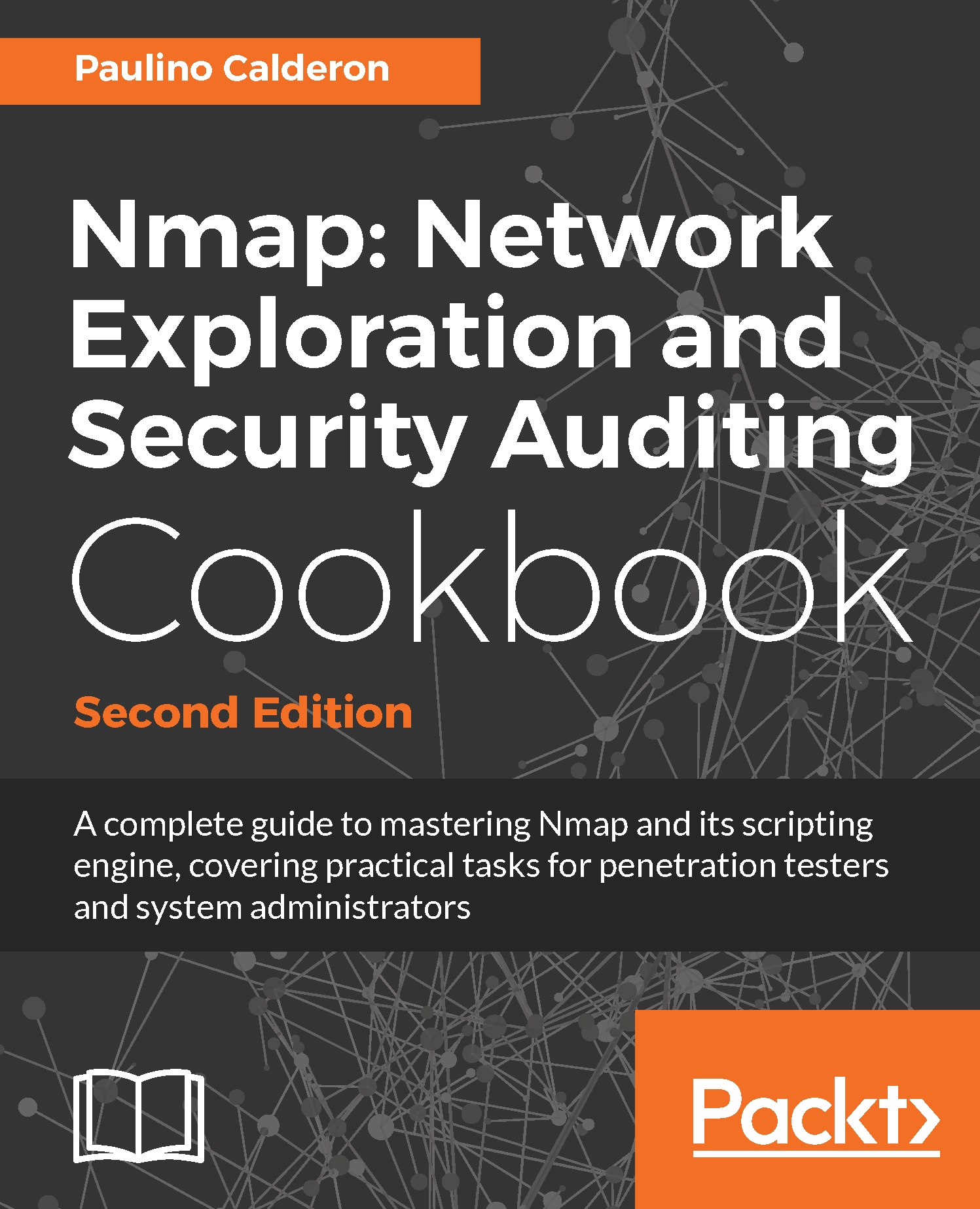
Nmap: Network Exploration and Security Auditing Cookbook

Nmap: Network Exploration and Security Auditing Cookbook - Second Edition

By : Paulino Calderon
4.7 (3)
close
close
Nmap: Network Exploration and Security Auditing Cookbook

Nmap: Network Exploration and Security Auditing Cookbook

4.7 (3)
By: Paulino Calderon

Overview of this book

This is the second edition of ‘Nmap 6: Network Exploration and Security Auditing Cookbook’. A book aimed for anyone who wants to master Nmap and its scripting engine through practical tasks for system administrators and penetration testers. Besides introducing the most powerful features of Nmap and related tools, common security auditing tasks for local and remote networks, web applications, databases, mail servers, Microsoft Windows machines and even ICS SCADA systems are explained step by step with exact commands and argument explanations. The book starts with the basic usage of Nmap and related tools like Ncat, Ncrack, Ndiff and Zenmap. The Nmap Scripting Engine is thoroughly covered through security checks used commonly in real-life scenarios applied for different types of systems. New chapters for Microsoft Windows and ICS SCADA systems were added and every recipe was revised. This edition reflects the latest updates and hottest additions to the Nmap project to date. The book will also introduce you to Lua programming and NSE script development allowing you to extend further the power of Nmap.
Table of Contents (18 chapters)
close
close
13
Brute Force Password Auditing Options
17
References and Additional Reading

Using NSE scripts against a target host

The Nmap project introduced a feature named Nmap Scripting Engine that allows users to extend the capabilities of Nmap via Lua scripts. NSE scripts are very powerful and have become one of Nmap's main strengths, performing tasks from advanced version detection to vulnerability exploitation. The variety of scripts available (more than 500) help users perform a wide range of tasks using the target information obtained from scans.

The following recipe describes how to run NSE scripts, and the different options available to configure its execution.

How to do it...

Enable script scan using the Nmap option -sC. This mode will select all NSE scripts belonging to the default category and execute them against our targets:

$nmap -sC <target>
$nmap -sC scanme.nmap.org
Nmap scan report for scanme.nmap.org (45.33.32.156)
Host is up (0.14s latency).
Other addresses for scanme.nmap.org (not scanned):
2600:3c01::f03c:91ff:fe18:bb2f
Not shown: 995 closed ports
PORT STATE SERVICE
22/tcp open ssh
| ssh-hostkey:
| 1024 ac:00:a0:1a:82:ff:cc:55:99:dc:67:2b:34:97:6b:75 (DSA)
| 2048 20:3d:2d:44:62:2a:b0:5a:9d:b5:b3:05:14:c2:a6:b2 (RSA)
|_ 256 96:02:bb:5e:57:54:1c:4e:45:2f:56:4c:4a:24:b2:57 (ECDSA)
25/tcp filtered smtp
80/tcp open http
|_http-title: Go ahead and ScanMe!
9929/tcp open nping-echo
31337/tcp open Elite
Nmap done: 1 IP address (1 host up) scanned in 24.42 seconds

In this case, the results included the output of the ssh-hostkey and http-title scripts. The number of scripts executed depends on the host or port rules of the scripts.

How it works...

The Nmap option  -sC enables script scan mode, which tells Nmap to select the default scripts and execute them if the host or port rule matches.

NSE scripts are divided into the following categories:

  • auth: This category is for scripts related to user authentication
  • broadcast: This is a very interesting category of scripts that use broadcast petitions to gather information
  • brute: This category is for scripts that help conduct brute-force password auditing
  • default: This category is for scripts that are executed when a script scan is executed ( -sC )
  • discovery: This category is for scripts related to host and service discovery.
  • dos: This category is for scripts related to denial of service attacks
  • exploit: This category is for scripts that exploit security vulnerabilities
  • external: This category is for scripts that depend on a third-party service
  • fuzzer: This category is for NSE scripts that are focused on fuzzing
  • intrusive: This category is for scripts that might crash something or generate a lot of network noise; scripts that system administrators may consider intrusive belong to this category
  • malware: This category is for scripts related to malware detection
  • safe: This category is for scripts that are considered safe in all situations
  • version: This category is for scripts that are used for advanced versioning
  • vuln: This category is for scripts related to security vulnerabilities

There's more...

Let's learn about some Nmap options that are required to customize the Nmap Scripting Engine. Some scripts require to be configured correctly, so it is important that we are familiar with all the Nmap Scripting Engine options.

NSE script arguments

The --script-args flag is used to set the arguments of NSE scripts. For example, if you would like to set the useragent HTTP library argument, you would use the following:

$ nmap --script http-title --script-args http.useragent="Mozilla 999" <target>  

You can also use aliases when setting the arguments for NSE scripts. For example, you have the following code:

$ nmap -p80 --script http-trace --script-args path <target>  

Instead of the preceding code, you can use the following one:

$ nmap -p80 --script http-trace --script-args http-trace.path <target>  

Script selection

Users may select specific scripts when scanning using the Nmap option --script <filename or path/folder/category/expression>:

$nmap --script <filename or path/folder/category/expression> <target>  

For example, the command to run the NSE script dns-brute is as follows:

$nmap --script dns-brute <target>  

The Nmap Scripting Engine also supports the execution of multiple scripts simultaneously:

$ nmap --script http-headers,http-title scanme.nmap.org
Nmap scan report for scanme.nmap.org (74.207.244.221)
Host is up (0.096s latency).
Not shown: 995 closed ports
PORT STATE SERVICE
22/tcp open ssh
25/tcp filtered smtp
80/tcp open http
| http-headers:
| Date: Mon, 24 Oct 2011 07:12:09 GMT
| Server: Apache/2.2.14 (Ubuntu)
| Accept-Ranges: bytes
| Vary: Accept-Encoding
| Connection: close
| Content-Type: text/html
|
|_ (Request type: HEAD)
|_http-title: Go ahead and ScanMe!
646/tcp filtered ldp
9929/tcp open nping-echo

In addition, NSE scripts can be selected by category, expression, or folder:

  • Run all the scripts in the vuln category:
$ nmap -sV --script vuln <target>  
  • Run the scripts in the version or discovery categories:
$ nmap -sV --script="version,discovery" <target>  
  • Run all the scripts except for the ones in the exploit category:
$ nmap -sV --script "not exploit" <target>  
  • Run all HTTP scripts except http-brute and http-slowloris:
$ nmap -sV --script "(http-*) and not(http-slowloris or http-brute)" <target>  

Expressions are very handy as they allow fine-grained script selection, as shown in the preceding example.

Debugging NSE scripts

To debug NSE scripts, use --script-trace. This enables a stack trace of the executed script to help you debug the script execution. Remember that sometimes you may need to increase the debugging level with the -d[1-9] flag to get to the bottom of the problem:

$ nmap -sC --script-trace <target>
$ nmap --script http-headers --script-trace scanme.nmap.org
NSOCK INFO [18.7370s] nsock_trace_handler_callback(): Callback:
CONNECT SUCCESS for EID 8 [45.33.32.156:80]
NSE: TCP 192.168.0.5:47478 > 45.33.32.156:80 | CONNECT
NSE: TCP 192.168.0.5:47478 > 45.33.32.156:80 | 00000000:
48 45 41 44 20 2f 20 48 54 54 50 2f 31 2e 31 0d HEAD / HTTP/1.1
00000010: 0a 43 6f 6e 6e 65 63 74 69 6f 6e 3a 20 63 6c 6f
Connection: clo
00000020: 73 65 0d 0a 55 73 65 72 2d 41 67 65 6e 74 3a 20 se
User- Agent:
00000030: 4d 6f 7a 69 6c 6c 61 2f 35 2e 30 20 28 63 6f 6d
Mozilla/5.0 (com
00000040: 70 61 74 69 62 6c 65 3b 20 4e 6d 61 70 20 53 63 patible;
Nmap Sc
00000050: 72 69 70 74 69 6e 67 20 45 6e 67 69 6e 65 3b 20 ripting
Engine;
00000060: 68 74 74 70 73 3a 2f 2f 6e 6d 61 70 2e 6f 72 67
https://nmap.org
00000070: 2f 62 6f 6f 6b 2f 6e 73 65 2e 68 74 6d 6c 29 0d
/book/nse.html)
00000080: 0a 48 6f 73 74 3a 20 73 63 61 6e 6d 65 2e 6e 6d Host:
scanme.nm
00000090: 61 70 2e 6f 72 67 0d 0a 0d 0a ap.org
[Output removed to save space]Nmap scan report for scanme.nmap.org
(45.33.32.156)
Host is up (0.14s latency).
Other addresses for scanme.nmap.org (not scanned):
2600:3c01::f03c:91ff:fe18:bb2f
Not shown: 995 closed ports
PORT STATE SERVICE
22/tcp open ssh
25/tcp filtered smtp
80/tcp open http
| http-headers:
| Date: Sun, 24 Apr 2016 19:52:13 GMT
| Server: Apache/2.4.7 (Ubuntu)
| Accept-Ranges: bytes
| Vary: Accept-Encoding
| Connection: close
| Content-Type: text/html
|
|_ (Request type: HEAD)
9929/tcp open nping-echo
31337/tcp open Elite

Nmap done: 1 IP address (1 host up) scanned in 18.89 seconds

Adding new scripts

There will be occasions where you will want to try scripts not included officially with Nmap. To test new scripts, you simply need to copy them to your /scripts inside your Nmap directory and run the following command to update the script database:

# nmap --script-updatedb  

After updating the script database, you simply need to select them, as you would normally do with the --script option. In addition, you may execute scripts without including them in the database by setting a relative or absolute script path as the argument:

# nmap --script /root/loot/nonofficial.nse <target>  

The https://secwiki.org/w/Nmap/External_Script_Library Wiki page attempts to keep track of all scripts that for different reasons could not get included officially with Nmap. I recommend you visit it as there are some great scripts in there.

CONTINUE READING
83
Tech Concepts
36
Programming languages
73
Tech Tools
Icon Unlimited access to the largest independent learning library in tech of over 8,000 expert-authored tech books and videos.
Icon Innovative learning tools, including AI book assistants, code context explainers, and text-to-speech.
Icon 50+ new titles added per month and exclusive early access to books as they are being written.
Nmap: Network Exploration and Security Auditing Cookbook
notes
bookmark Notes and Bookmarks search Search in title playlist Add to playlist font-size Font size

Change the font size

margin-width Margin width

Change margin width

day-mode Day/Sepia/Night Modes

Change background colour

Close icon Search
Country selected

Close icon Your notes and bookmarks

Confirmation

Modal Close icon
claim successful

Buy this book with your credits?

Modal Close icon
Are you sure you want to buy this book with one of your credits?
Close
YES, BUY

Submit Your Feedback

Modal Close icon
Modal Close icon
Modal Close icon