Sign In Start Free Trial
Account

Add to playlist

Create a Playlist

Modal Close icon
You need to login to use this feature.
  • Book Overview & Buying Nmap: Network Exploration and Security Auditing Cookbook
  • Table Of Contents Toc
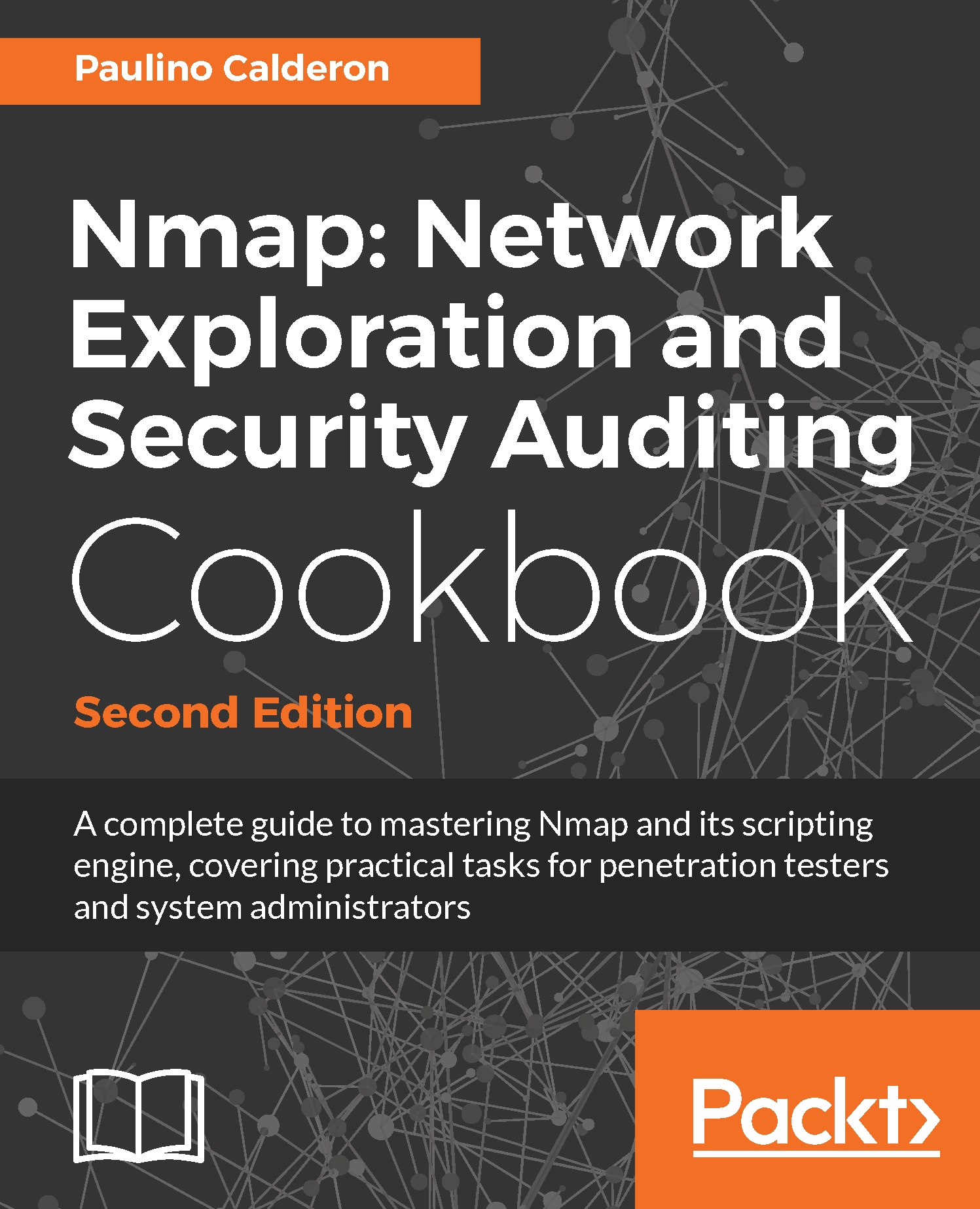
Nmap: Network Exploration and Security Auditing Cookbook

Nmap: Network Exploration and Security Auditing Cookbook - Second Edition

By : Paulino Calderon
4.7 (3)
close
close
Nmap: Network Exploration and Security Auditing Cookbook

Nmap: Network Exploration and Security Auditing Cookbook

4.7 (3)
By: Paulino Calderon

Overview of this book

This is the second edition of ‘Nmap 6: Network Exploration and Security Auditing Cookbook’. A book aimed for anyone who wants to master Nmap and its scripting engine through practical tasks for system administrators and penetration testers. Besides introducing the most powerful features of Nmap and related tools, common security auditing tasks for local and remote networks, web applications, databases, mail servers, Microsoft Windows machines and even ICS SCADA systems are explained step by step with exact commands and argument explanations. The book starts with the basic usage of Nmap and related tools like Ncat, Ncrack, Ndiff and Zenmap. The Nmap Scripting Engine is thoroughly covered through security checks used commonly in real-life scenarios applied for different types of systems. New chapters for Microsoft Windows and ICS SCADA systems were added and every recipe was revised. This edition reflects the latest updates and hottest additions to the Nmap project to date. The book will also introduce you to Lua programming and NSE script development allowing you to extend further the power of Nmap.

Table of Contents (18 chapters)
close
close
13
Brute Force Password Auditing Options
17
References and Additional Reading

Retrieving the NetBIOS name and MAC address of a host

NetBIOS name resolution is enabled in most of Windows clients today and even a debugging utility called nbtstat is shipped with Windows to diagnose name resolution problems with NetBIOS over TCP/IP. We can use NetBIOS to obtain useful information such as the computer name, user, and MAC address with one single request.

This recipe shows how to retrieve the NetBIOS information and MAC address of a Windows host with Nmap.

How to do it...

Open your terminal and enter the following Nmap command:

$ nmap -sU -p137 --script nbstat <target>  

The NSE script  nbstat will return the NetBIOS name, NetBIOS user, and MAC address of the system:

   PORT    STATE SERVICE 
137/udp open microsoft-ds
...
CONTINUE READING
83
Tech Concepts
36
Programming languages
73
Tech Tools
Icon Unlimited access to the largest independent learning library in tech of over 8,000 expert-authored tech books and videos.
Icon Innovative learning tools, including AI book assistants, code context explainers, and text-to-speech.
Icon 50+ new titles added per month and exclusive early access to books as they are being written.
Nmap: Network Exploration and Security Auditing Cookbook
notes
bookmark Notes and Bookmarks search Search in title playlist Add to playlist font-size Font size

Change the font size

margin-width Margin width

Change margin width

day-mode Day/Sepia/Night Modes

Change background colour

Close icon Search
Country selected

Close icon Your notes and bookmarks

Confirmation

Modal Close icon
claim successful

Buy this book with your credits?

Modal Close icon
Are you sure you want to buy this book with one of your credits?
Close
YES, BUY

Submit Your Feedback

Modal Close icon
Modal Close icon
Modal Close icon