


Like any other programming language, Python provides a strong and easy interface to work with I/O, files, and directories. We will explore these in more detail in the following sections.
-
Book Overview & Buying
-
Table Of Contents

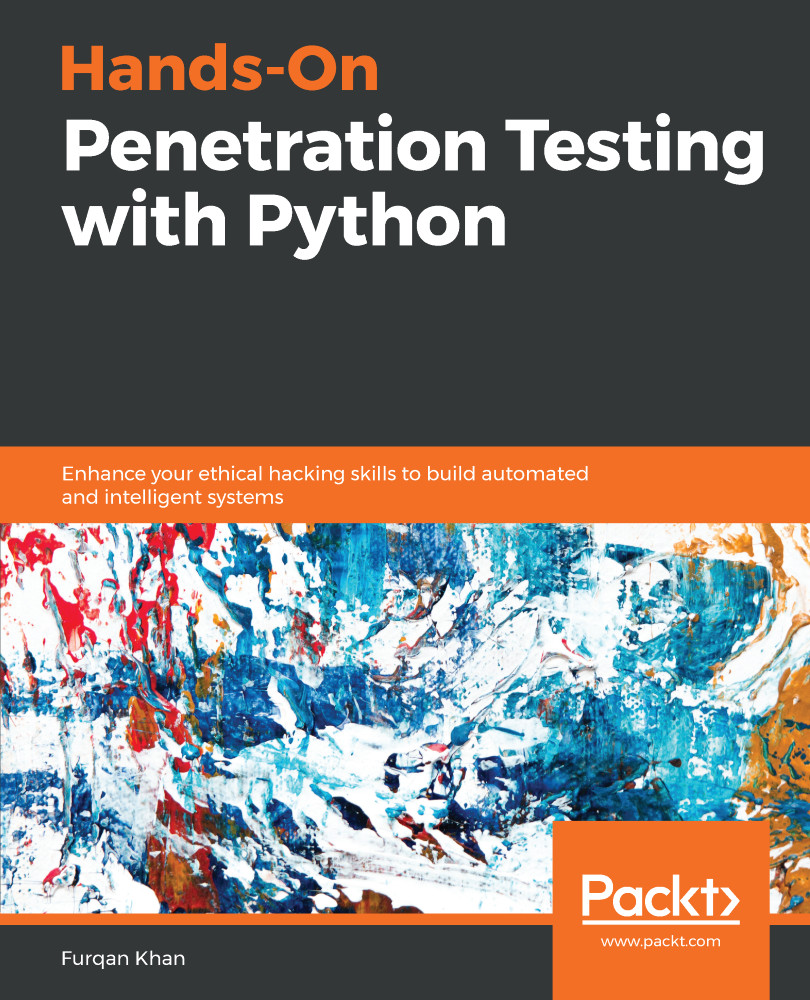
Hands-On Penetration Testing with Python
By :


Hands-On Penetration Testing with Python
By:
Overview of this book
With the current technological and infrastructural shift, penetration testing is no longer a process-oriented activity. Modern-day penetration testing demands lots of automation and innovation; the only language that dominates all its peers is Python. Given the huge number of tools written in Python, and its popularity in the penetration testing space, this language has always been the first choice for penetration testers.
Hands-On Penetration Testing with Python walks you through advanced Python programming constructs. Once you are familiar with the core concepts, you’ll explore the advanced uses of Python in the domain of penetration testing and optimization. You’ll then move on to understanding how Python, data science, and the cybersecurity ecosystem communicate with one another. In the concluding chapters, you’ll study exploit development, reverse engineering, and cybersecurity use cases that can be automated with Python.
By the end of this book, you’ll have acquired adequate skills to leverage Python as a helpful tool to pentest and secure infrastructure, while also creating your own custom exploits.
Table of Contents (18 chapters)
Preface

 Free Chapter
Introduction to Python
Building Python Scripts
Concept Handling

Advanced Python Modules
Vulnerability Scanner Python - Part 1
Vulnerability Scanner Python - Part 2
Machine Learning and Cybersecurity
Automating Web Application Scanning - Part 1
Automated Web Application Scanning - Part 2
Building a Custom Crawler
Reverse Engineering Linux Applications
Reverse Engineering Windows Applications
Exploit Development
Cyber Threat Intelligence
Other Wonders of Python
Assessments
Other Books You May Enjoy



