Sign In Start Free Trial
Account

Add to playlist

Create a Playlist

Modal Close icon
You need to login to use this feature.
  • Book Overview & Buying Mastering Magento 2
  • Table Of Contents Toc
  • Feedback & Rating feedback
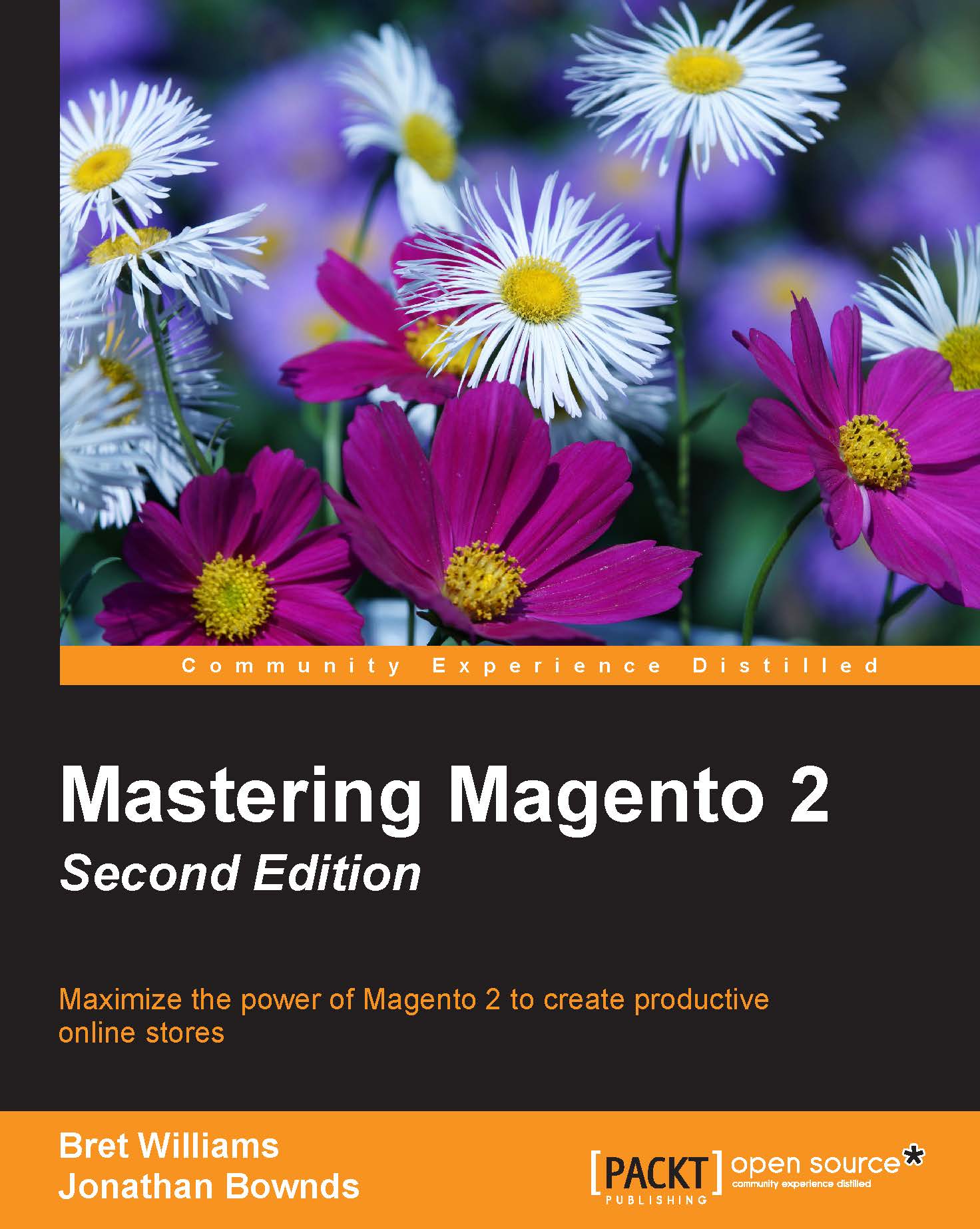
Mastering Magento 2

Mastering Magento 2 - Second Edition

By : Bret Williams, Gugliotti, Jonathan Bownds
3.7 (7)
close
close
Mastering Magento 2

Mastering Magento 2

3.7 (7)
By: Bret Williams, Gugliotti, Jonathan Bownds

Overview of this book

The long-awaited release of the world's most popular online solution, Magento 2, is now out with an all new interface and several enhancements. This book offers you advanced guidance on managing, optimizing, and extending your store while taking advantage of the new features of Magento 2. This is a comprehensive guide to using the all new features and interface of Magento 2 to build, extend, and design online stores. From planning your Magento installation through to advanced techniques designed to make your store as successful as possible, this book is your roadmap to managing your Magento store. Focusing on Magento's Community version, the book covers everything from creating and managing multiple stores to fine-tuning Magento for speed and performance. You’ll learn how to manage categories, products, design themes, extensions, and more.
Table of Contents (13 chapters)
close
close
12
Index

The concept of theme inheritance

A very important aspect of Magento theming is the fallback model. Theme inheritance in Magento 2.x has been completely redesigned. The primary upshot of this is that unlimited fallbacks are supported and the default directory is no longer a part of the fallback mechanism.

The fallback order is slightly different for static assets (JavaScript, Less CSS, CSS) and templates, so we'll review both of these cases in detail. Before we explain the fallback order though, we'll need to begin with how parent themes are established in theme.xml.

Configuring a parent theme in theme.xml

This is new and central to the new theme fallback model. In any given theme, you have the option of identifying the parent theme. This is done in the theme.xml file, in the root directory of the theme. The following is an example of what text from a sample theme.xml file might look like:

<theme xmlns:xsi="http://www.w3.org/2001/XMLSchema-instance" xsi:noNamespaceSchemaLocation...
Visually different images
CONTINUE READING
83
Tech Concepts
36
Programming languages
73
Tech Tools
Icon Unlimited access to the largest independent learning library in tech of over 8,000 expert-authored tech books and videos.
Icon Innovative learning tools, including AI book assistants, code context explainers, and text-to-speech.
Icon 50+ new titles added per month and exclusive early access to books as they are being written.
Mastering Magento 2
notes
bookmark Notes and Bookmarks search Search in title playlist Add to playlist download Download options font-size Font size

Change the font size

margin-width Margin width

Change margin width

day-mode Day/Sepia/Night Modes

Change background colour

Close icon Search
Country selected

Close icon Your notes and bookmarks

Confirmation

Modal Close icon
claim successful

Buy this book with your credits?

Modal Close icon
Are you sure you want to buy this book with one of your credits?
Close
YES, BUY

Submit Your Feedback

Modal Close icon
Modal Close icon
Modal Close icon