Sign In Start Free Trial
Account

Add to playlist

Create a Playlist

Modal Close icon
You need to login to use this feature.
  • Book Overview & Buying MEAN Cookbook
  • Table Of Contents Toc
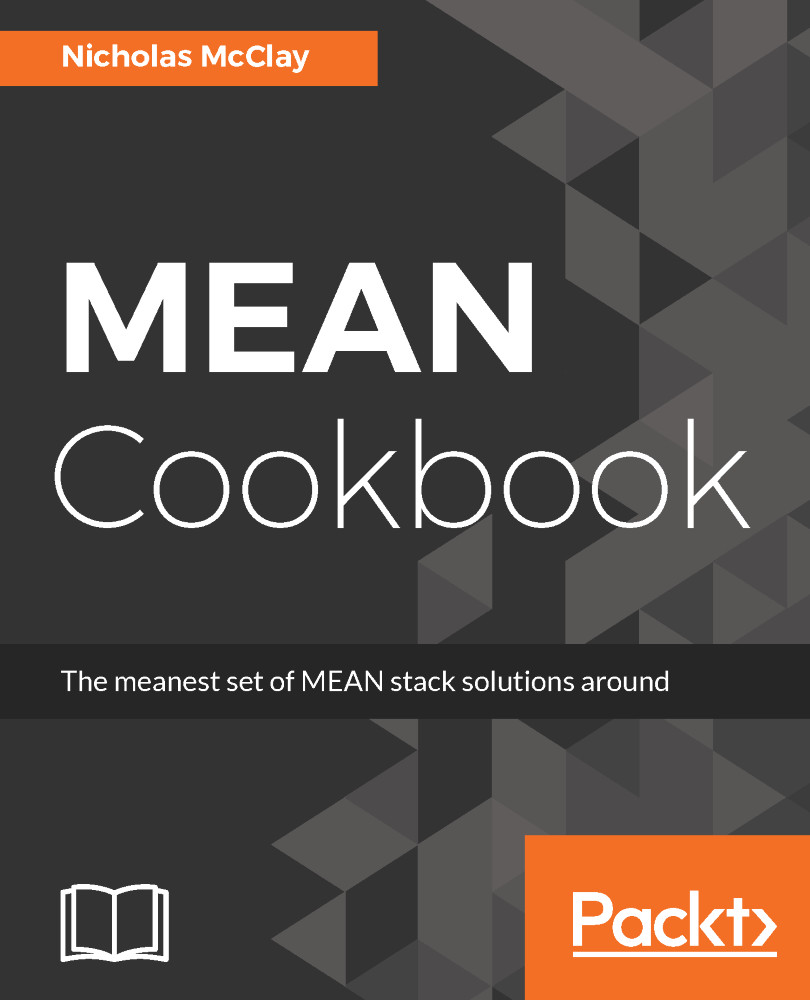
MEAN Cookbook

MEAN Cookbook

By : McClay
3 (1)
close
close
MEAN Cookbook

MEAN Cookbook

3 (1)
By: McClay

Overview of this book

The MEAN Stack is a framework for web application development using JavaScript-based technologies; MongoDB, Express, Angular, and Node.js. If you want to expand your understanding of using JavaScript to produce a fully functional standalone web application, including the web server, user interface, and database, then this book can help guide you through that transition. This book begins by configuring the frontend of the MEAN stack web application using the Angular JavaScript framework. We then implement common user interface enhancements before moving on to configuring the server layer of our MEAN stack web application using Express for our backend APIs. You will learn to configure the database layer of your MEAN stack web application using MongoDB and the Mongoose framework, including modeling relationships between documents. You will explore advanced topics such as optimizing your web application using WebPack as well as the use of automated testing with the Mocha and Chai frameworks. By the end of the book, you should have acquired a level of proficiency that allows you to confidently build a full production-ready and scalable MEAN stack application.

Table of Contents (13 chapters)
close
close

Using Sass variables for style reusability

A very handy advantage of using Sass is to define commonly used values in our styles as variables so that they can be easily reused in our project's styling.

Imagine that our Angular application has a very simple two-color theme for its background and text. For our navigation, we simply want to reverse the same two colors of theme for the background and text. With Sass, we can define these colors once and then apply them to the correct properties for the objects we want to style, without copying and pasting hexadecimal color definitions around.

How to do it...

We can define two-color variables by defining them in our /src/styles.scss stylesheet:

$background-color: #585858;
$text...
Visually different images
CONTINUE READING
83
Tech Concepts
36
Programming languages
73
Tech Tools
Icon Unlimited access to the largest independent learning library in tech of over 8,000 expert-authored tech books and videos.
Icon Innovative learning tools, including AI book assistants, code context explainers, and text-to-speech.
Icon 50+ new titles added per month and exclusive early access to books as they are being written.
MEAN Cookbook
notes
bookmark Notes and Bookmarks search Search in title playlist Add to playlist download Download options font-size Font size

Change the font size

margin-width Margin width

Change margin width

day-mode Day/Sepia/Night Modes

Change background colour

Close icon Search
Country selected

Close icon Your notes and bookmarks

Confirmation

Modal Close icon
claim successful

Buy this book with your credits?

Modal Close icon
Are you sure you want to buy this book with one of your credits?
Close
YES, BUY

Submit Your Feedback

Modal Close icon
Modal Close icon
Modal Close icon