


-
Book Overview & Buying
-
Table Of Contents

Deno Web Development
By :


Deno Web Development
By:
Overview of this book
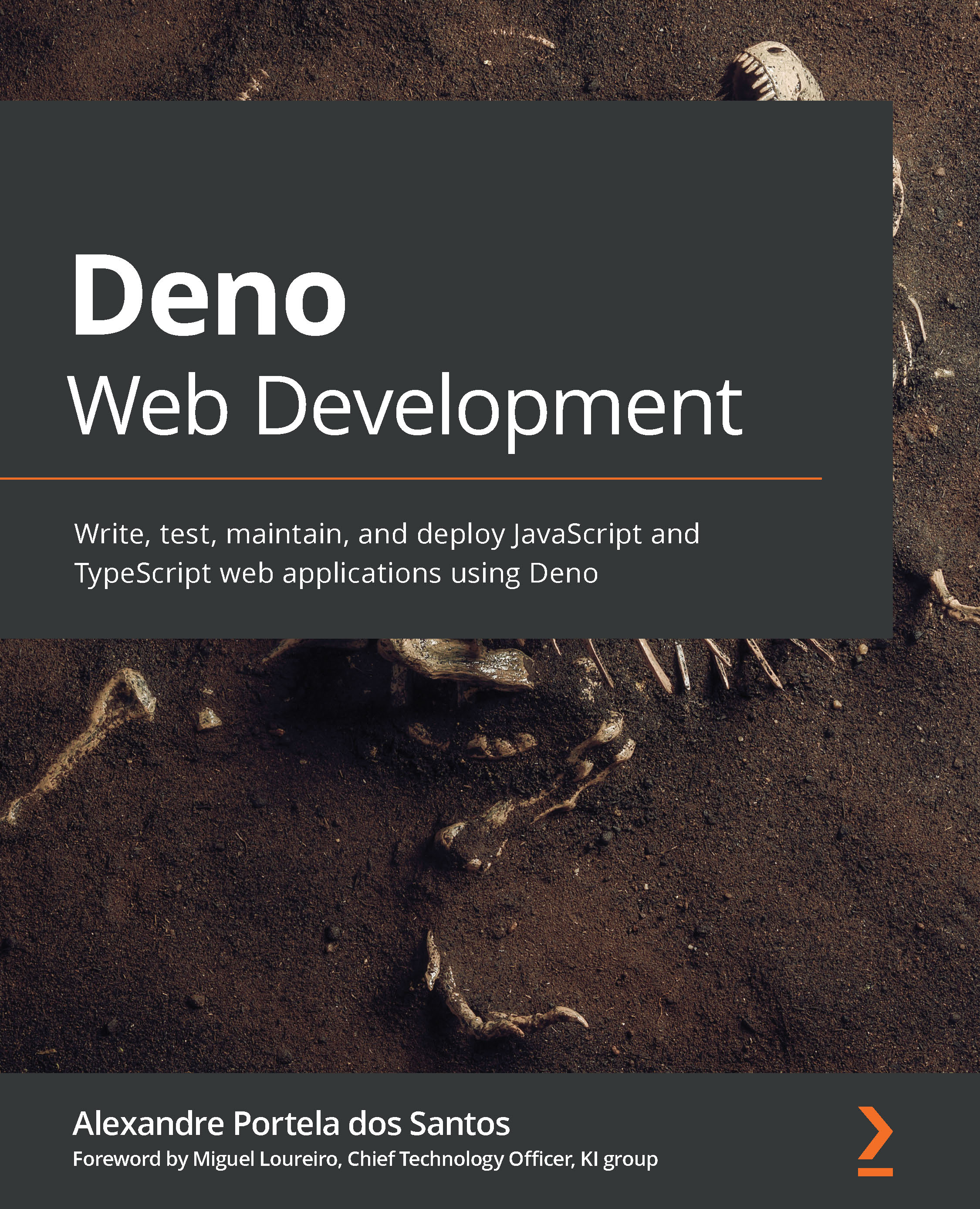
Deno is a JavaScript and TypeScript runtime with secure defaults and a great developer experience. With Deno Web Development, you'll learn all about Deno's primitives, its principles, and how you can use them to build real-world applications. The book is divided into three main sections: an introduction to Deno, building an API from scratch, and testing and deploying a Deno application.
The book starts by getting you up to speed with Deno's runtime and the reason why it was developed. You'll explore some of the concepts introduced by Node, why many of them transitioned into Deno, and why new features were introduced. After understanding Deno and why it was created, you will start to experiment with Deno, exploring the toolchain and writing simple scripts and CLI applications. As you progress to the second section, you will create a simple web application and then add more features to it. This application will evolve from a simple 'hello world' API to a web application connected to the database, with users, authentication, and a JavaScript client. In the third section, the book will take you through topics such as dependency management, configuration and testing, finishing with an application deployed in a cloud environment.
By the end of this web development book, you will become comfortable with using Deno to create, maintain, and deploy secure and reliable web applications.
Table of Contents (15 chapters)
Preface


Section 1: Getting Familiar with Deno
 Free Chapter
Chapter 1: What is Deno?
Chapter 2: The Toolchain

Chapter 3: The Runtime and Standard Library
Section 2: Building an Application
Chapter 4: Building a Web Application
Chapter 5: Adding Users and Migrating to Oak
Chapter 6: Adding Authentication and Connecting to the Database
Chapter 7: HTTPS, Extracting Configuration, and Deno in the Browser
Section 3: Testing and Deploying
Chapter 8: Testing – Unit and Integration
Chapter 9: Deploying a Deno Application
Chapter 10: What's Next?


