


-
Book Overview & Buying
-
Table Of Contents

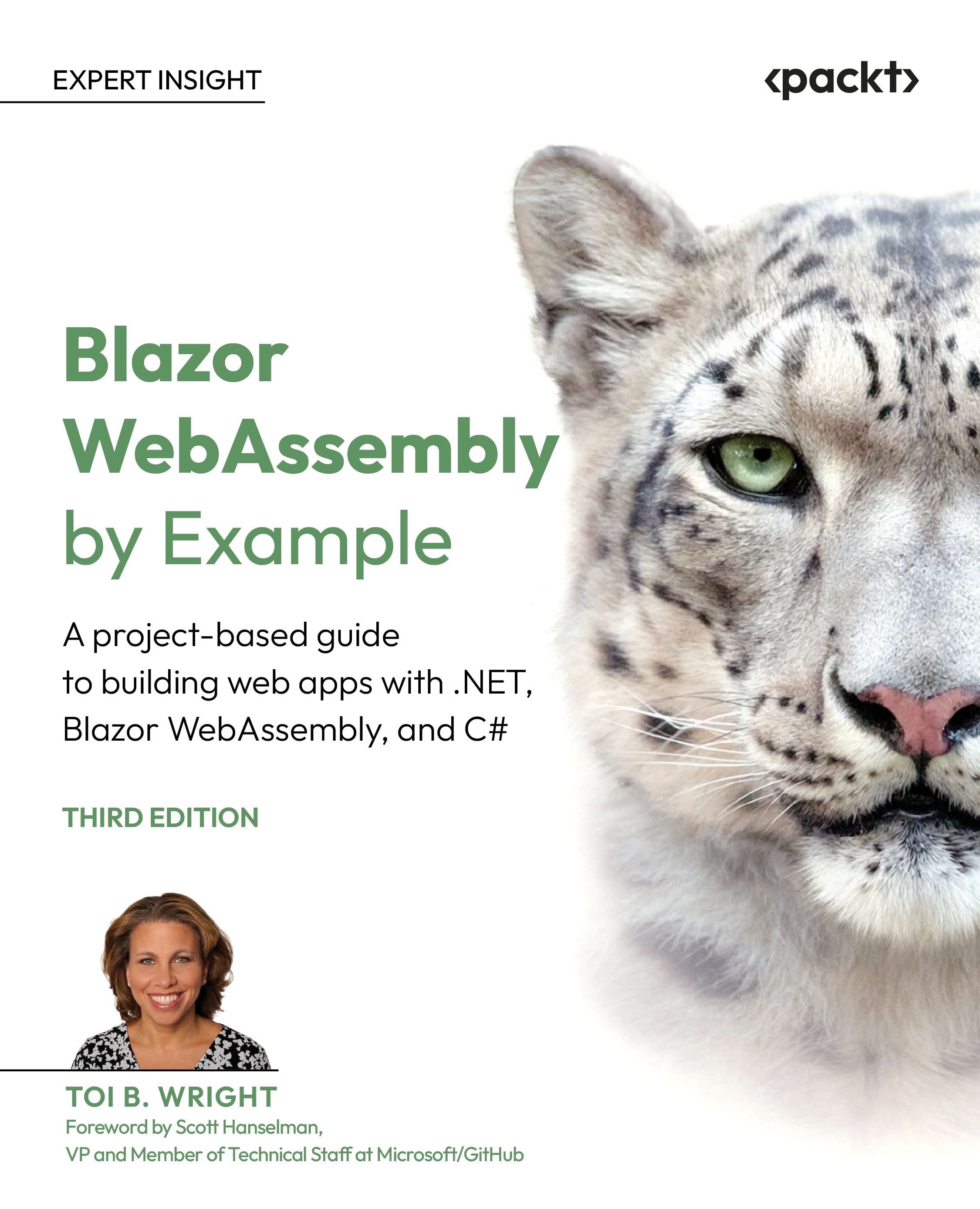
Blazor WebAssembly by Example - Third Edition
By :


Blazor WebAssembly by Example
By:
Overview of this book
Blazor WebAssembly allows you to build web apps without the need for JavaScript, plugins, or add-ons. With its continued growth in popularity, Blazor WebAssembly can open doors to new career paths and exciting projects, and Blazor WebAssembly by Example makes getting started easy. This project-based guide teaches you how to build single-page web applications by focusing heavily on the practical over the theoretical. The author provides step-by-step instructions for each project as well as a video of her following those exact steps.
In this updated edition, we've added two new chapters on integrating artificial intelligence into web apps built with Blazor WebAssembly. You'll start with simple standalone web apps and gradually progress to hosted web applications with SQL Server backends. Each project covers a different concept from the Blazor WebAssembly ecosystem, such as Razor components, JavaScript interop, security, events, debugging, state management, hosted applications, REST APIs, and AI. The book's projects get more challenging as you progress, but you don't have to complete them in order, which makes this book a valuable resource for beginners as well as those who just want to dip into specific topics.
By the end of this book, you'll be building your own web apps with .NET and C# using Blazor WebAssembly.
Table of Contents (18 chapters)
Preface


 Free Chapter
Chapter 1: Introduction to Blazor WebAssembly
Chapter 2: Building Your First Blazor WebAssembly Application
Chapter 3: Debugging and Deploying a Blazor WebAssembly App
Chapter 4: Building and Sharing a Modal Dialog Using Templated Components
Chapter 5: Building a Local Storage Service Using JavaScript Interoperability (JS Interop)
Chapter 6: Using Artificial Intelligence to Build a Smart Combo Box
Chapter 7: Building a Weather App as a Progressive Web App (PWA)
Chapter 8: Building a Shopping Cart Using Application State
Chapter 9: Building a Kanban Board Using Events
Chapter 10: Uploading and Exploring an Excel File with QuickGrid

Chapter 11: Building an Expense Tracker Using the EditForm Component and IndexedDB
Chapter 12: Building a Task Manager with Blazor WebAssembly and ASP.NET Core Web API
Chapter 13: Securing a Blazor WebAssembly Application
Chapter 14: Building a Skill-Driven AI Assistant in Blazor WebAssembly with OpenAI
Chapter 15: Unlock Access to the Code Bundle and the PDF Version
Other Books You May Enjoy
Index


