Sign In Start Free Trial
Account

Add to playlist

Create a Playlist

Modal Close icon
You need to login to use this feature.
  • Book Overview & Buying Blazor WebAssembly by Example
  • Table Of Contents Toc
Blazor WebAssembly by Example

Blazor WebAssembly by Example - Third Edition

By : Toi B. Wright
close
close
Blazor WebAssembly by Example

Blazor WebAssembly by Example

By: Toi B. Wright

Overview of this book

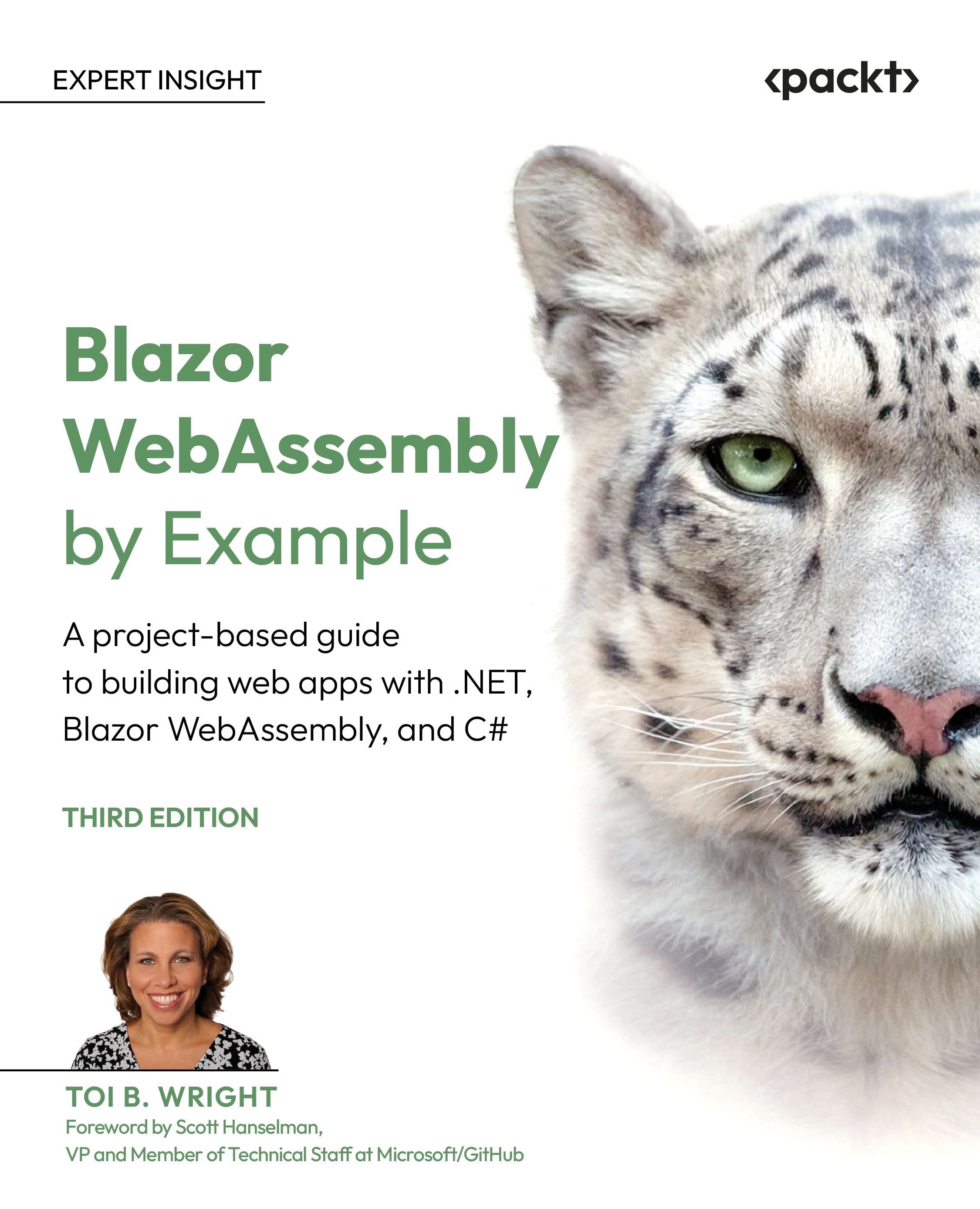
Blazor WebAssembly allows you to build web apps without the need for JavaScript, plugins, or add-ons. With its continued growth in popularity, Blazor WebAssembly can open doors to new career paths and exciting projects, and Blazor WebAssembly by Example makes getting started easy. This project-based guide teaches you how to build single-page web applications by focusing heavily on the practical over the theoretical. The author provides step-by-step instructions for each project as well as a video of her following those exact steps. In this updated edition, we've added two new chapters on integrating artificial intelligence into web apps built with Blazor WebAssembly. You'll start with simple standalone web apps and gradually progress to hosted web applications with SQL Server backends. Each project covers a different concept from the Blazor WebAssembly ecosystem, such as Razor components, JavaScript interop, security, events, debugging, state management, hosted applications, REST APIs, and AI. The book's projects get more challenging as you progress, but you don't have to complete them in order, which makes this book a valuable resource for beginners as well as those who just want to dip into specific topics. By the end of this book, you'll be building your own web apps with .NET and C# using Blazor WebAssembly.
Table of Contents (18 chapters)
close
close
15
Chapter 15: Unlock Access to the Code Bundle and the PDF Version
16
Other Books You May Enjoy
17
Index

Preface

Blazor WebAssembly lets you build single-page applications with C# in the browser, giving you a modern alternative to JavaScript-heavy front ends. It only requires that the browser support WebAssembly, which all modern browsers do.

In this book, you will complete practical projects that will teach you the fundamentals of the Blazor WebAssembly framework. Each chapter includes a standalone project with detailed step-by-step instructions. Each project is designed to highlight one or more important concepts concerning Blazor WebAssembly.

By the end of the book, you will have practical experience building both standalone and multi-project Blazor WebAssembly applications that interact with external APIs, databases, browser storage, AI models, and cloud services. More importantly, you will understand how to structure maintainable, modern web applications by using Blazor WebAssembly and C#.

This third edition has been extensively updated to reflect the latest features and capabilities of .NET 10 and Visual Studio 2026. The projects have been modernized to use current Blazor WebAssembly patterns, updated APIs, and the latest tooling available in the .NET ecosystem. New chapters have been added covering artificial intelligence with ONNX Runtime Web, JWT-based authentication and authorization, skill-driven AI assistants powered by OpenAI, and modern browser-based storage and data-entry techniques.

Who this book is for

This book is for experienced .NET web developers who want to leverage the power of .NET and C# to build single-page web applications using Blazor WebAssembly without relying on JavaScript frameworks. If you've ever wanted to use .NET on both the frontend and backend, this guide shows you how.

To get started, you should have at least beginner-level knowledge of the C# language, the .NET framework, Microsoft Visual Studio, and web development concepts. Each project includes step-by-step instructions, making the book suitable for developers who prefer learning by building real applications.

What this book covers

Chapter 1, Introduction to Blazor WebAssembly, introduces the Blazor WebAssembly framework and explains why it is a powerful choice for building client-side web applications with .NET and C#. You will learn about the Blazor family, WebAssembly, and how to set up your development environment using Visual Studio 2026, .NET 10, SQL Server, and Microsoft Azure.

Chapter 2, Building Your First Blazor WebAssembly Application, introduces Razor components, routing, Razor syntax, component parameters, query strings, and Hot Reload. You will build your first Blazor WebAssembly application by using Microsoft's project templates and see how Razor components power the structure of a Blazor app.

Chapter 3, Debugging and Deploying a Blazor WebAssembly App, teaches you how to debug Blazor WebAssembly applications by using Visual Studio and browser DevTools. You will learn about logging, exception handling, custom error components, ahead-of-time (AOT) compilation, and deploying applications to Microsoft Azure.

Chapter 4, Building and Sharing a Modal Dialog Using Templated Components, explores templated components, RenderFragment parameters, EventCallback parameters, CSS isolation, and Razor class libraries. You will create a reusable modal dialog component that can be packaged and shared across multiple projects.

Chapter 5, Building a Local Storage Service Using JavaScript Interoperability (JS Interop), explains how JavaScript interoperability enables Blazor WebAssembly applications to access browser APIs and JavaScript libraries. You will create a reusable local storage service by using JS interop and the browser's Web Storage API.

Chapter 6, Using Artificial Intelligence to Build a Smart Combo Box, introduces machine learning concepts such as tokenization, training, inference, embeddings, and cosine similarity. You will learn how to use ONNX Runtime Web and AI models in Blazor WebAssembly to build a smart semantic-search combo box powered by AI.

Chapter 7, Building a Weather App as a Progressive Web App (PWA), teaches you how to create installable PWAs by using web app manifests, service workers, HTTPS, and browser caching. You will build a weather application that supports offline access and a native-like installation experience across devices.

Chapter 8, Building a Shopping Cart Using Application State, explains how to preserve application state in Blazor WebAssembly by using dependency injection and shared services. You will create a shopping cart application that maintains state across pages and components.

Chapter 9, Building a Kanban Board Using Events, introduces event handling, lambda expressions, attribute splatting, arbitrary parameters, and drag-and-drop interactions. You will build a Kanban board application that uses browser events to manage tasks visually.

Chapter 10, Uploading and Exploring an Excel File with QuickGrid, demonstrates file uploads, virtualization, QuickGrid, and reading Microsoft Excel files by using the Open XML SDK. You will create an Excel reader application capable of sorting, filtering, and exploring large datasets efficiently.

Chapter 11, Building an Expense Tracker Using the EditForm Component and IndexedDB, explains how to build data-entry forms using the EditForm component and Blazor's built-in validation system. You will also learn how to use IndexedDB and NavigationLock to persist data locally and prevent accidental data loss.

Chapter 12, Building a Task Manager with Blazor WebAssembly and ASP.NET Core Web API, introduces multi-project application architecture with Blazor WebAssembly, ASP.NET Core Web API, Entity Framework Core, SQL Server, CORS, and HttpClient. You will create a full-stack task manager application with CRUD operations and API integration.

Chapter 13, Securing a Blazor WebAssembly Application, teaches you how authentication and authorization work in Blazor WebAssembly applications. You will implement JWT authentication, claims-based authorization, authentication state management, route protection, and secured APIs.

Chapter 14, Building a Skill-Driven AI Assistant in Blazor WebAssembly with OpenAI, explores agent skills, SKILL.md files, OpenAI integration, and AI-powered workflows. You will create a skill-driven AI assistant that uses OpenAI through a secure ASP.NET Core API and reusable AI skill definitions.

To get the most out of this book

I recommend that you begin with Chapters 1 and 2 to become familiar with the Blazor WebAssembly framework, Razor components, and the development environment. After completing those chapters, the remaining projects can largely be explored independently, although later chapters build upon concepts introduced earlier in the book.

You will require the following software and services to complete the projects in this book:

  • .NET 10 SDK
  • Visual Studio 2026
  • SQL Server
  • Microsoft Azure account
  • OpenAI account with API credits

Several chapters also use external APIs, browser storage APIs, AI models, or downloadable resources from the GitHub repositories associated with the projects.

Download the example code files

The code bundle for the book is hosted on GitHub at https://github.com/PacktPublishing/Blazor-WebAssembly-by-Example-Third-Edition. We also have other code bundles from our rich catalog of books and videos available at https://github.com/PacktPublishing. Check them out!

Download the color images

We also provide a PDF file that has color images of the screenshots/diagrams used in this book. You can download it here: https://packt.link/gbp/9781807428679.

Code in Action

The Code-in-Action videos with step-by-step instructions for the projects in this book are available at the following link: https://packt.link/rPMry.

Conventions used

There are a number of text conventions used throughout this book.

CodeInText: Indicates code words in text, database table names, folder names, filenames, file extensions, pathnames, dummy URLs, user input, and X/Twitter handles. For example: "The User#handle_github_event method deals only with domain objects, so it doesn't escape to the upper layers."

A block of code is set as follows:

<BweButton @attributes="InputAttributes"
           ClickEvent="OnClickHandler">
    Submit
</BweButton>

When we wish to draw your attention to a particular part of a code block, the relevant lines or items are set in bold:

<body><script
        src="_framework/blazor.webassembly#[.{fingerprint}].js">
    </script>
    <script>
        window.getWindowWidth = function () {
            return window.innerWidth;
        };
    </script>
</body>

Any command-line input or output is written as follows:

dotnet workload install wasm-tools

Bold: Indicates a new term, an important word, or words that you see on the screen. For instance, words in menus or dialog boxes appear in the text like this. For example: "When the Get Window Size button is clicked, the GetWindowSize method uses the InvokeAsync method of IJSRuntime."

Warnings or important notes appear like this.

Tips and tricks appear like this.

Get in touch

Feedback from our readers is always welcome.

General feedback: If you have questions about any aspect of this book or have any general feedback, please email us at [email protected] and mention the book's title in the subject of your message.

Errata: Although we have taken every care to ensure the accuracy of our content, mistakes do happen. If you have found a mistake in this book, we would be grateful if you reported this to us. Please visit http://www.packt.com/submit-errata, click Submit Errata, and fill in the form.

Piracy: If you come across any illegal copies of our works in any form on the internet, we would be grateful if you would provide us with the location address or website name. Please contact us at [email protected] with a link to the material.

If you are interested in becoming an author: If there is a topic that you have expertise in and you are interested in either writing or contributing to a book, please visit http://authors.packt.com/.

CONTINUE READING
83
Tech Concepts
36
Programming languages
73
Tech Tools
Icon Unlimited access to the largest independent learning library in tech of over 8,000 expert-authored tech books and videos.
Icon Innovative learning tools, including AI book assistants, code context explainers, and text-to-speech.
Icon 50+ new titles added per month and exclusive early access to books as they are being written.
Blazor WebAssembly by Example
notes
bookmark Notes and Bookmarks search Search in title playlist Add to playlist download Download options font-size Font size

Change the font size

margin-width Margin width

Change margin width

day-mode Day/Sepia/Night Modes

Change background colour

Close icon Search
Country selected

Close icon Your notes and bookmarks

Confirmation

Modal Close icon
claim successful

Buy this book with your credits?

Modal Close icon
Are you sure you want to buy this book with one of your credits?
Close
YES, BUY

Submit Your Feedback

Modal Close icon
Modal Close icon
Modal Close icon