Sign In Start Free Trial
Account

Add to playlist

Create a Playlist

Modal Close icon
You need to login to use this feature.
  • Book Overview & Buying C# 14 and .NET 10 – Modern Cross-Platform Development Fundamentals
  • Table Of Contents Toc
  • Feedback & Rating feedback
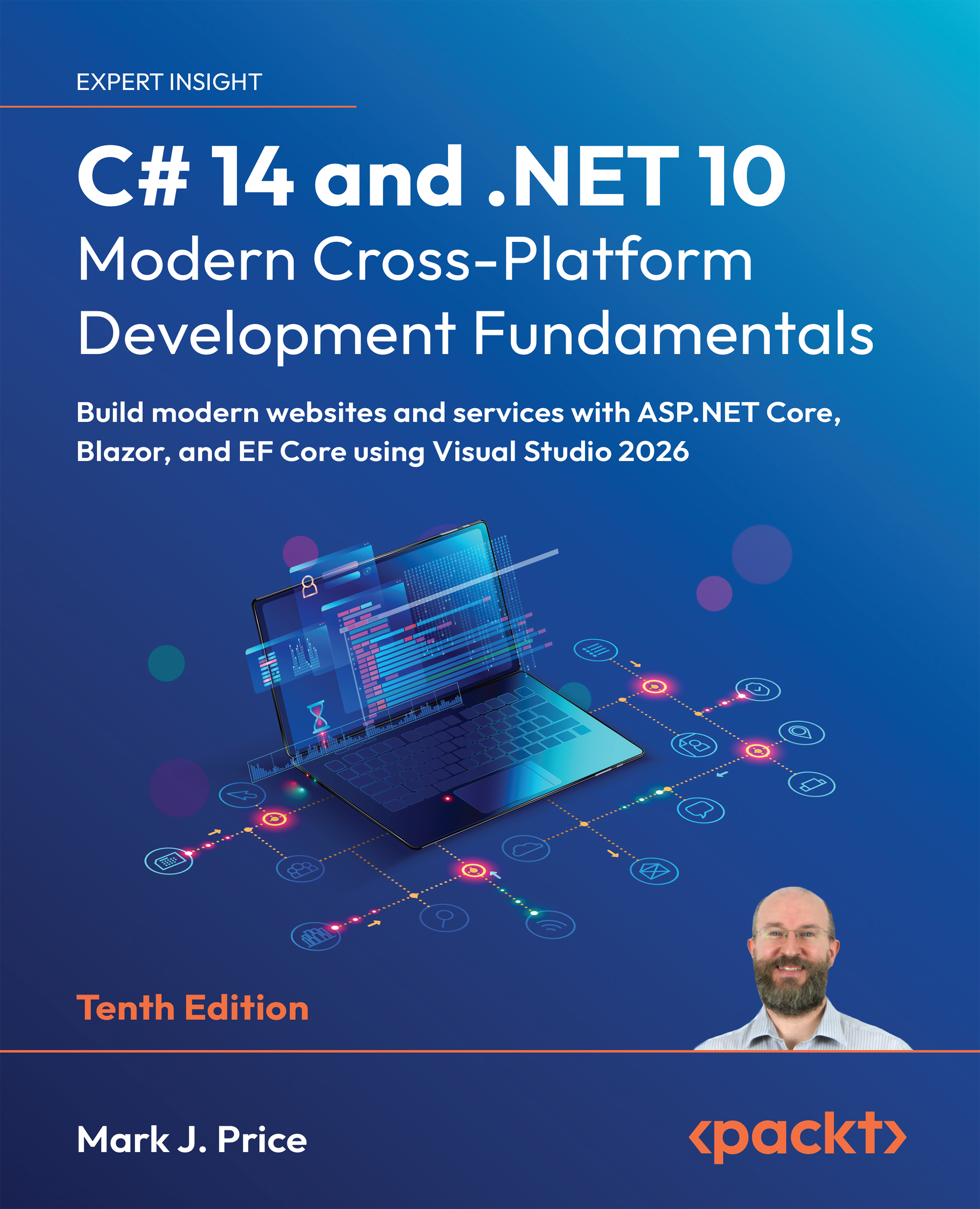
C# 14 and .NET 10 – Modern Cross-Platform Development Fundamentals

C# 14 and .NET 10 – Modern Cross-Platform Development Fundamentals - Tenth Edition

By : Mark J. Price
5 (1)
close
close
C# 14 and .NET 10 – Modern Cross-Platform Development Fundamentals

C# 14 and .NET 10 – Modern Cross-Platform Development Fundamentals

5 (1)
By: Mark J. Price

Overview of this book

C# and .NET remain the backbone of modern enterprise and cross-platform development. Whether you're building high-performance websites and services on Windows or Linux or desktop apps that run on Windows and macOS, the .NET ecosystem provides a mature yet constantly evolving foundation for software development. With the release of C# 14 and .NET 10, developers now have access to a more powerful toolset. This tenth edition has been thoroughly updated to reflect the latest features. It begins with a deep grounding in object-oriented programming and then walks you through building, testing, and debugging functions, as well as managing resources with .NET libraries. You'll work with data using LINQ and serialization, handle filesystem operations, and integrate new features like numerical string comparisons and OrderedDictionary improvements. This book explains C# 14 updates, such as field modifiers, partial events, and instance constructors, in a real-world context. It also guides you in building practical projects with ASP.NET Core 10, exploring Blazor and Minimal API web services that support AOT compilation—ideal for microservices and containers. By the end of the book, you’ll be ready to ship professional websites, services, and tools across platforms, confident in your ability to build software that's maintainable, efficient, and aligned with modern .NET development.
Table of Contents (19 chapters)
close
close
18
Index

Practicing and exploring

Test your knowledge and understanding by answering some questions, getting some hands-on practice, and exploring this chapter’s topics with deeper research.

Exercise 13.1 – online material

Online material could be material created by Microsoft or third parties, or extra content for this book.

Configuring services and the HTTP request pipeline

This online section reviews how services and the HTTP request pipeline work in more detail:

https://github.com/markjprice/cs14net10/blob/main/docs/ch13-http-pipeline.md.

Enabling HTTP/3 and request decompression support

HTTP/3 brings benefits to all internet-connected apps, but especially mobile. I have written an online-only section introducing HTTP/3 and showing how to enable it in an ASP.NET Core project like Northwind.Web when targeting .NET 7 or later.

In previews of .NET 8, HTTP/3 was enabled by default, but the Microsoft team decided to revert to disabling HTTP/3 by...

Visually different images
CONTINUE READING
83
Tech Concepts
36
Programming languages
73
Tech Tools
Icon Unlimited access to the largest independent learning library in tech of over 8,000 expert-authored tech books and videos.
Icon Innovative learning tools, including AI book assistants, code context explainers, and text-to-speech.
Icon 50+ new titles added per month and exclusive early access to books as they are being written.
C# 14 and .NET 10 – Modern Cross-Platform Development Fundamentals
notes
bookmark Notes and Bookmarks search Search in title playlist Add to playlist download Download options font-size Font size

Change the font size

margin-width Margin width

Change margin width

day-mode Day/Sepia/Night Modes

Change background colour

Close icon Search
Country selected

Close icon Your notes and bookmarks

Confirmation

Modal Close icon
claim successful

Buy this book with your credits?

Modal Close icon
Are you sure you want to buy this book with one of your credits?
Close
YES, BUY

Submit Your Feedback

Modal Close icon
Modal Close icon
Modal Close icon