-
Book Overview & Buying
-
Table Of Contents

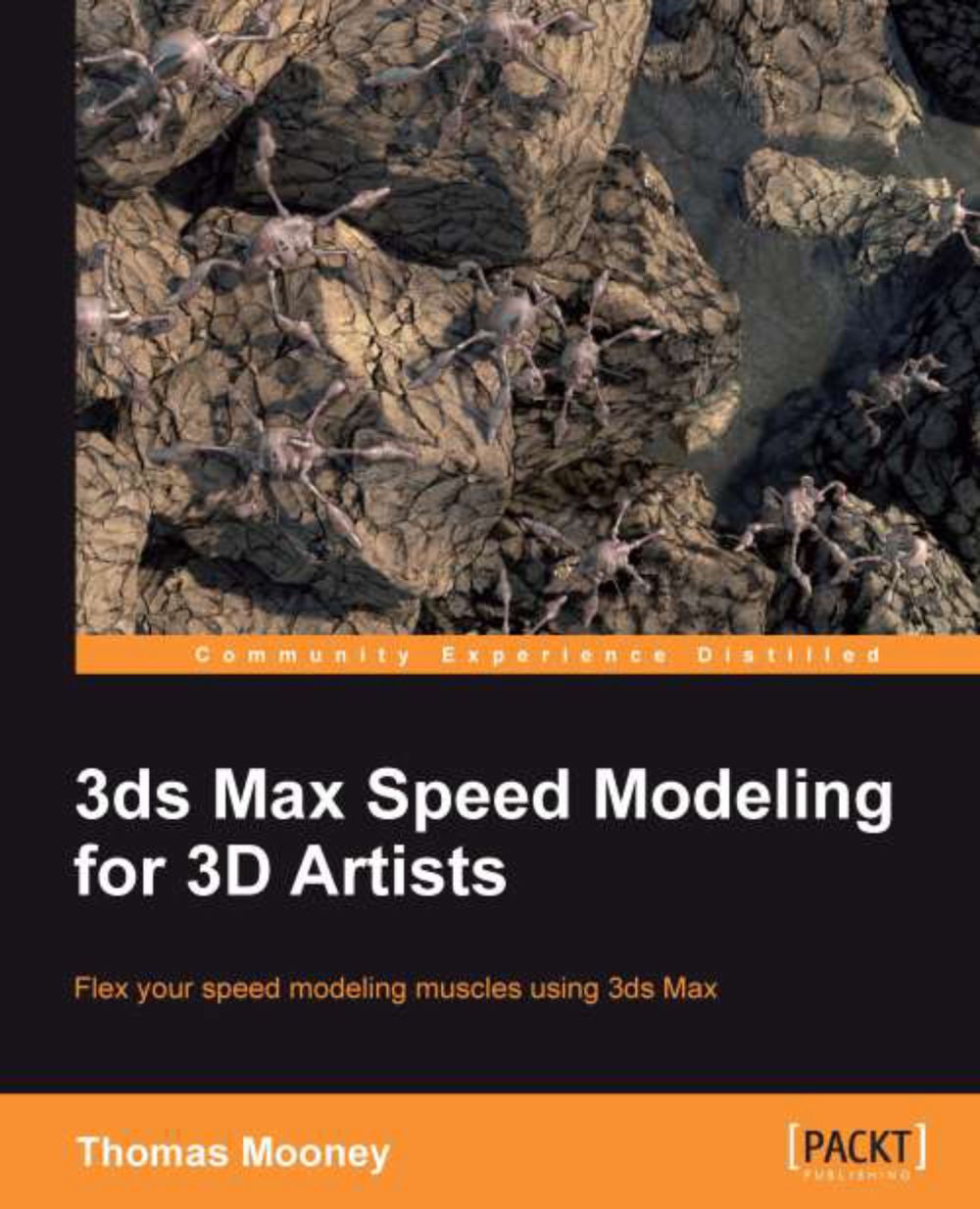
3ds Max Speed Modeling for 3D Artists
By :


3ds Max Speed Modeling for 3D Artists
By:
Overview of this book
Production of 3D art is an exciting medium, but the task of modeling requires intense attention to detail, so speed and efficiency are vital. This book breaks down speed modeling workflow in 3ds Max into stages you can easily achieve, with a focus on hard surface modeling and methods you can apply to your own designs."3ds Max Speed Modeling for 3D Artists" will help level up your 3D modeling skills. It focuses on hard surface modeling, and shows the range of tools and techniques in 3ds Max 2013.This book shows content creation methods aimed at 3ds Max modelers preparing to show their skill to the industry. The key feature of modeling that artists must exhibit is speediness while preserving technical accuracy. The author helps you follow set project guidelines while pushing creativity and outlines the entire workflow from concept development to exporting a game-ready model.The book begins with introductions for new users to the interface and modeling tools, and progresses to topics aimed at users already familiar with 3ds Max, who want to improve their content creation process. You'll also see ways 3ds Max content is used with other applications, like sculpting software and game editors, and learn features of speed modeling, efficient workflow, re-use of content, and tips on getting more done, more quickly.By the end of this book you will have learned key topics in modeling, ready to face professional level work with elan.
Table of Contents (12 chapters)
Preface


 Free Chapter
1. First Launch: Getting to Know 3ds Max

2. Model Shakedown: Make 3ds Max Work for you
3. The Base Model – A Solid Foundation in Polygon Modeling
4. Mod My Ride: Extending upon a Base Model
5. The Language of Machines: Designing and Building Model Components
6. The Cutting Edge: A Closer Look at 3ds Max Polygon Tools
7. The Mystery of the Unfolding Polygons: Mapping Models for Texturing
8. Custom Body Job: Painting using Viewport Canvas
9. Go with the Flow Retopology in 3ds Max
10. Pushing the Envelope – Model Preparation for Animation and Games
Index