


-
Book Overview & Buying
-
Table Of Contents

-
Feedback & Rating

SwiftUI Cookbook - Third Edition
By :


SwiftUI Cookbook
By:
Overview of this book
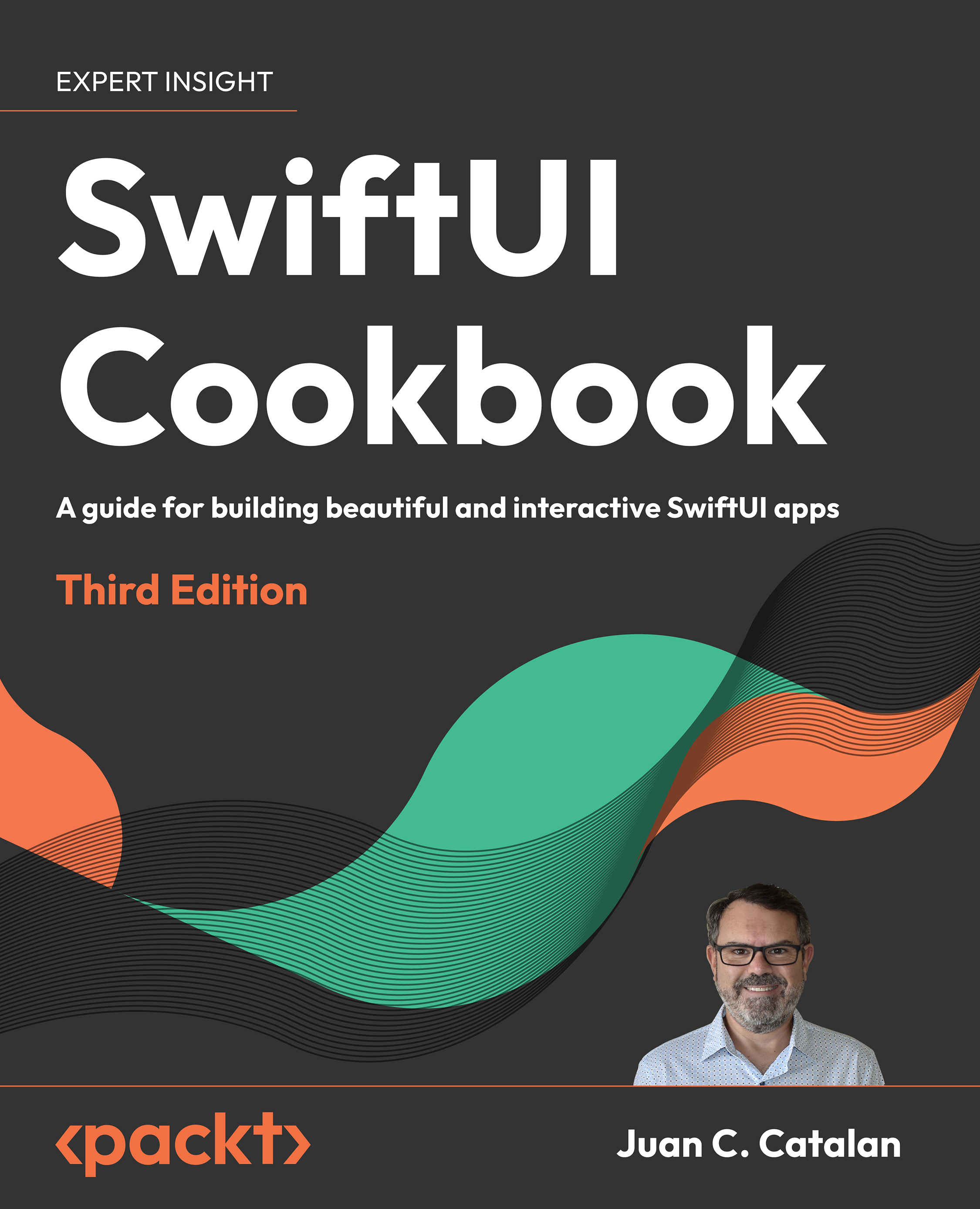
SwiftUI is the modern way to build user interfaces for iOS, macOS, and watchOS. It provides a declarative and intuitive way to create beautiful and interactive user interfaces. The new edition of this comprehensive cookbook includes a fully updated repository for SwiftUI 5, iOS 17, Xcode 15, and Swift 5.9. With this arsenal, it teaches you everything you need to know to build beautiful and interactive user interfaces with SwiftUI 5, from the basics to advanced topics like custom modifiers, animations, and state management.
In this new edition, you will dive into the world of creating powerful data visualizations with a new chapter on Swift Charts and how to seamlessly integrate charts into your SwiftUI apps. Further, you will be able to unleash your creativity with advanced controls, including multi-column tables and two-dimensional layouts. You can explore new modifiers for text, images, and shapes that give you more control over the appearance of your views.
You will learn how to develop apps for multiple platforms, including iOS, macOS, watchOS, and more.
With expert insights, real-world examples, and a recipe-based approach, you’ll be equipped to build remarkable SwiftUI apps that stand out in today’s competitive market.
Table of Contents (20 chapters)
Preface


 Free Chapter
Using the Basic SwiftUI Views and Controls
Displaying Scrollable Content with Lists and Scroll Views
Exploring Advanced Components
Viewing while Building with SwiftUI Preview in Xcode 15
Creating New Components and Grouping Views with Container Views
Presenting Views Modally
Navigation Containers
Drawing with SwiftUI
Animating with SwiftUI
Driving SwiftUI with Data
Driving SwiftUI with Combine
SwiftUI Concurrency with async await

Handling Authentication and Firebase with SwiftUI
Persistence in SwiftUI with Core Data and SwiftData
Data Visualization with Swift Charts
Creating Multiplatform Apps with SwiftUI
SwiftUI Tips and Tricks
Other Books You May Enjoy
Index
Customer Reviews



