Sign In Start Free Trial
Account

Add to playlist

Create a Playlist

Modal Close icon
You need to login to use this feature.
  • Book Overview & Buying Getting Started with Spiceworks
  • Table Of Contents Toc
Getting Started with Spiceworks

Getting Started with Spiceworks

5 (2)
close
close
Getting Started with Spiceworks

Getting Started with Spiceworks

5 (2)

Overview of this book

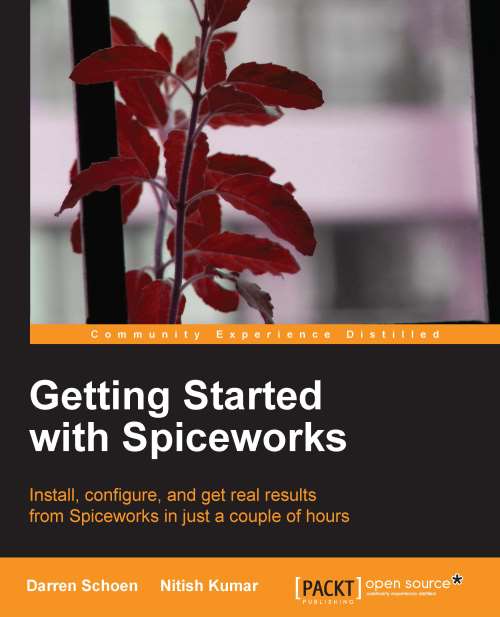
Over 2 million IT pros have installed Spiceworks. It helps them with their daily tasks, streamlines processes, and even saves them money, all for free! Getting Started with Spiceworks is an ideal resource to install Spiceworks and run it on your network. After all, over 2 million IT pros can't be wrong, so learn how to join the Spiceworks IT revolution. "Getting Started with Spiceworks" starts from downloading the app to having a fully functional Spiceworks installation in just a few minutes. It will cover Network Inventory, Help Desk, Self-Service User Portal, knowledge bases, and more in detail for you to get the most out of Spiceworks.Whether you have a decade of experience or you are new to the IT field, Spiceworks has tools for every IT pro's needs. You will learn how to make your daily tasks easier, streamline existing processes, and even save money with Spiceworks. "Getting Started with Spiceworks" will walk you through the Spiceworks installation step-by-step. It will cover topics such as configuring Spiceworks to scan your network and organize information, setting up Help Desk and Self-Service User Portal, running reports that dazzle and streamline your purchasing process, and connecting with other IT pros around your area or around the world thoroughly. "Getting Started with Spiceworks" will provide insights and tips from experts on Spiceworks. It is an ideal guide to progress quickly from installation to Spiceworks being an essential part of your IT day.
Table of Contents (11 chapters)
close
close

Setting up a scan in Spiceworks


When we went over the Spiceworks device scan process at the beginning of this chapter, the first thing it tries to do is contact Active Directory (AD); it also uses AD to populate the People portion of your Inventory. Let's set up AD first, as everything else we will be configuring is on the same page. We are all about saving your time and not going back and forth between pages.

If you do not have AD in your environment, you can just skip to the Configuring IP range scans section.

Scanning and Active Directory

There is a wealth of information within AD that Spiceworks uses. We are going to need to configure Spiceworks to log into AD and get that information.

OK, we need to get to the Active Directory Configuration screen in Spiceworks in order to do that. As with most things within the app, it is just a couple of clicks. From anywhere in the app, mouse over the Inventory link at the top of the page; a menu will open up. Click on Settings.

This will take us to...

Visually different images
CONTINUE READING
83
Tech Concepts
36
Programming languages
73
Tech Tools
Icon Unlimited access to the largest independent learning library in tech of over 8,000 expert-authored tech books and videos.
Icon Innovative learning tools, including AI book assistants, code context explainers, and text-to-speech.
Icon 50+ new titles added per month and exclusive early access to books as they are being written.
Getting Started with Spiceworks
notes
bookmark Notes and Bookmarks search Search in title playlist Add to playlist font-size Font size

Change the font size

margin-width Margin width

Change margin width

day-mode Day/Sepia/Night Modes

Change background colour

Close icon Search
Country selected

Close icon Your notes and bookmarks

Confirmation

Modal Close icon
claim successful

Buy this book with your credits?

Modal Close icon
Are you sure you want to buy this book with one of your credits?
Close
YES, BUY

Submit Your Feedback

Modal Close icon
Modal Close icon
Modal Close icon