Sign In Start Free Trial
Account

Add to playlist

Create a Playlist

Modal Close icon
You need to login to use this feature.
  • Book Overview & Buying The Self-Taught Cloud Computing Engineer
  • Table Of Contents Toc
The Self-Taught Cloud Computing Engineer

The Self-Taught Cloud Computing Engineer

By : Dr. Logan Song
5 (180)
close
close
The Self-Taught Cloud Computing Engineer

The Self-Taught Cloud Computing Engineer

5 (180)
By: Dr. Logan Song

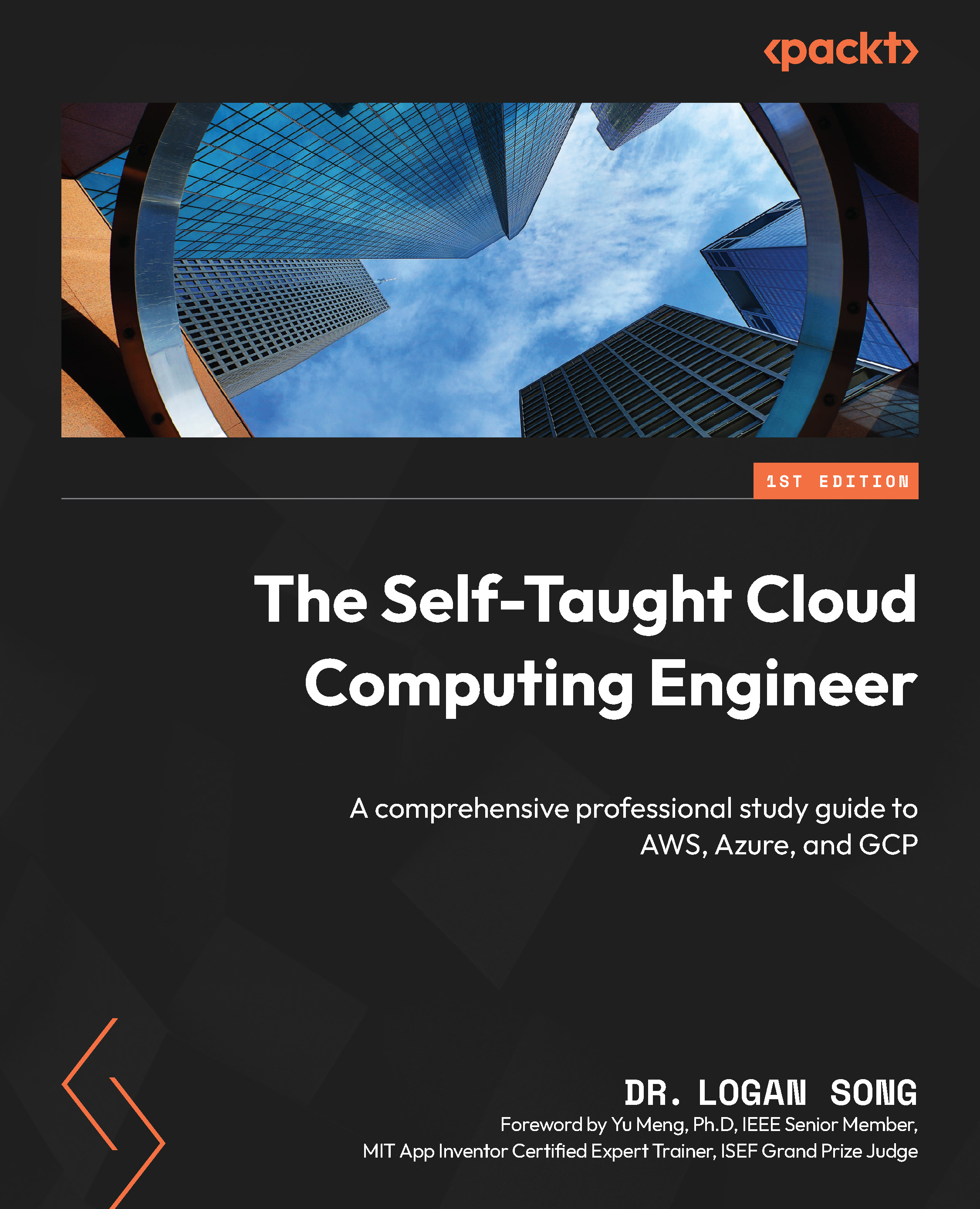
Overview of this book

As cloud computing continues to revolutionize IT, professionals face the challenge of keeping up with rapidly evolving technologies. This book provides a clear roadmap for mastering cloud concepts, developing hands-on expertise, and obtaining professional certifications, making it an essential resource for those looking to advance their careers in cloud computing. Starting with a focus on the Amazon cloud, you’ll be introduced to fundamental AWS cloud services, followed by advanced AWS cloud services in the domains of data, machine learning, and security. Next, you’ll build proficiency in Microsoft Azure cloud and Google Cloud Platform (GCP) by examining the common attributes of the three clouds, differentiating their unique features, along with leveraging real-life cloud project implementations on these cloud platforms. Through hands-on projects and real-world applications, you’ll gain the skills needed to work confidently across different cloud platforms. The book concludes with career development guidance, including certification paths and industry insights to help you succeed in the cloud computing landscape. Walking through this cloud computing book, you’ll systematically establish a robust footing in AWS, Azure, and GCP, and emerge as a cloud-savvy professional, equipped with cloud certificates to validate your skills.
Table of Contents (24 chapters)
close
close
1
Part 1: Learning about the Amazon Cloud
9
Part 2:Comprehending GCP Cloud Services
14
Part 3:Mastering Azure Cloud Services
19
Part 4:Developing a Successful Cloud Career

The history of computing

In this section, we will briefly review the computing history of human beings, from the first computer to Amazon EC2, and understand what has happened in the past 70+ years and what led us to the cloud computing era.

The computer

The invention of the computer is one of the biggest milestones in human history. On December 10, 1945, Electronic Numerical Integrator and Computer (ENIAC) was first put to work for practical purposes at the University of Pennsylvania. It weighed about 30 tons, occupied about 1,800 sq ft, and consumed about 150 kW of electricity.

From 1945 to now, in over 75 years, we human beings have made huge progress in upgrading the computer. From ENIAC to desktop and data center servers, laptops, and iPhones, Figure 1.1 shows the computer evolution landmarks:

Figure 1.1 – Computer evolution landmarks

Figure 1.1 – Computer evolution landmarks

Let’s take some time to examine a computer—say, a desktop PC. If we remove the cover, we will find that it has the following main hardware parts—as shown in Figure 1.2:

  • Central processing unit (CPU)
  • Random access memory (RAM)
  • Hard disk (HD)
  • Network interface card (NIC)
Figure 1.2 – Computer hardware components

Figure 1.2 – Computer hardware components

These hardware parts work together to make the computer function, along with the software including the operating system (such as Windows, Linux, macOS, and so on), which manages the hardware, and the application programs (such as Microsoft Office, web servers, games, and so on) that run on top of the operating system. In a nutshell, hardware and software specifications decide how much power a computer can serve for different business use cases.

The data center

Apparently, one computer does not serve us well. Computers need to be able to communicate with each other to fulfill network communications, resource sharing, and so on. The work at Stanford University in the 1980s led to the birth of Cisco Systems, Inc., an internet company that played a great part in connecting computers together and forming the intranet and the internet. Connecting many computers together, data centers emerged as a central location for computing resources—CPU, RAM, storage, and networking.

Data centers provide resources for businesses’ information technology needs: computing, storing, networking, and other services. However, the concept of data center ownership lacks flexibility and agility and entails huge investment and maintenance costs. Often, building a new data center takes a long time and a big amount of money, and maintaining existing data centers—such as tech refresh projects—is very costly. In certain circumstances, it is not even possible to possess the computing resources to complete certain projects. For example, the Human Genome Project was estimated to consume up to 10,000 trillion CPU hours and 40 exabytes (1 exabyte = 1018 bytes) of disk storage, and it is impossible to acquire resources at this scale without leveraging cloud computing.

The virtual machine

The peace of physical computers was broken in 1998 when VMware was founded and the concept of a virtual machine (VM) was brought to Earth. A VM is a software-based computer composed of virtualized components of a physical computer—CPU, RAM, HD, network, operating system, and application programs.

VMware’s hypervisor virtualizes hardware to run multiple VMs on bare-metal hardware, and these VMs can run various operating systems of Windows, Linux, or others. With virtualization, a VM is represented by a bunch of files. It can be exported to a binary image that can be deployed on any physical hardware at different locations. A running VM can be moved from one host to another, LIVE—so-called" v-Motion". The virtualization technologies virtualized physical hardware and caused a revolution in computer history, and also made cloud computing feasible.

The idea of cloud computing

The limitation of data centers and virtualization technology made people explore more flexible and inexpensive ways of using computing resources. The idea of cloud computing started from the concept of “rental”—use as needed and pay as you go. It is the on-demand, self-provisioning of computing resources (hardware, software, and so on) that allows you to pay only for what you use. The key concept of cloud computing is disposable computing resources. In the traditional information technology and data center concept, a computer (or any other compute resource) is treated as a pet. When a pet dies, people are very sad, and they need to get a new replacement right away. If an investment bank’s trading server goes down at night, it is the end of the world—everyone is woken up to recover the server. However, in the new cloud computing concept, a computer is treated as cattle in a herd. For example, the website of an investment bank, zhebank.com, is supported by a herd of 88 servers—www001 to www88. When one server goes down, it’s taken out of the serving line, shot, and replaced with another new one with the same configuration and functionalities, automatically!

With cloud computing, enterprises are leveraging the cloud service provider (CSP)’s unlimited computing resources that are featured as global, elastic and scalable, highly reliable and available, cost-effective, and secure. The main CSPs, such as Amazon, Microsoft, and Google, have global data centers that are connected by backbone networks. Because of cloud computing’s pay-as-you-go characteristics, it makes sense for cost savings. Because of its strong monitoring and logging features, cloud computing offers the most secure hosting environment. Instead of building physical hardware data centers with big investments over a long time, virtual software-based data centers can be built within several hours, immutable and repeatedly, in the global cloud environment. Infrastructure is represented as code that can be managed with version control, which we can call Infrastructure as Code (IaC). More details can be found at https://docs.aws.amazon.com/whitepapers/latest/introduction-devops-aws/infrastructure-as-code.html.

EC2 was first introduced in 2006 as a web service that allowed customers to rent virtual computers for computing tasks. Since then, it has become one of the most popular cloud computing platforms available, offering a wide range of services and features that make it an attractive option for enterprise customers. Amazon categorizes the VMs with different EC2 instance types based on hardware (CPU, RAM, HD, and network) and software (operating system and applications) configurations. For different business use cases, cloud consumers can choose EC2 instances with a variety of instance types, operating system choices, network options, storage options, and more. In 2013, Amazon introduced the Reserved Instance feature, which gave customers the opportunity to purchase instances at discounted rates in exchange for committing to longer usage terms. In 2017, Amazon released EC2 Fleet, which allows customers to manage multiple instance types and instance sizes across multiple Availability Zones (AZs) with a single request.

The computer evolution path

From ENIAC to EC2, a computer has evolved from a huge, physical unit to a disposable resource that is flexible and on-demand, portable, and replaceable, and a data center has evolved from being expensive and protracted to a piece of code that can be executed globally at any time on demand, within hours.

In the next sections of this chapter, we will look at the Amazon Global Cloud Infrastructure and then provision our EC2 instances in the cloud.

CONTINUE READING
83
Tech Concepts
36
Programming languages
73
Tech Tools
Icon Unlimited access to the largest independent learning library in tech of over 8,000 expert-authored tech books and videos.
Icon Innovative learning tools, including AI book assistants, code context explainers, and text-to-speech.
Icon 50+ new titles added per month and exclusive early access to books as they are being written.
The Self-Taught Cloud Computing Engineer
notes
bookmark Notes and Bookmarks search Search in title playlist Add to playlist download Download options font-size Font size

Change the font size

margin-width Margin width

Change margin width

day-mode Day/Sepia/Night Modes

Change background colour

Close icon Search
Country selected

Close icon Your notes and bookmarks

Confirmation

Modal Close icon
claim successful

Buy this book with your credits?

Modal Close icon
Are you sure you want to buy this book with one of your credits?
Close
YES, BUY

Submit Your Feedback

Modal Close icon
Modal Close icon
Modal Close icon