


-
Book Overview & Buying
-
Table Of Contents

Mastering KVM Virtualization - Second Edition
By :


Mastering KVM Virtualization
By:
Overview of this book
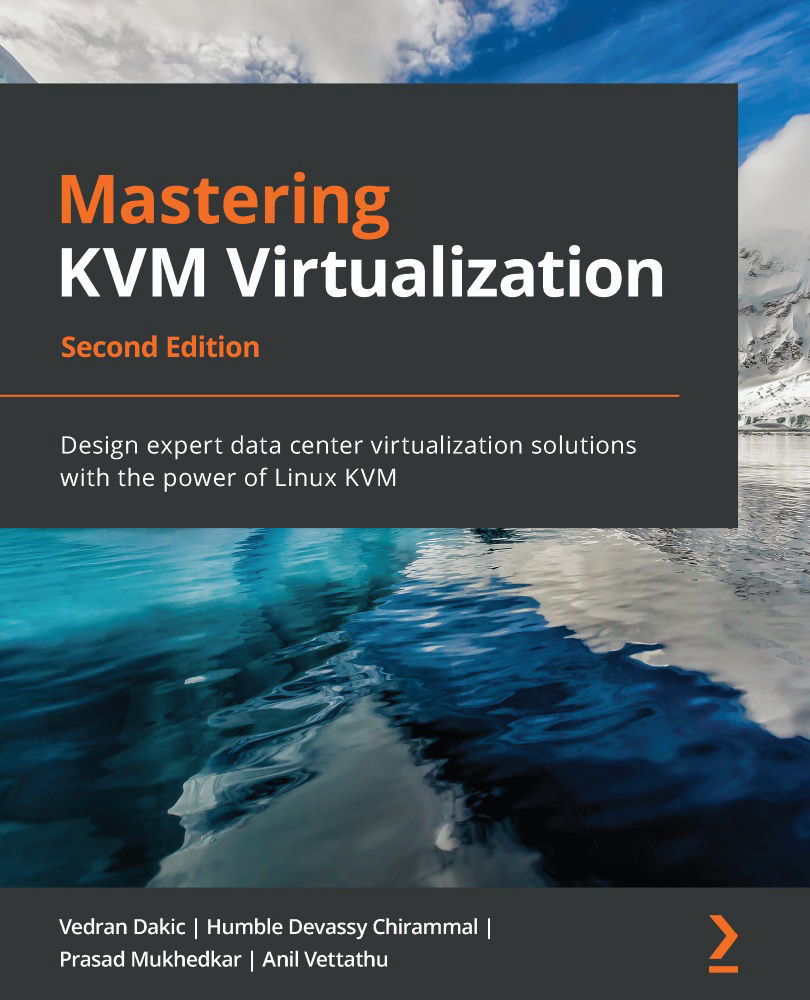
Kernel-based Virtual Machine (KVM) enables you to virtualize your data center by transforming your Linux operating system into a powerful hypervisor that allows you to manage multiple operating systems with minimal fuss. With this book, you'll gain insights into configuring, troubleshooting, and fixing bugs in KVM virtualization and related software.
This second edition of Mastering KVM Virtualization is updated to cover the latest developments in the core KVM components - libvirt and QEMU. Starting with the basics of Linux virtualization, you'll explore VM lifecycle management and migration techniques. You’ll then learn how to use SPICE and VNC protocols while creating VMs and discover best practices for using snapshots. As you progress, you'll integrate third-party tools with Ansible for automation and orchestration. You’ll also learn to scale out and monitor your environments, and will cover oVirt, OpenStack, Eucalyptus, AWS, and ELK stack. Throughout the book, you’ll find out more about tools such as Cloud-Init and Cloudbase-Init. Finally, you'll be taken through the performance tuning and troubleshooting guidelines for KVM-based virtual machines and a hypervisor.
By the end of this book, you'll be well-versed with KVM virtualization and the tools and technologies needed to build and manage diverse virtualization environments.
Table of Contents (22 chapters)
Preface


Section 1: KVM Virtualization Basics
 Free Chapter
Chapter 1: Understanding Linux Virtualization
Chapter 2: KVM as a Virtualization Solution
Section 2: libvirt and ovirt for Virtual Machine Management
Chapter 3: Installing KVM Hypervisor, libvirt, and oVirt
Chapter 4: Libvirt Networking
Chapter 5: Libvirt Storage
Chapter 6: Virtual Display Devices and Protocols
Chapter 7: Virtual Machines: Installation, Configuration, and Life Cycle Management
Chapter 8: Creating and Modifying VM Disks, Templates, and Snapshots
Section 3: Automation, Customization, and Orchestration for KVM VMs
Chapter 9: Customizing a Virtual Machine with cloud-init
Chapter 10: Automated Windows Guest Deployment and Customization
Chapter 11: Ansible and Scripting for Orchestration and Automation

Section 4: Scalability, Monitoring, Performance Tuning, and Troubleshooting
Chapter 12: Scaling Out KVM with OpenStack
Chapter 13: Scaling out KVM with AWS
Chapter 14: Monitoring the KVM Virtualization Platform
Chapter 15: Performance Tuning and Optimization for KVM VMs
Chapter 16: Troubleshooting Guidelines for the KVM Platform
Other Books You May Enjoy


