Sign In Start Free Trial
Account

Add to playlist

Create a Playlist

Modal Close icon
You need to login to use this feature.
  • Book Overview & Buying R for Data Science Cookbook
  • Table Of Contents Toc
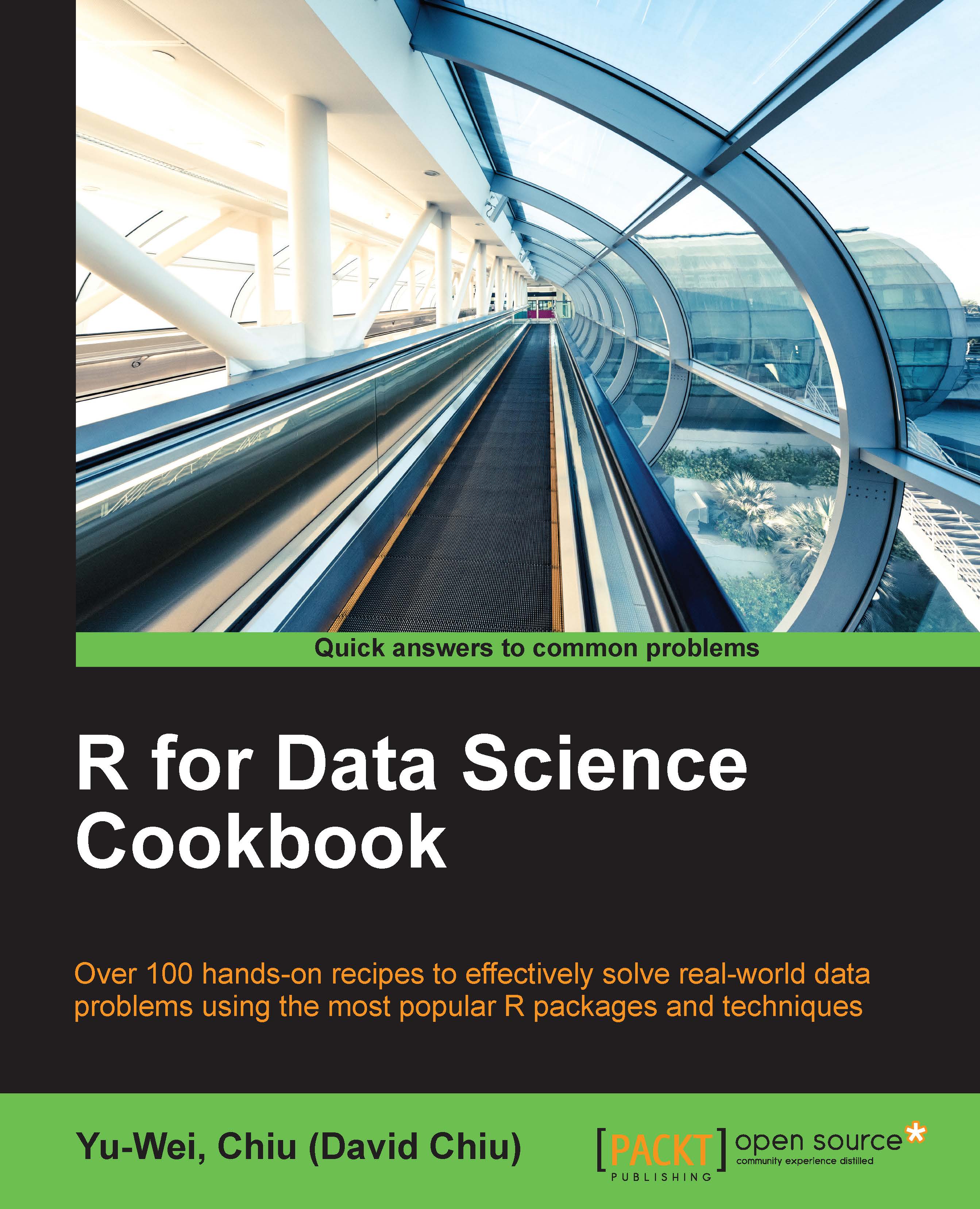
R for Data Science Cookbook

R for Data Science Cookbook

By : Yu-Wei, Chiu (David Chiu), Prabhanjan Narayanachar Tattar
4.3 (3)
close
close
R for Data Science Cookbook

R for Data Science Cookbook

4.3 (3)
By: Yu-Wei, Chiu (David Chiu), Prabhanjan Narayanachar Tattar

Overview of this book

This cookbook offers a range of data analysis samples in simple and straightforward R code, providing step-by-step resources and time-saving methods to help you solve data problems efficiently. The first section deals with how to create R functions to avoid the unnecessary duplication of code. You will learn how to prepare, process, and perform sophisticated ETL for heterogeneous data sources with R packages. An example of data manipulation is provided, illustrating how to use the “dplyr” and “data.table” packages to efficiently process larger data structures. We also focus on “ggplot2” and show you how to create advanced figures for data exploration. In addition, you will learn how to build an interactive report using the “ggvis” package. Later chapters offer insight into time series analysis on financial data, while there is detailed information on the hot topic of machine learning, including data classification, regression, clustering, association rule mining, and dimension reduction. By the end of this book, you will understand how to resolve issues and will be able to comfortably offer solutions to problems encountered while performing data analysis.
Table of Contents (14 chapters)
close
close
13
Index

Managing data with a data.table

The two major advantages of a data.table as compared to a data.frame are the speed and clearer syntax of the former. Similar to a data.frame, we can perform operations to slice and subset a data.table. Here, we introduce some operations that you can perform on data.table.

Getting ready

Ensure that you completed the Enhancing a data.frame with a data.table recipe to load purchase_view.tab and purchase_order.tab as both data.frame and data.table into your R environment.

How to do it…

Perform the following steps to perform data manipulation on data.table:

  1. First, use the head function to view the first three rows:
    > head(purchase.dt[1:3])
                      Time Action         User     Product
    1: 2015-07-01 00:00:01   view   U129297265 P0023468384
    2: 2015-07-01 00:00:03   view   U321001337 P0018926456
    3: 2015-07-01 00:00:05   view U10070718237 P0000063593
    
    > head(purchase[1:3])
                     Time Action         User
    1 2015-07-01 00:00:01   view   U129297265...
CONTINUE READING
83
Tech Concepts
36
Programming languages
73
Tech Tools
Icon Unlimited access to the largest independent learning library in tech of over 8,000 expert-authored tech books and videos.
Icon Innovative learning tools, including AI book assistants, code context explainers, and text-to-speech.
Icon 50+ new titles added per month and exclusive early access to books as they are being written.
R for Data Science Cookbook
notes
bookmark Notes and Bookmarks search Search in title playlist Add to playlist font-size Font size

Change the font size

margin-width Margin width

Change margin width

day-mode Day/Sepia/Night Modes

Change background colour

Close icon Search
Country selected

Close icon Your notes and bookmarks

Confirmation

Modal Close icon
claim successful

Buy this book with your credits?

Modal Close icon
Are you sure you want to buy this book with one of your credits?
Close
YES, BUY

Submit Your Feedback

Modal Close icon
Modal Close icon
Modal Close icon