


-
Book Overview & Buying
-
Table Of Contents

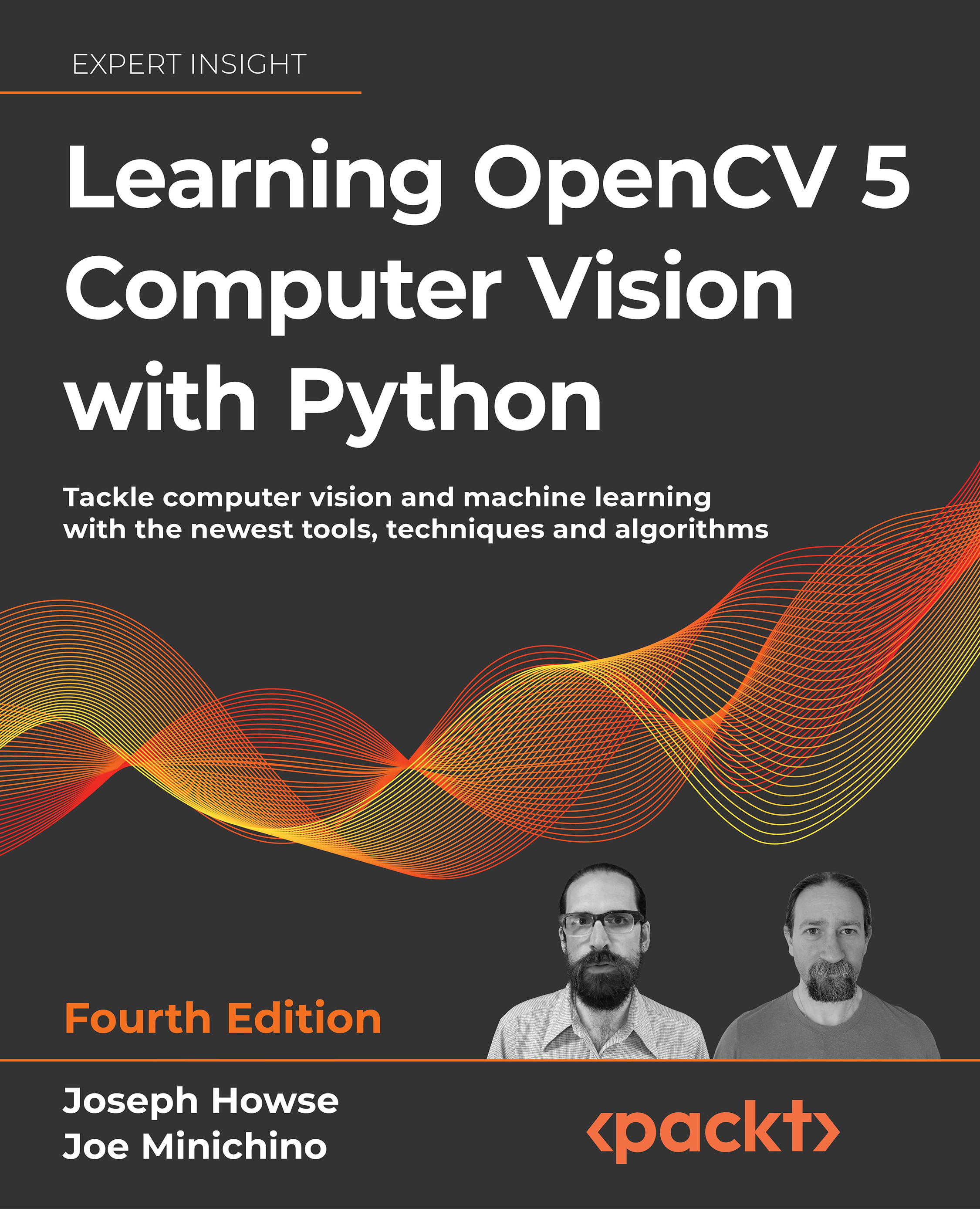
Learning OpenCV 5 Computer Vision with Python - Fourth Edition
By :


Learning OpenCV 5 Computer Vision with Python
By:
Overview of this book
Computer vision is a rapidly evolving science in the field of artificial intelligence, encompassing diverse use cases and techniques. This book will not only help those who are getting started with computer vision but also experts in the domain. You'll be able to put theory into practice by building apps with OpenCV 5 and Python 3.
You'll start by setting up OpenCV 5 with Python 3 on various platforms. Next, you'll learn how to perform basic operations such as reading, writing, manipulating, and displaying images, videos, and camera feeds. From taking you through image processing, video analysis, depth estimation, and segmentation, to helping you gain practice by building a GUI app, this book ensures you'll have opportunities for hands-on activities. You'll tackle two popular challenges: face detection and face recognition. You'll also learn about object classification and machine learning, which will enable you to create and use object detectors and even track moving objects in real time. Later, you'll develop your skills in augmented reality and real-world 3D navigation. Finally, you'll cover ANNs and DNNs, learning how to develop apps for recognizing handwritten digits and classifying a person's gender and age, and you'll deploy your solutions to the Cloud.
By the end of this book, you'll have the skills you need to execute real-world computer vision projects.
Table of Contents (12 chapters)
 Free Chapter
Learning OpenCV 5 Computer Vision with Python, Fourth Edition: Tackle tools, techniques, and algorithms for computer vision and machine learning


Setting Up OpenCV

Handling Files, Cameras, and GUIs
Processing Images with OpenCV
Detecting and Recognizing Faces
Retrieving Images and Searching Using Image Descriptors
Building Custom Object Detectors
Tracking Objects
Camera Models and Augmented Reality
Introduction to Neural Networks with OpenCV
OpenCV Applications at Scale
Appendix A: Bending Color Space with the Curves Filter


