
Sign In Start Free Trial
Account

Add to playlist

Create a Playlist

Modal Close icon
You need to login to use this feature.
  • Book Overview & Buying Scientific Computing with Python
  • Table Of Contents Toc
Scientific Computing with Python

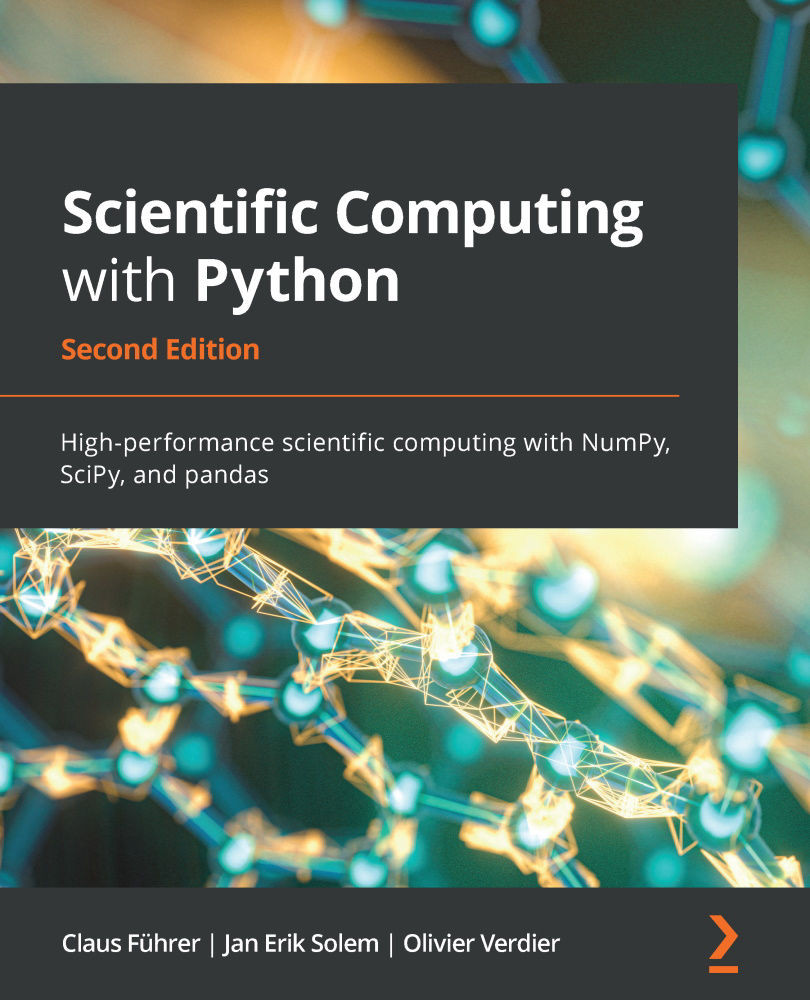
Scientific Computing with Python - Second Edition

By : Claus Führer, Claus Fuhrer, Jan Erik Solem, Olivier Verdier
4.5 (14)
close
close
Scientific Computing with Python

Scientific Computing with Python

4.5 (14)
By: Claus Führer, Claus Fuhrer, Jan Erik Solem, Olivier Verdier

Overview of this book

Python has tremendous potential within the scientific computing domain. This updated edition of Scientific Computing with Python features new chapters on graphical user interfaces, efficient data processing, and parallel computing to help you perform mathematical and scientific computing efficiently using Python. This book will help you to explore new Python syntax features and create different models using scientific computing principles. The book presents Python alongside mathematical applications and demonstrates how to apply Python concepts in computing with the help of examples involving Python 3.8. You'll use pandas for basic data analysis to understand the modern needs of scientific computing, and cover data module improvements and built-in features. You'll also explore numerical computation modules such as NumPy and SciPy, which enable fast access to highly efficient numerical algorithms. By learning to use the plotting module Matplotlib, you will be able to represent your computational results in talks and publications. A special chapter is devoted to SymPy, a tool for bridging symbolic and numerical computations. By the end of this Python book, you'll have gained a solid understanding of task automation and how to implement and test mathematical algorithms within the realm of scientific computing.
Table of Contents (23 chapters)
close
close
20
About Packt
22
References

12.2.5 Debugging in IPython

IPython comes with a version of the debugger called ipdb. At the time of writing this book, the differences to pdb are very minor but this may change.

There is a command in IPython, %pdb, that automatically turns on the debugger in case of an exception. This is very useful when experimenting with new ideas or code. An example of how to automatically turn on the debugger in IPython is:

In [1]: %pdb # this is a so - called IPython magic command 
Automatic pdb calling has been turned ON

In [2]: a = 10

In [3]: b = 0

In [4]: c = a/b
___________________________________________________________________
ZeroDivisionError                  Traceback (most recent call last) 
<ipython-input-4-72278c42f391> in <module>() 
—-> 1 c = a/b

ZeroDivisionError: integer division or modulo by zero 
> <ipython-input-4-72278c42f391>(1)<module>()
      -1 c = a/b
ipdb>

The IPython magic command %pdb at the...

CONTINUE READING
83
Tech Concepts
36
Programming languages
73
Tech Tools
Icon Unlimited access to the largest independent learning library in tech of over 8,000 expert-authored tech books and videos.
Icon Innovative learning tools, including AI book assistants, code context explainers, and text-to-speech.
Icon 50+ new titles added per month and exclusive early access to books as they are being written.
Scientific Computing with Python
notes
bookmark Notes and Bookmarks search Search in title playlist Add to playlist download Download options font-size Font size

Change the font size

margin-width Margin width

Change margin width

day-mode Day/Sepia/Night Modes

Change background colour

Close icon Search
Country selected

Close icon Your notes and bookmarks

Confirmation

Modal Close icon
claim successful

Buy this book with your credits?

Modal Close icon
Are you sure you want to buy this book with one of your credits?
Close
YES, BUY

Submit Your Feedback

Modal Close icon
Modal Close icon
Modal Close icon