Sign In Start Free Trial
Account

Add to playlist

Create a Playlist

Modal Close icon
You need to login to use this feature.
  • Book Overview & Buying Building an FPS Game with Unity
  • Table Of Contents Toc
Building an FPS Game with Unity

Building an FPS Game with Unity

By : John P. Doran, jamal seaton
3.9 (10)
close
close
Building an FPS Game with Unity

Building an FPS Game with Unity

3.9 (10)
By: John P. Doran, jamal seaton

Overview of this book

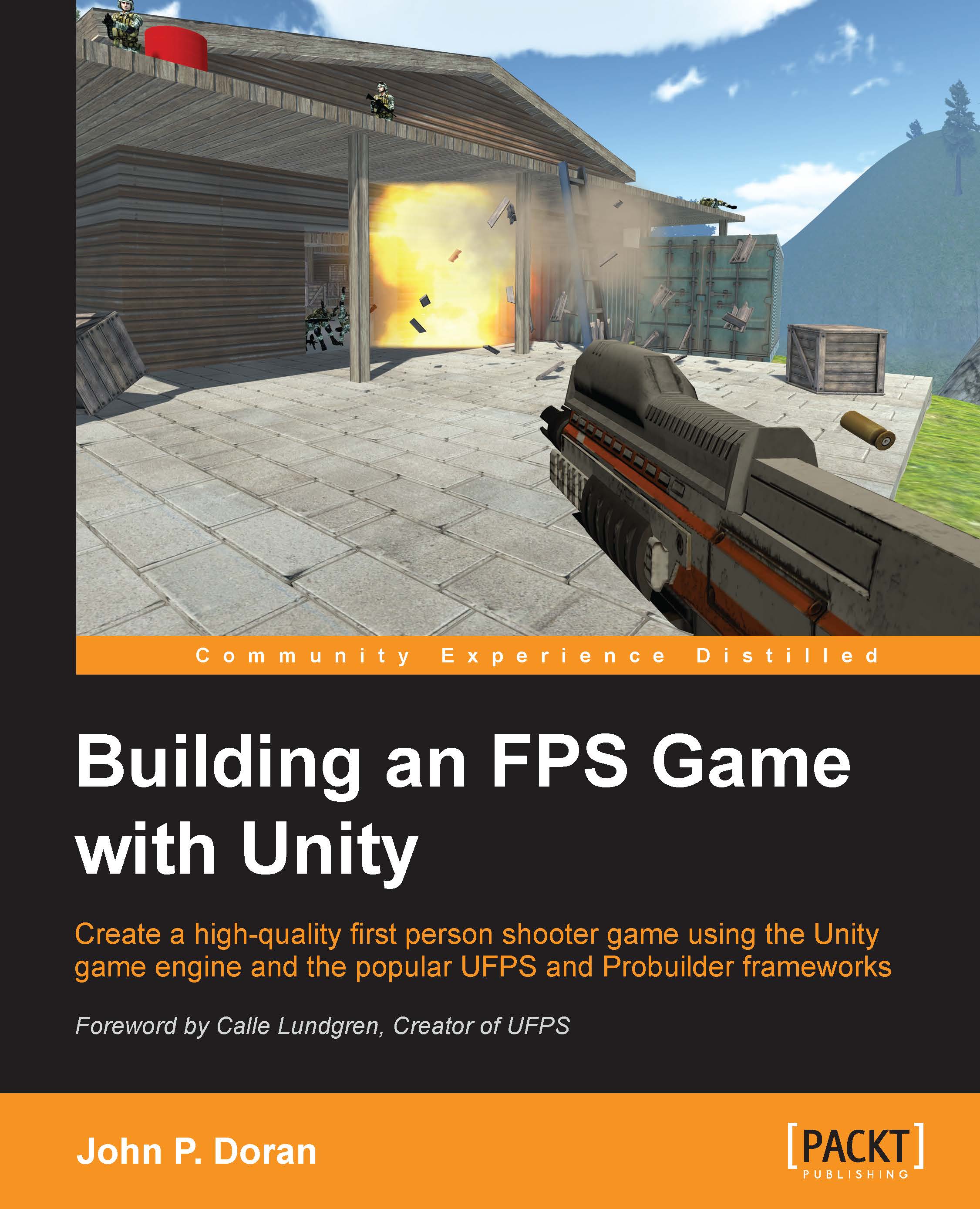
Unity, available in free and pro versions, is one of the most popular third-party game engines available. It is a cross-platform game engine, making it easy to write your game once and then port it to PC, consoles, and even the web, making it a great choice for both indie and AAA developers. Building an FPS Game in Unity takes readers on an exploration of how to use Unity to create a 3D first person shooter (FPS) title, leveraging the powerful UFPS framework by VisionPunk and Prototype/ProBuilder 2.0 by ProCore3D. After some setting up, you will start by learning how to create custom weapons, prototype levels, create exterior and interior environments, and breathe life into our levels. We will then add polish to the levels. Finally, we will create a custom GUI and menus for our title to create a complete package.
Table of Contents (11 chapters)
close
close
10
Index

Chapter 1. Getting Started on an FPS

Welcome to Building an FPS Game with Unity! This chapter is dedicated to offer a brief overview, from a beginner's point of view, of the exciting world of Unity development for the creation of a First Person Shooter (FPS) title, leveraging the powerful Ultimate First Person Shooter (UFPS) framework by VisionPunk and Prototype/ProBuilder 2.0 by ProCore3D. But, before we get started, we first need to get all of the resources we'll need and set up our project for success.

Over the course of this book, we will be creating a 3D FPS game similar to the popular games in the market such as Call of Duty: Black Ops III and Halo 5: Guardians.

We will learn how we can create custom weapons of our own as well as how we can create interior and exterior environments. After creating our environments, we will populate them with different combat encounters for players to fight as well as include intractable objects such as exploding barrels. We'll then customize our user interface using Unity's new GUI system before we package our game and create an installer to get the game out into the world!

This project will be split into a number of tasks. It will be a simple step-by-step process from the beginning to the end. Here is the outline of our tasks:

  • Project creation
  • Getting started with Unity's Asset Store
  • Installing UFPS
  • Installing Prototype
  • File organization
  • Customizing Unity's layout
CONTINUE READING
83
Tech Concepts
36
Programming languages
73
Tech Tools
Icon Unlimited access to the largest independent learning library in tech of over 8,000 expert-authored tech books and videos.
Icon Innovative learning tools, including AI book assistants, code context explainers, and text-to-speech.
Icon 50+ new titles added per month and exclusive early access to books as they are being written.
Building an FPS Game with Unity
notes
bookmark Notes and Bookmarks search Search in title playlist Add to playlist font-size Font size

Change the font size

margin-width Margin width

Change margin width

day-mode Day/Sepia/Night Modes

Change background colour

Close icon Search
Country selected

Close icon Your notes and bookmarks

Confirmation

Modal Close icon
claim successful

Buy this book with your credits?

Modal Close icon
Are you sure you want to buy this book with one of your credits?
Close
YES, BUY

Submit Your Feedback

Modal Close icon
Modal Close icon
Modal Close icon