


-
Book Overview & Buying
-
Table Of Contents

Game Development with Swift
By :


Game Development with Swift
By:
Overview of this book
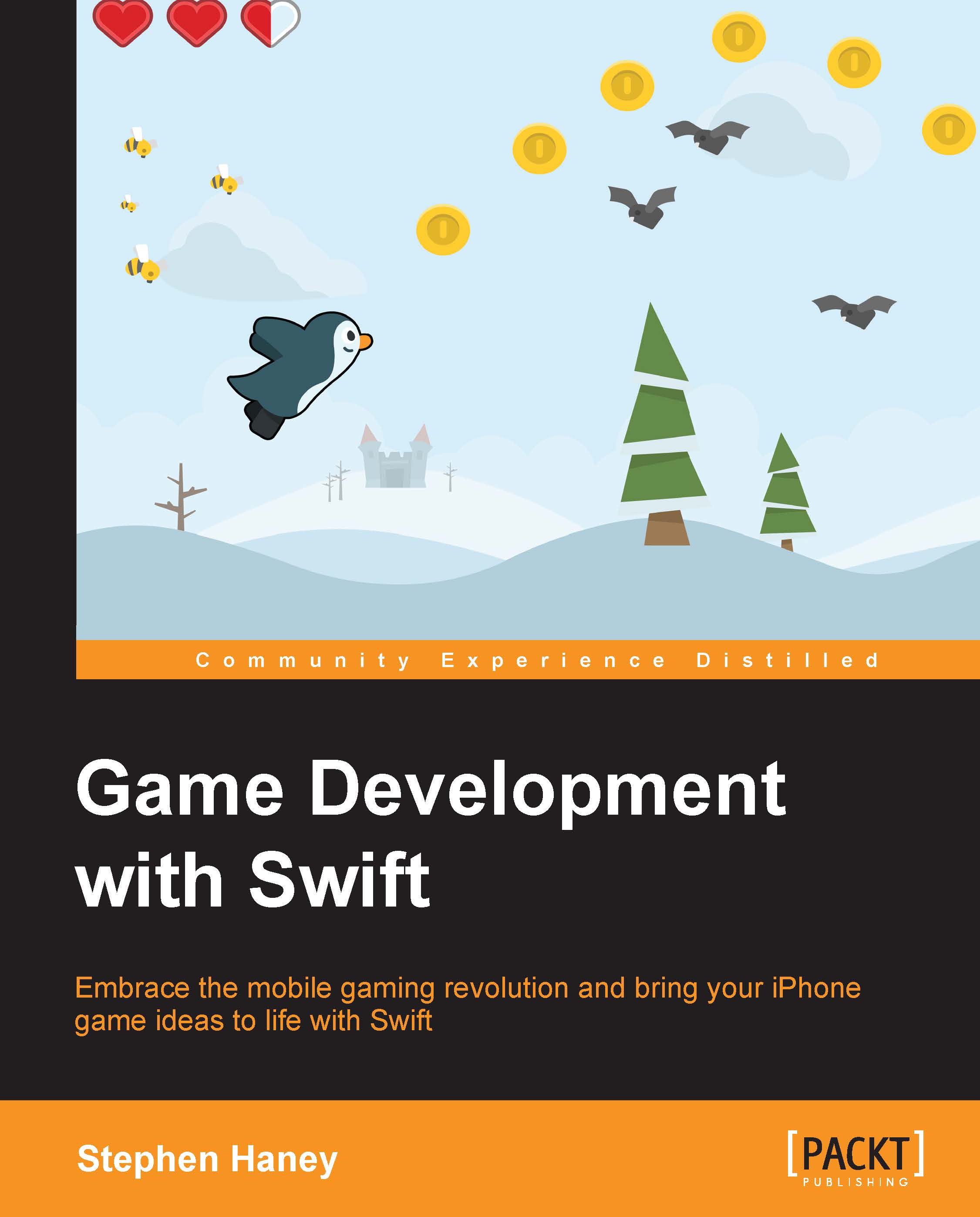
If you wish to create and publish fun iOS games using Swift, then this book is for you. You should be familiar with basic programming concepts. However, no prior game development or Apple ecosystem experience is required.
Table of Contents (13 chapters)
Preface


 Free Chapter
1. Designing Games with Swift
2. Sprites, Camera, Actions!
3. Mix in the Physics
4. Adding Controls
5. Spawning Enemies, Coins, and Power-ups
6. Generating a Never-Ending World
7. Implementing Collision Events
8. Polishing to a Shine – HUD, Parallax Backgrounds, Particles, and More
9. Adding Menus and Sounds
10. Integrating with Game Center

11. Ship It! Preparing for the App Store and Publication
Index


