Sign In Start Free Trial
Account

Add to playlist

Create a Playlist

Modal Close icon
You need to login to use this feature.
  • Book Overview & Buying Building a Game with Unity and Blender
  • Table Of Contents Toc
Building a Game with Unity and Blender

Building a Game with Unity and Blender

3.3 (6)
close
close
Building a Game with Unity and Blender

Building a Game with Unity and Blender

3.3 (6)

Overview of this book

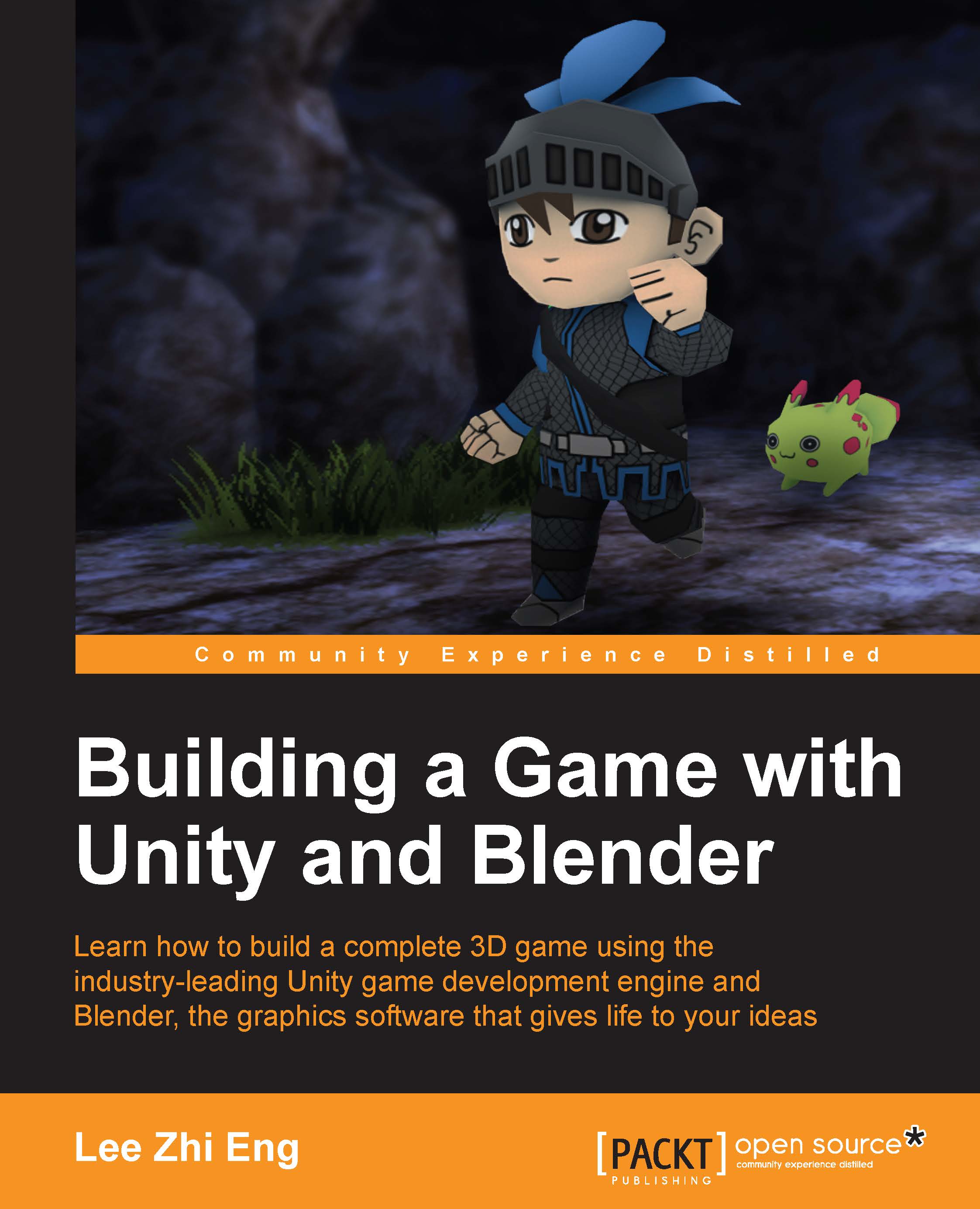
In the wake of the indie game development scene, game development tools are no longer luxury items costing up to millions of dollars but are now affordable by smaller teams or even individual developers. Among these cutting-edge applications, Blender and Unity stand out from the crowd as a powerful combination that allows small-to-no budget indie developers or hobbyists alike to develop games that they have always dreamt of creating. Starting from the beginning, this book will cover designing the game concept, constructing the gameplay, creating the characters and environment, implementing game logic and basic artificial intelligence, and finally deploying the game for others to play. By sequentially working through the steps in each chapter, you will quickly master the skills required to develop your dream game from scratch.
Table of Contents (11 chapters)
close
close
10
Index

Adding save points


We want to allow the player to save his/her game progression and continue playing the game in some other days. Some games allow the player to save the game anytime, but some require the player to reach the save point in order to do so. For the first option, you'll need to save a lot more data, especially if the game is action-heavy and not turn-based; otherwise, problems may occur. This is because an action-heavy genre, such as action RPG and FPS, has so many events happening at the same time that if you don't save the current states of all the AIs, events, movements, physics, and so on, the game will not be correctly restored when the player tries to load back the saved game next time.

With the save point, problems like this can be avoided because the game designer will make sure that the save point is being placed at a place where player is certainly safe and no important game event is going on in that area at that time; therefore, less data is needed to be saved.

Here...

CONTINUE READING
83
Tech Concepts
36
Programming languages
73
Tech Tools
Icon Unlimited access to the largest independent learning library in tech of over 8,000 expert-authored tech books and videos.
Icon Innovative learning tools, including AI book assistants, code context explainers, and text-to-speech.
Icon 50+ new titles added per month and exclusive early access to books as they are being written.
Building a Game with Unity and Blender
notes
bookmark Notes and Bookmarks search Search in title playlist Add to playlist font-size Font size

Change the font size

margin-width Margin width

Change margin width

day-mode Day/Sepia/Night Modes

Change background colour

Close icon Search
Country selected

Close icon Your notes and bookmarks

Confirmation

Modal Close icon
claim successful

Buy this book with your credits?

Modal Close icon
Are you sure you want to buy this book with one of your credits?
Close
YES, BUY

Submit Your Feedback

Modal Close icon
Modal Close icon
Modal Close icon