


-
Book Overview & Buying
-
Table Of Contents

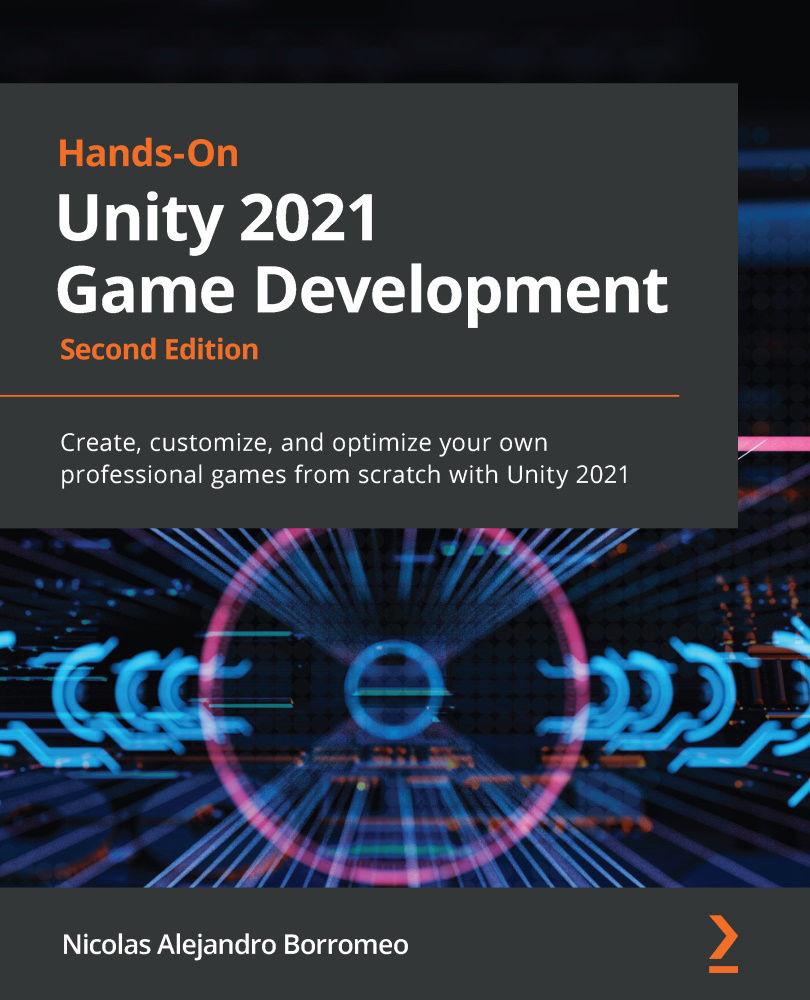
Hands-On Unity 2021 Game Development - Second Edition
By :


Hands-On Unity 2021 Game Development
By:
Overview of this book
Learning how to use Unity is the quickest way to creating a full game, but that’s not all you can do with this simple, yet comprehensive suite of video game development tools – Unity is just as useful for creating AR/VR experiences, complex simulations, real-time realistic rendering, films, and practical games for training and education.
Hands-On Unity 2021 Game Development outlines a practical journey to creating your first full game from the ground up, building it step-by-step and applying your knowledge as you progress.
Complete with hands-on tutorials and projects, this easy-to-follow guide will teach you how to develop the game using several Unity tools. As you advance, you will learn how to use the Unity engine, create simple scripts using C#, integrate graphics, sound, and animations, and manipulate physics to create interesting mechanics for your game. You’ll be able to apply all the knowledge that you gain to a real-world game.
Later chapters will show you how to code a simple AI agent to challenge the user and use profiling tools to ensure that the code runs efficiently. Finally, you'll work with Unity's AR tools to create AR experiences for 3D apps and games.
By the end of this Unity book, you will have created a complete game and built a solid foundation in using a wide variety of Unity tools.
Table of Contents (29 chapters)
Preface


Section 1 – Our First Level
 Free Chapter
Chapter 1: Designing a Game from Scratch
Chapter 2: Setting Up Unity
Chapter 3: Working with Scenes and Game Objects
Chapter 4: Grayboxing with Terrain and ProBuilder
Chapter 5: Importing and Integrating Assets
Section 2 – Improving Graphics and Sound
Chapter 6: Materials and Effects with URP and Shader Graph
Chapter 7: Visual Effects with Particle Systems and Visual Effect Graph
Chapter 8: Lighting Using the Universal Render Pipeline
Chapter 9: Fullscreen Effects with Postprocessing
Chapter 10: Sound and Music Integration
Chapter 11: User Interface Design
Chapter 12: Creating a UI with the UI Toolkit
Chapter 13: Creating Animations with Animator, Cinemachine, and Timeline
Section 3 – Scripting Level Interactivity with C#
Chapter 14: Introduction to C# and Visual Scripting
Chapter 15: Implementing Movement and Spawning
Chapter 16: Physics Collisions and Health System
Chapter 17: Win and Lose Condition
Chapter 18: Scripting the UI, Sounds, and Graphics

Chapter 19: Implementing Game AI for Building Enemies
Chapter 20: Scene Performance Optimization
Section 4 – Releasing Your Game
Chapter 21: Building the Project
Chapter 22: Finishing Touches
Chapter 23: Augmented Reality in Unity
Other Books You May Enjoy


