Sign In Start Free Trial
Account

Add to playlist

Create a Playlist

Modal Close icon
You need to login to use this feature.
  • Book Overview & Buying Learning C# by Developing Games with Unity 2021
  • Table Of Contents Toc
Learning C# by Developing Games with Unity 2021

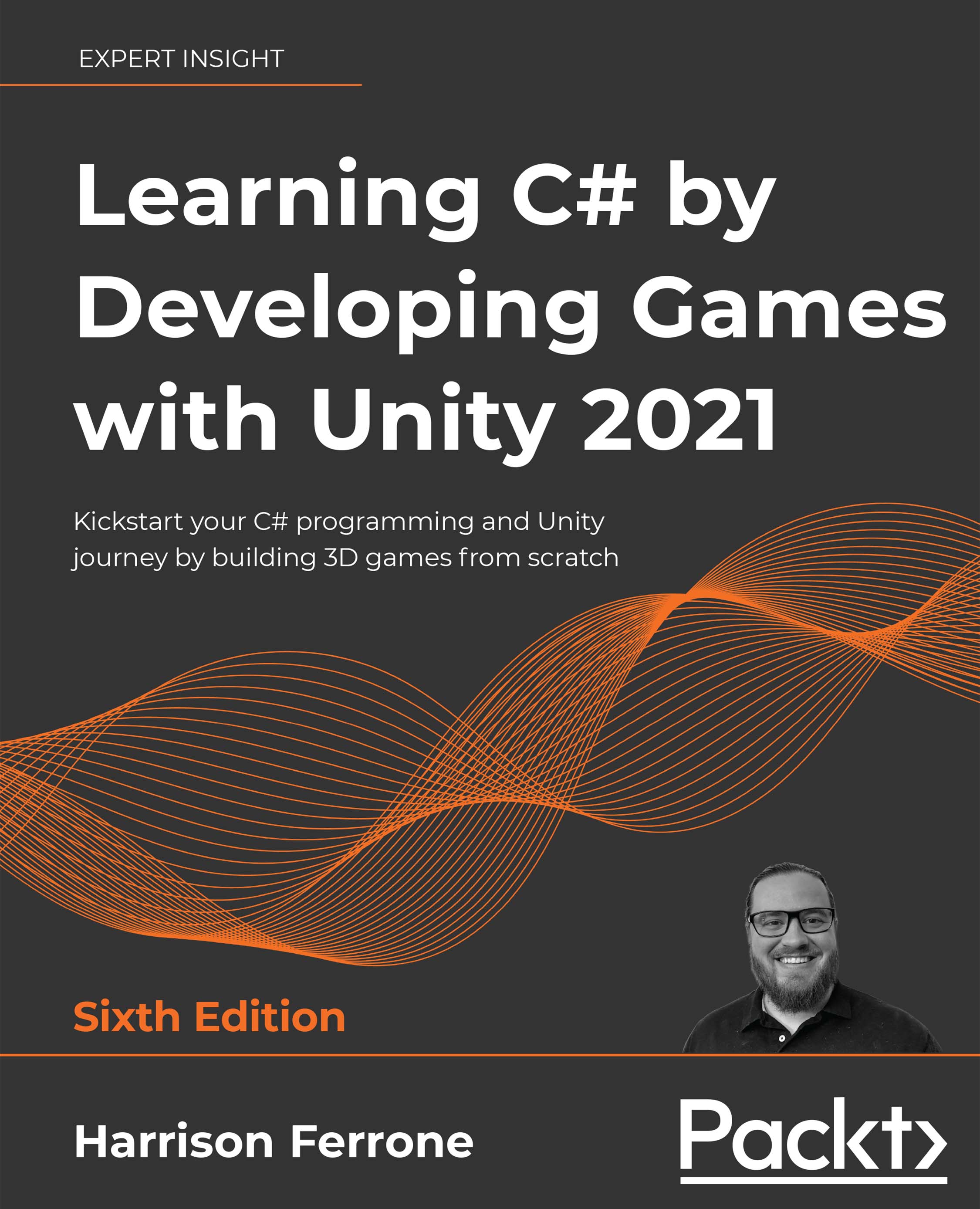
Learning C# by Developing Games with Unity 2021 - Sixth Edition

By : Harrison Ferrone
4.7 (36)
close
close
Learning C# by Developing Games with Unity 2021

Learning C# by Developing Games with Unity 2021

4.7 (36)
By: Harrison Ferrone

Overview of this book

The Learning C# by Developing Games with Unity series has established itself as a popular choice for getting up to speed with C#, a powerful and versatile programming language with a wide array of applications in various domains. This bestselling franchise presents a clear path for learning C# programming from the ground up through the world of Unity game development. This sixth edition has been updated to introduce modern C# features with Unity 2021. A new chapter has also been added that covers reading and writing binary data from files, which will help you become proficient in handling errors and asynchronous operations. The book acquaints you with the core concepts of programming in C#, including variables, classes, and object-oriented programming. You will explore the fundamentals of Unity game development, including game design, lighting basics, player movement, camera controls, and collisions. You will write C# scripts for simple game mechanics, perform procedural programming, and add complexity to your games by introducing smart enemies and damage-causing projectiles. By the end of the book, you will have developed the skills to become proficient in C# programming and built a playable game prototype with the Unity game engine.
Table of Contents (18 chapters)
close
close
15
Pop Quiz Answers
16
Other Books You May Enjoy
17
Index

Introducing classes

We've seen how variables store information and how methods perform actions, but our programming toolkit is still somewhat limited. We need a way of creating a sort of super container, containing variables and methods that can be referenced from within the container itself. Enter classes:

  • Conceptually, a class holds related information, actions, and behaviors inside a single container. They can even communicate with each other.
  • Technically, classes are data structures. They can contain variables, methods, and other programmatic information, all of which can be referenced when an object of the class is created.
  • Practically, a class is a blueprint. It sets out the rules and regulations for any object (called an instance) created using the class blueprint.

You've probably realized that classes surround us not only in Unity but in the real world as well. Next, we'll take a look at the most common Unity class and how classes function in the wild.

You can find an in-depth guide to classes in the Microsoft C# documentation at https://docs.microsoft.com/en-us/dotnet/csharp/fundamentals/types/classes.

A common Unity class

Before you wonder what a class looks like in C#, you should know that you've been working with a class this whole chapter. By default, every script created in Unity is a class, which you can see from the class keyword on line 5:

public class LearningCurve: MonoBehaviour

MonoBehaviour just means that this class can be attached to a GameObject in the Unity scene.

Classes can exist on their own, which we'll see when we create standalone classes in Chapter 5, Working with Classes, Structs, and OOP.

The terms script and class are sometimes used interchangeably in Unity resources. For consistency, I'll be referring to C# files as scripts if they're attached to GameObjects and as classes if they are standalone.

Classes are blueprints

For our last example, let's think about a local post office. It's a separate, self-contained environment that has properties, such as a physical address (a variable), and the ability to execute actions, such as sending out your mail (methods).

This makes a post office a great example of a potential class that we can outline in the following block of pseudocode:

public class PostOffice
{
    // Variables
    public string address = "1234 Letter Opener Dr."
    // Methods
    DeliverMail() {}
    SendMail() {}
}

The main takeaway here is that when information and behaviors follow a predefined blueprint, complex actions and inter-class communication become possible. For instance, if we had another class that wanted to send a letter through our PostOffice class, it wouldn't have to wonder where to go to fire this action. It could simply call the SendMail function from the PostOffice class, as follows:

PostOffice().SendMail()

Alternatively, you could use it to look up the address of the post office so you know where to post your letters:

PostOffice().address

If you're wondering about the use of periods (called dot notation) between words, we'll be diving into that in the next section—hold tight.

Communication among classes

Up until now, we've described classes and, by extension, Unity components as separate standalone entities; in reality, they are deeply intertwined. You'd be hard-pressed to create any kind of meaningful software application without invoking some kind of interaction or communication between classes.

If you remember the post office example from earlier, the example code made use of periods (or dots) to reference classes, variables, and methods. If you think of classes as directories of information, then dot notation is the indexing tool:

PostOffice().Address

Any variables, methods, or other data types within a class can be accessed with dot notation. This applies to nested, or subclass, information as well, but we'll tackle all those subjects when we get to Chapter 5, Working with Classes, Structs, and OOP.

Dot notation is also what drives communication between classes. Whenever a class needs information about another class or wants to execute one of its methods, dot notation is used:

PostOffice().DeliverMail()

Dot notation is sometimes referred to as the . operator, so don't be thrown off if you see it mentioned this way in documentation.

If dot notation doesn't quite click with you yet, don't worry, it will. It's the bloodstream of the entire programming body, carrying information and context wherever it's needed.

Now that you know a little more about classes, let's talk about the tool you'll use the most in your programming career—comments!

CONTINUE READING
83
Tech Concepts
36
Programming languages
73
Tech Tools
Icon Unlimited access to the largest independent learning library in tech of over 8,000 expert-authored tech books and videos.
Icon Innovative learning tools, including AI book assistants, code context explainers, and text-to-speech.
Icon 50+ new titles added per month and exclusive early access to books as they are being written.
Learning C# by Developing Games with Unity 2021
notes
bookmark Notes and Bookmarks search Search in title playlist Add to playlist download Download options font-size Font size

Change the font size

margin-width Margin width

Change margin width

day-mode Day/Sepia/Night Modes

Change background colour

Close icon Search
Country selected

Close icon Your notes and bookmarks

Confirmation

Modal Close icon
claim successful

Buy this book with your credits?

Modal Close icon
Are you sure you want to buy this book with one of your credits?
Close
YES, BUY

Submit Your Feedback

Modal Close icon
Modal Close icon
Modal Close icon