Sign In Start Free Trial
Account

Add to playlist

Create a Playlist

Modal Close icon
You need to login to use this feature.
  • Book Overview & Buying Unity Android Game Development by Example Beginner's Guide
  • Table Of Contents Toc
  • Feedback & Rating feedback
Unity Android Game Development by Example Beginner's Guide

Unity Android Game Development by Example Beginner's Guide

By : Finnegan
3.9 (15)
close
close
Unity Android Game Development by Example Beginner's Guide

Unity Android Game Development by Example Beginner's Guide

3.9 (15)
By: Finnegan

Overview of this book

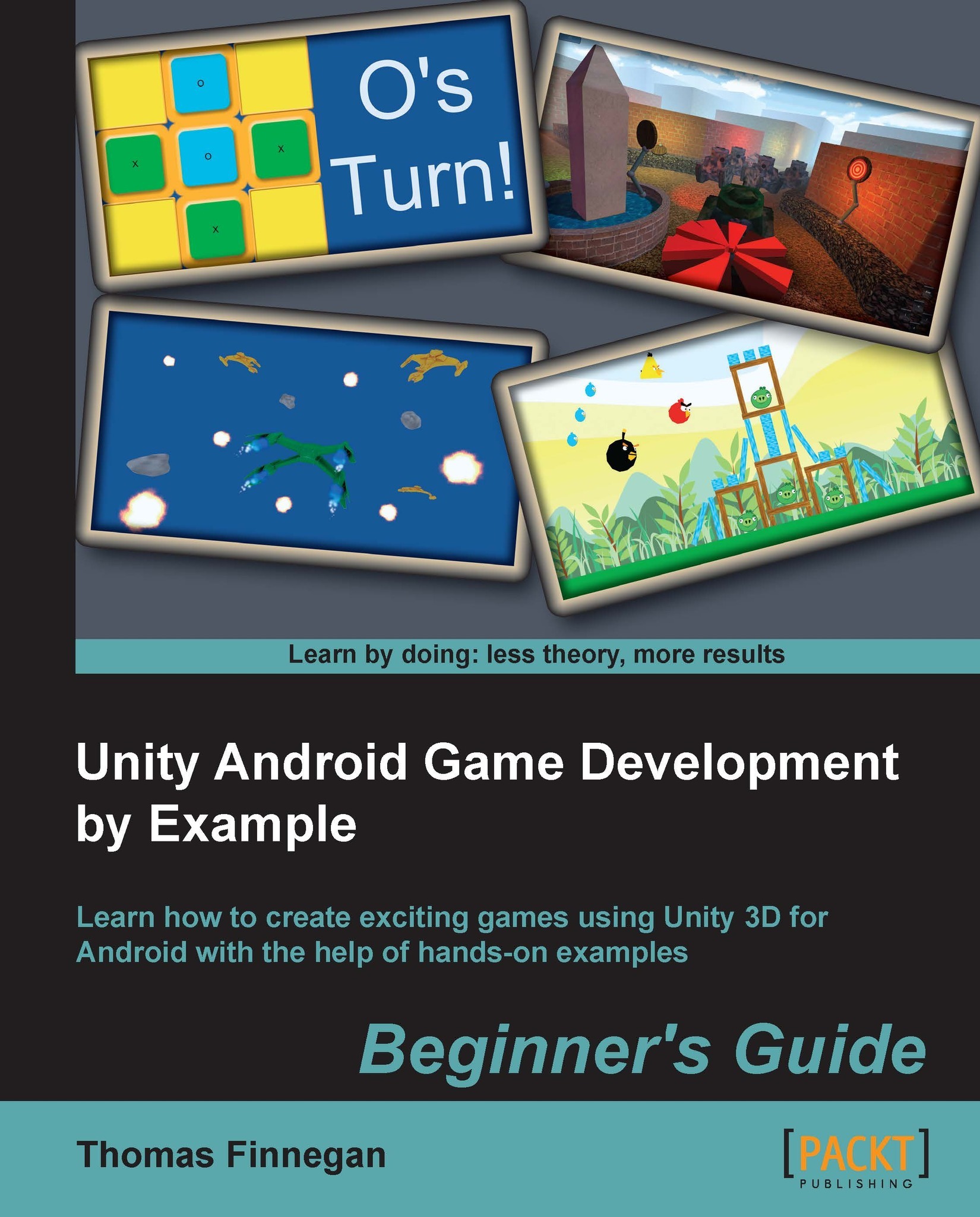
Powerful and continuing to grow, the mobile market has never been bigger and more demanding of great games. Android continues to prove itself as a strong contender in this challenging market. With Unity 3D, great games can be made for Android quickly and easily. With its great deployment system, the Android platform is now only one click away. Unity Android Game Development by Example Beginner's Guide dives straight into making real, fully-functional games, with hands-on examples and step-by-step instructions to give you a firm grounding in Unity 3D and Android. Everything necessary for creating a complete gaming experience is covered and detailed throughout the course of this book. Using clear and practical examples that progressively build upon each other, this book guides you through the process of creating games in Unity for Android. Start by learning about all the great features that Unity and Android have to offer. Next, create a Tic-Tac-Toe game while learning all about interfaces. After that, learn about meshes, materials, and animations with the creation of a tank battle game. You will then learn how to expand your game's environment with the addition of shadows and a skybox. Adding on this, you will also learn how to expand the tank battle by creating enemies and using path finding to chase the player. Next, explore touch and tilt controls with the creation of a space fighter game. Then, learn about physics while recreating the most popular mobile game on the market. You will then expand the space fighter game with the addition of all the special effects that make a game great. Finally, complete your experience by learning the optimization techniques required to keep your games running smoothly. While Unity is available for both Mac and Windows, the book is presented working from a Windows environment. Programming in Unity is possible in C#, JavaScript, and Boo. This book will be working in C# and the final projects will be provided in C# and JavaScript. From nothing to a fully-featured mobile game, Unity Android Game Development by Example Beginner's Guide takes you through everything it takes to create your next game for the Android platform.
Table of Contents (12 chapters)
close
close
11
Index

Understanding how Unity and Android work together

Because Unity handles projects and assets in a generic way, there is no need to create multiple projects for multiple target platforms. This means that you could easily start development with the free version of Unity and target personal computers. Then, at a later date, you can switch targets to the Android platform with the click of a button. Perhaps, shortly after your game is launched, it takes the market by storm and there is a great call to bring it to other mobile platforms. With just another click of the button, you can easily target iOS without changing anything in your project.

Most systems require a long and complex set of steps to get your project running on a device. For the first application in this book, we will be going through that process because it is important to know about it. However, once your device is set up and recognized by the Android SDK, a single-button click will allow Unity to build your application, push it to a device, and start running it. There is nothing that has caused more headaches for some developers than trying to get an application on a device. Unity makes it simple.

With the addition of a free Android application, Unity Remote, it is simple and easy to test mobile inputs without going through the whole build process. While developing, there is nothing more annoying than waiting for 5 minutes for a build every time you need to test a minor tweak, especially in the controls and interface. After the first dozen little tweaks the build time starts to add up. Unity Remote makes it simple and easy to test it all without ever having to hit the Build button.

These are the big three: generic projects, a one-click build process, and Unity Remote. We could, of course, come up with several more great ways in which Unity and Android can work together. But these three are the major time and money savers. You could have the greatest game in the world but, if it takes 10 times as long to build and test, what is the point?

Visually different images
CONTINUE READING
83
Tech Concepts
36
Programming languages
73
Tech Tools
Icon Unlimited access to the largest independent learning library in tech of over 8,000 expert-authored tech books and videos.
Icon Innovative learning tools, including AI book assistants, code context explainers, and text-to-speech.
Icon 50+ new titles added per month and exclusive early access to books as they are being written.
Unity Android Game Development by Example Beginner's Guide
notes
bookmark Notes and Bookmarks search Search in title playlist Add to playlist font-size Font size

Change the font size

margin-width Margin width

Change margin width

day-mode Day/Sepia/Night Modes

Change background colour

Close icon Search
Country selected

Close icon Your notes and bookmarks

Confirmation

Modal Close icon
claim successful

Buy this book with your credits?

Modal Close icon
Are you sure you want to buy this book with one of your credits?
Close
YES, BUY

Submit Your Feedback

Modal Close icon
Modal Close icon
Modal Close icon