


-
Book Overview & Buying
-
Table Of Contents

iOS 16 Programming for Beginners - Seventh Edition
By :


iOS 16 Programming for Beginners
By:
Overview of this book
With almost 2 million apps on the App Store, iOS mobile apps continue to be incredibly popular. Anyone can reach millions of customers around the world by publishing their apps on the App Store, which means that competent iOS developers are in high demand.
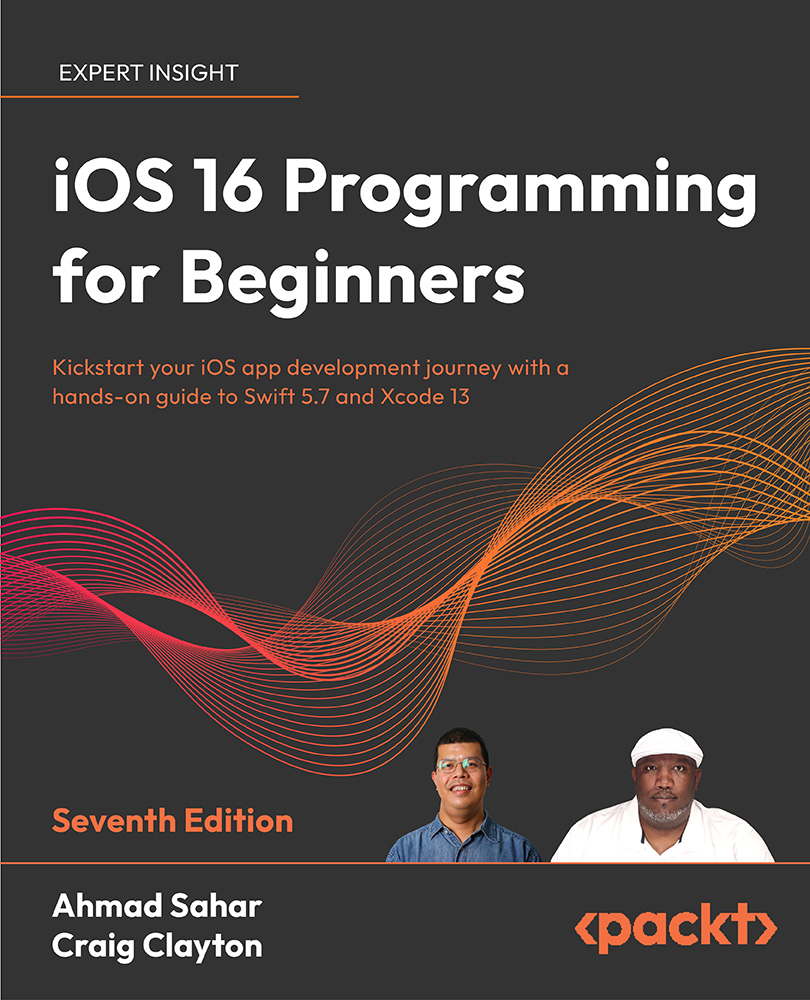
iOS 16 Programming for Beginners, Seventh Edition, is a comprehensive introduction for those who are new to iOS, covering the entire process of learning the Swift language, writing your own app, and publishing it on the App Store.
This book follows a hands-on approach. With step-by-step tutorials to real-life examples and easy-to-understand explanations of complicated topics, each chapter will help you learn and practice the Swift language to build your apps and introduce exciting new technologies to incorporate into your apps. You'll learn how to publish iOS apps and work with new iOS 16 features such as Mac Catalyst, SwiftUI, Lock Screen widgets, WeatherKit, and much more.
By the end of this iOS development book, you'll have the knowledge and skills to write and publish interesting apps, and more importantly, to use the online resources available to enhance your app development journey.
Table of Contents (34 chapters)
Preface


Part I: Swift
 Free Chapter
Getting Familiar with Xcode
Simple Values and Types
Conditionals and Optionals
Range Operators and Loops
Collection Types
Functions and Closures
Classes, Structures, and Enumerations
Protocols, Extensions, and Error Handling
Swift Concurrency
Part II: Design
Setting Up the User Interface
Building Your User Interface
Finishing Up Your User Interface
Modifying and Configuring Cells
Part III: Code
Getting Started with MVC and Collection Views
Getting Data into Collection Views
Getting Started with Table Views
Getting Started with MapKit
Getting Started with JSON Files

Displaying Data in a Static Table View
Getting Started with Custom UIControls
Getting Started with Cameras and Photo Libraries
Understanding Core Data
Part IV: Features
Getting Started with Mac Catalyst
Getting Started with SwiftUI
Getting Started with Lock Screen Widgets
Getting Started with WeatherKit
Testing and Submitting Your App to the App Store
Other Books You May Enjoy
Index


