Sign In Start Free Trial
Account

Add to playlist

Create a Playlist

Modal Close icon
You need to login to use this feature.
  • Book Overview & Buying Mastering Qt 5
  • Table Of Contents Toc
  • Feedback & Rating feedback
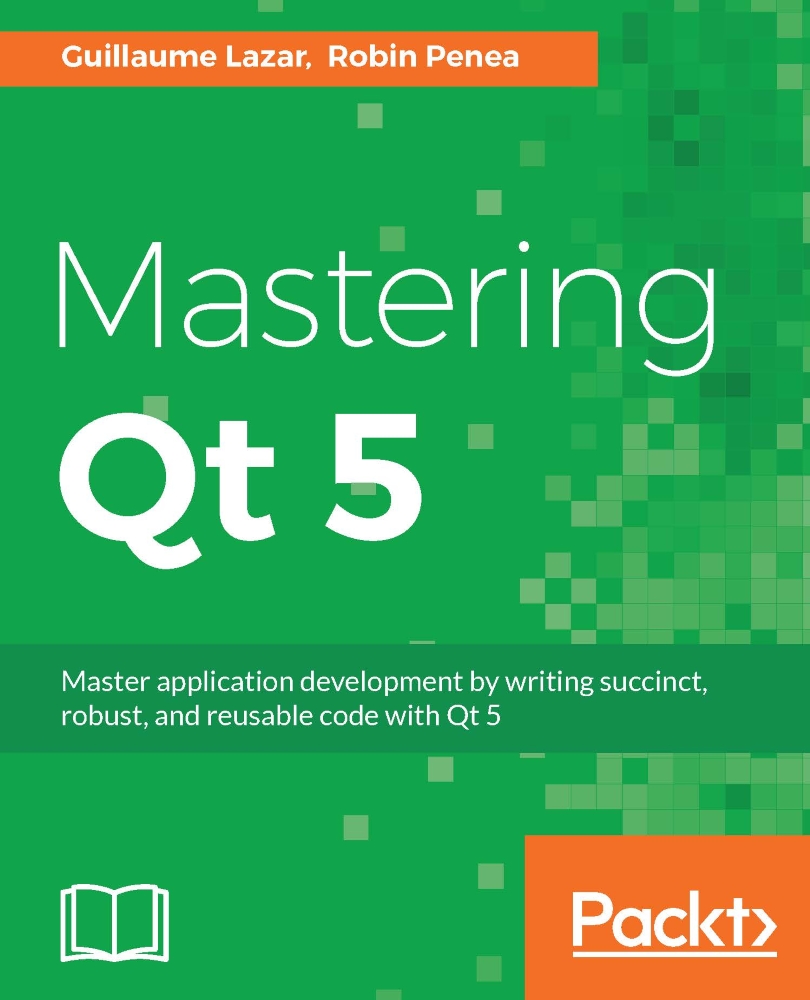
Mastering Qt 5

Mastering Qt 5

By : Guillaume Lazar, Robin Penea
3.2 (10)
close
close
Mastering Qt 5

Mastering Qt 5

3.2 (10)
By: Guillaume Lazar, Robin Penea

Overview of this book

Qt 5.7 is an application development framework that provides a great user experience and develops full-capability applications with Qt Widgets, QML, and even Qt 3D. This book will address challenges in successfully developing cross-platform applications with the Qt framework. Cross-platform development needs a well-organized project. Using this book, you will have a better understanding of the Qt framework and the tools to resolve serious issues such as linking, debugging, and multithreading. Your journey will start with the new Qt 5 features. Then you will explore different platforms and learn to tame them. Every chapter along the way is a logical step that you must take to master Qt. The journey will end in an application that has been tested and is ready to be shipped.
Table of Contents (15 chapters)
close
close

Logging custom objects to QDebug

When you are debugging complex objects, it is nice to output their current members' value to qDebug(). In other languages (such as Java), you may have encountered the toString() method or equivalent, which is very convenient.

Sure, you could add a function void toString() to each object you want to log in order to write code with the following syntax:

qDebug() << "Object content:" << myObject.toString() 

There must be a more natural way of doing this in C++. Moreover, Qt already provides this kind of feature:

QDate today = QDate::currentDate(); 
qDebug() << today; 
// Output: QDate("2016-10-03") 

To achieve this, we will rely on a C++ operator overload. This will look very similar to what we did with QDataStream operators in Chapter 10Need IPC? Get Your Minions to Work.

Consider a struct Person:

struct Person { 
    QString name; 
    int age; 
}; 

To add the ability to properly output to QDebug, you...

Visually different images
CONTINUE READING
83
Tech Concepts
36
Programming languages
73
Tech Tools
Icon Unlimited access to the largest independent learning library in tech of over 8,000 expert-authored tech books and videos.
Icon Innovative learning tools, including AI book assistants, code context explainers, and text-to-speech.
Icon 50+ new titles added per month and exclusive early access to books as they are being written.
Mastering Qt 5
notes
bookmark Notes and Bookmarks search Search in title playlist Add to playlist download Download options font-size Font size

Change the font size

margin-width Margin width

Change margin width

day-mode Day/Sepia/Night Modes

Change background colour

Close icon Search
Country selected

Close icon Your notes and bookmarks

Confirmation

Modal Close icon
claim successful

Buy this book with your credits?

Modal Close icon
Are you sure you want to buy this book with one of your credits?
Close
YES, BUY

Submit Your Feedback

Modal Close icon
Modal Close icon
Modal Close icon