Sign In Start Free Trial
Account

Add to playlist

Create a Playlist

Modal Close icon
You need to login to use this feature.
  • Book Overview & Buying Python Automation Cookbook
  • Table Of Contents Toc
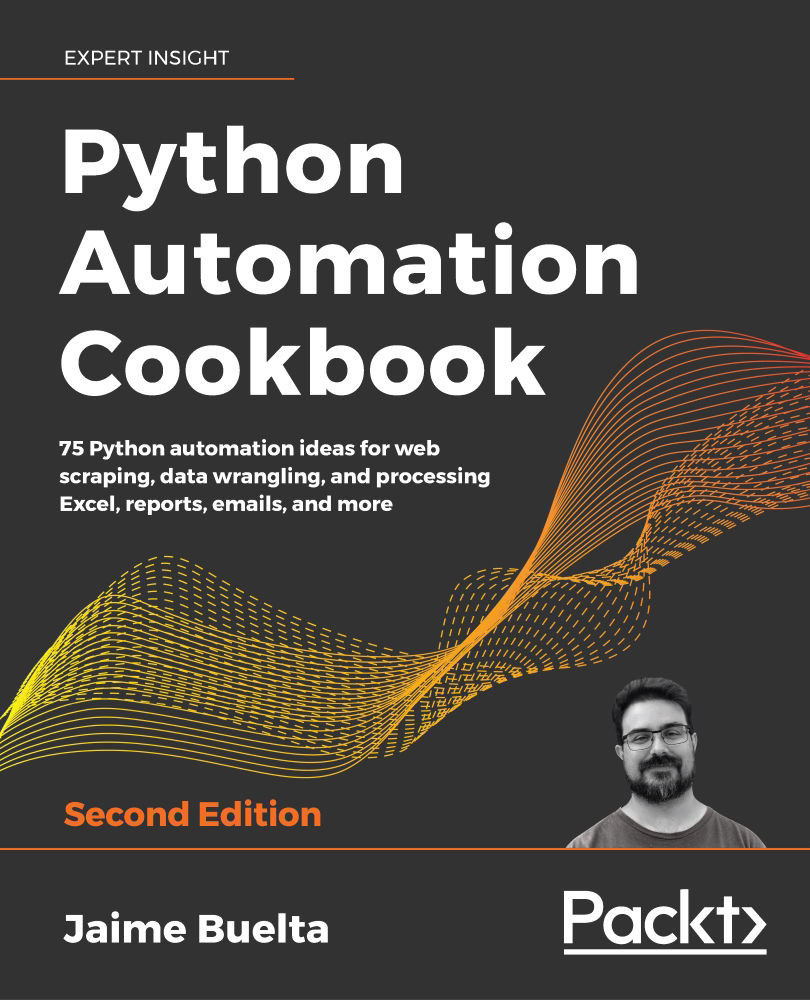
Python Automation Cookbook

Python Automation Cookbook - Second Edition

By : Jaime Buelta
3.8 (16)
close
close
Python Automation Cookbook

Python Automation Cookbook

3.8 (16)
By: Jaime Buelta

Overview of this book

In this updated and extended version of Python Automation Cookbook, each chapter now comprises the newest recipes and is revised to align with Python 3.8 and higher. The book includes three new chapters that focus on using Python for test automation, machine learning projects, and for working with messy data. This edition will enable you to develop a sharp understanding of the fundamentals required to automate business processes through real-world tasks, such as developing your first web scraping application, analyzing information to generate spreadsheet reports with graphs, and communicating with automatically generated emails. Once you grasp the basics, you will acquire the practical knowledge to create stunning graphs and charts using Matplotlib, generate rich graphics with relevant information, automate marketing campaigns, build machine learning projects, and execute debugging techniques. By the end of this book, you will be proficient in identifying monotonous tasks and resolving process inefficiencies to produce superior and reliable systems.
Table of Contents (16 chapters)
close
close
14
Other Books You May Enjoy
15
Index

Using a third-party tool—parse

While manually parsing data, as seen in the previous recipe, works very well for small strings, it can be very laborious to tweak the exact formula to work with a variety of inputs. What if the input has an extra dash sometimes? Or it has a variable length header depending on the size of one of the fields?

A more advanced option is to use regular expressions, as we'll see in the next recipe. But there's a great module in Python called parse (https://github.com/r1chardj0n3s/parse), which allows us to reverse format strings. It is a fantastic tool that's powerful, easy to use, and greatly improves the readability of code.

Getting ready

Add the parse module to the requirements.txt file in our virtual environment and reinstall the dependencies, as shown in the Creating a virtual environment recipe.

The requirements.txt file should look like this:

delorean==1.0.0
requests==2.22.0
parse==1...
CONTINUE READING
83
Tech Concepts
36
Programming languages
73
Tech Tools
Icon Unlimited access to the largest independent learning library in tech of over 8,000 expert-authored tech books and videos.
Icon Innovative learning tools, including AI book assistants, code context explainers, and text-to-speech.
Icon 50+ new titles added per month and exclusive early access to books as they are being written.
Python Automation Cookbook
notes
bookmark Notes and Bookmarks search Search in title playlist Add to playlist download Download options font-size Font size

Change the font size

margin-width Margin width

Change margin width

day-mode Day/Sepia/Night Modes

Change background colour

Close icon Search
Country selected

Close icon Your notes and bookmarks

Confirmation

Modal Close icon
claim successful

Buy this book with your credits?

Modal Close icon
Are you sure you want to buy this book with one of your credits?
Close
YES, BUY

Submit Your Feedback

Modal Close icon
Modal Close icon
Modal Close icon