


-
Book Overview & Buying
-
Table Of Contents

Metaprogramming in C#
By :


Metaprogramming in C#
By:
Overview of this book
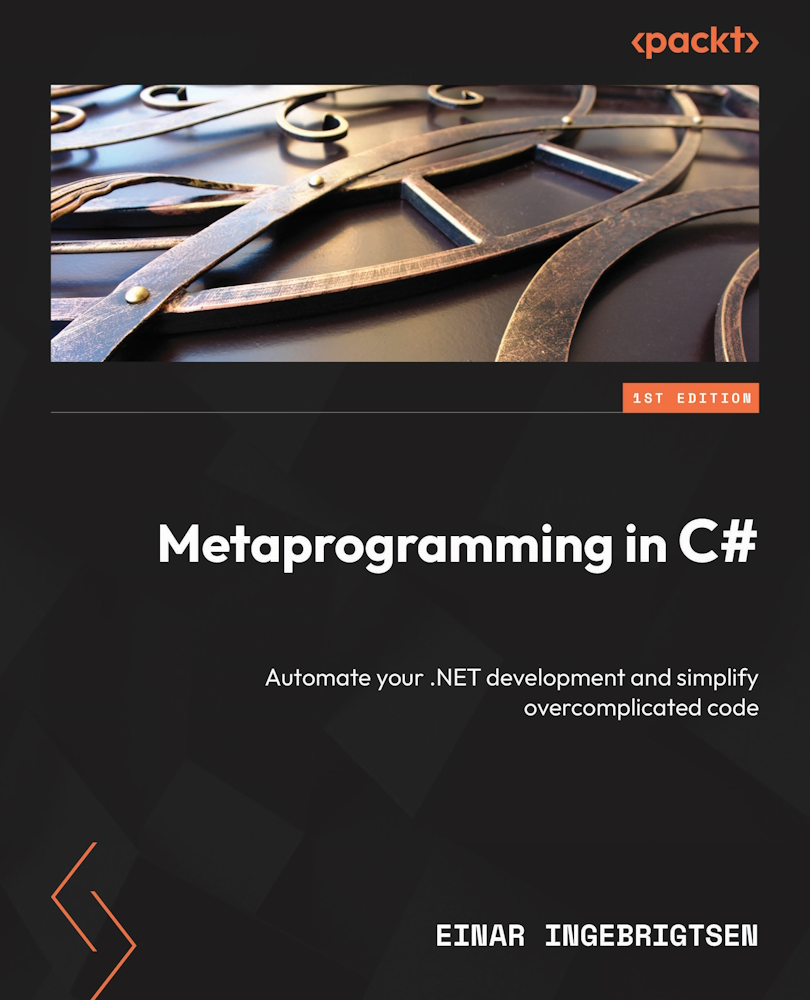
Metaprogramming is an advanced technique that helps developers to automate repetitive tasks, generate scalable code, and enhance productivity in software development. Metaprogramming in C# is a comprehensive guide that will help you reap the full potential of metaprogramming in .NET runtime.
You’ll start by learning about the .NET runtime environment and how you can use it to become a more productive developer. You'll learn how to infer types using reflection, use attributes, and create dynamic proxies. You’ll also explore the use of expressions to create and execute code and how to take advantage of Dynamic Language Runtime.
But that's not all! You’ll also learn to go beyond inheritance and use method signature conventions to create easily maintainable code. Finally, you’ll dive into the world of compiler magic with Roslyn, where you'll discover how to use Roslyn to generate code, perform static code analysis, and write your own compiler extensions.
By the end of this book, you’ll have a deep understanding of metaprogramming concepts and how to apply them to your C# code. You’ll be able to think about types, use attributes and expressions to generate code, and apply crosscutting concerns to improve code quality.
Table of Contents (25 chapters)
Preface


Part 1:Why Metaprogramming?
 Free Chapter
Chapter 1: How Can Metaprogramming Benefit You?
Chapter 2: Metaprogramming Concepts
Chapter 3: Demystifying through Existing Real-World Examples
Part 2:Leveraging the Runtime
Chapter 4: Reasoning about Types Using Reflection
Chapter 5: Leveraging Attributes
Chapter 6: Dynamic Proxy Generation
Chapter 7: Reasoning about Expressions
Chapter 8: Building and Executing Expressions
Chapter 9: Taking Advantage of the Dynamic Language Runtime
Part 3:Increasing Productivity, Consistency, and Quality
Chapter 10: Convention over Configuration
Chapter 11: Applying the Open-Closed Principle
Chapter 12: Go Beyond Inheritance
Chapter 13: Applying Cross-Cutting Concerns
Chapter 14: Aspect-Oriented Programming
Part 4:Compiler Magic Using Roslyn
Chapter 15: Roslyn Compiler Extensions

Chapter 16: Generating Code
Chapter 17: Static Code Analysis
Chapter 18: Caveats and Final Words
Index


