-
Book Overview & Buying
-
Table Of Contents

Microsoft Visual C++ Windows Applications by Example
By :


Microsoft Visual C++ Windows Applications by Example
By:
Overview of this book
The book is ideal for programmers who have worked with C++ or other Windows-based programming languages. It provides developers with everything they need to build complex desktop applications using C++. If you have already learned the C++ language, and want to take your programming to the next level, then this book is ideal for you.
Table of Contents (15 chapters)
Microsoft Visual C++ Windows Applications by Example


Credits
About the Author
About the Reviewer
Preface
 Free Chapter
Introduction to C++
Object-Oriented Programming in C++
Windows Development
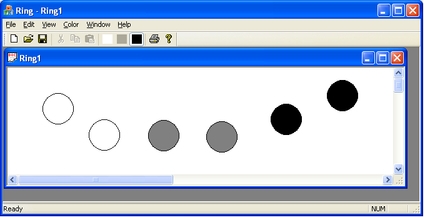
Ring: A Demonstration Example

Utility Classes
The Tetris Application
The Draw Application
The Calc Application
The Word Application
Index