-
Book Overview & Buying
-
Table Of Contents

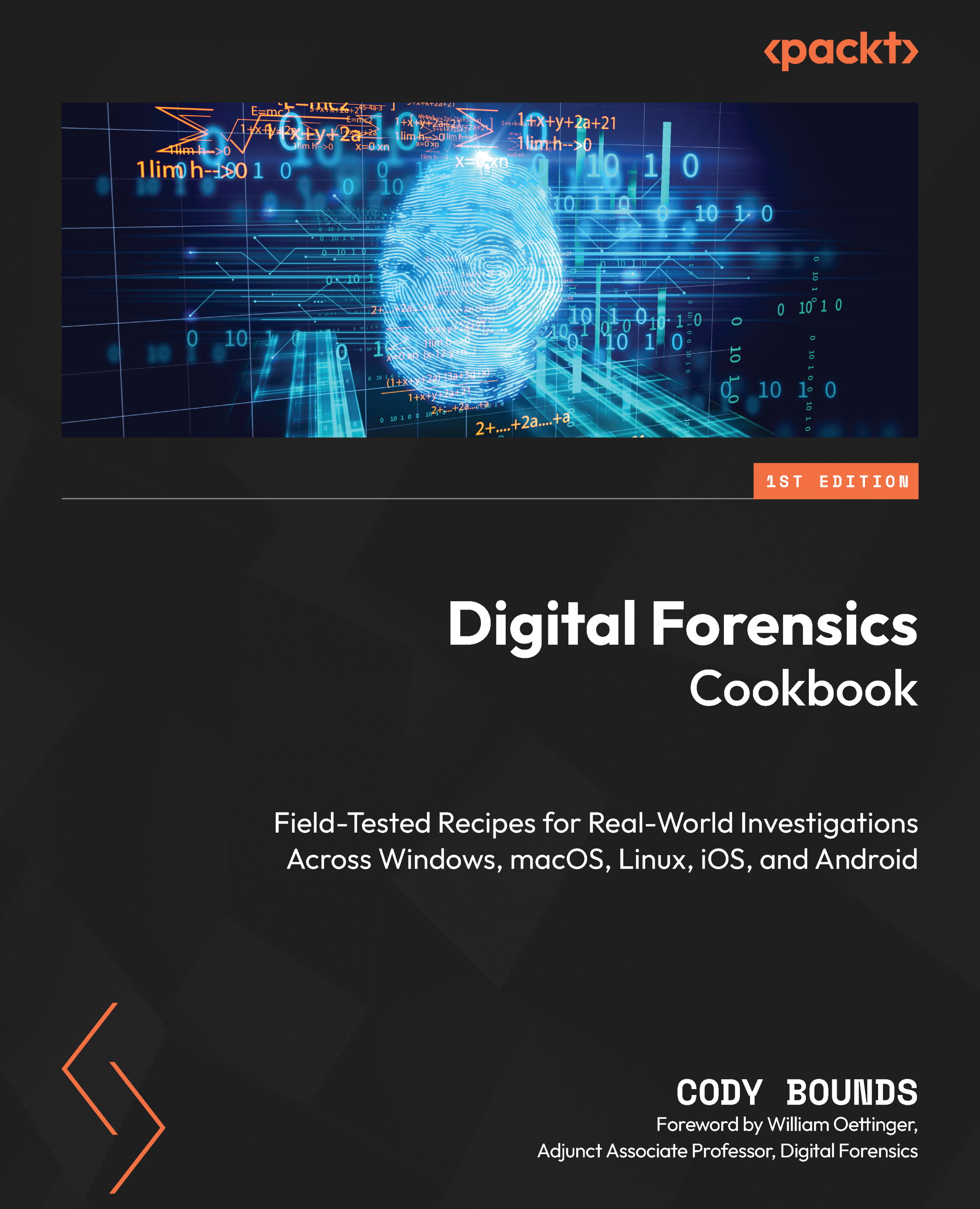
Digital Forensics Cookbook
By :


Digital Forensics Cookbook
By:
Overview of this book
Modern investigations and incident response efforts live and die by digital evidence. Digital Forensics Cookbook uses realistic datasets and practical workflows drawn from real investigations to uncover the truth hidden inside computers, mobile devices, and online accounts.
Rather than focusing on theory alone, this book moves you through the investigative process from triage and acquisition to artifact analysis, memory forensics, encryption challenges, malware triage, and detecting anti-forensic behavior. Along the way, you’ll perform remote artifact collection, analyze evidence across Windows, macOS, Linux, iOS, and Android systems, investigate cloud-synced accounts, recover deleted data, manually carve evidence when tools fail, and identify attempts to hide or manipulate data.
As you progress through the book, you’ll learn how to write and apply regular expressions and SQLite queries, build system timelines, baseline systems, automate analysis, verify findings across independent sources, generate custom password dictionaries to crack encrypted containers, detect metadata tampering designed to mislead investigators, and analyze Windows memory. By the end, you won’t just know how to run forensic tools; you’ll understand how investigators think, enabling you to turn scattered digital traces into clear, defensible conclusions.
Table of Contents (20 chapters)
Preface


Chapter 1: Targeted On-Scene Triage
Chapter 2: Network Intrusion Response and Remote Triage
Chapter 3: Physical and Cloud-Based Evidence Acquisition
Part 2: Platform-Based Analysis
Chapter 4: Microsoft Windows

Chapter 5: Apple macOS and Linux
Chapter 6: Apple iOS and Android
Part 3: Practical Analysis and Investigative Techniques
Chapter 7: Analysis Automation
Chapter 8: User Artifacts
Chapter 9: Manual Analysis and Techniques
Chapter 10: Overcoming Anti-Forensics
Chapter 11: Memory Forensics
Chapter 12: Unlock Access to the Code Bundle and the PDF Version
Other Books You May Enjoy
Index
Appendix A: Digital Forensic Fundamentals
Appendix B: Digital Forensic Analysis Field Guide