Sign In Start Free Trial
Account

Add to playlist

Create a Playlist

Modal Close icon
You need to login to use this feature.
  • Book Overview & Buying Mastering Windows 365
  • Table Of Contents Toc
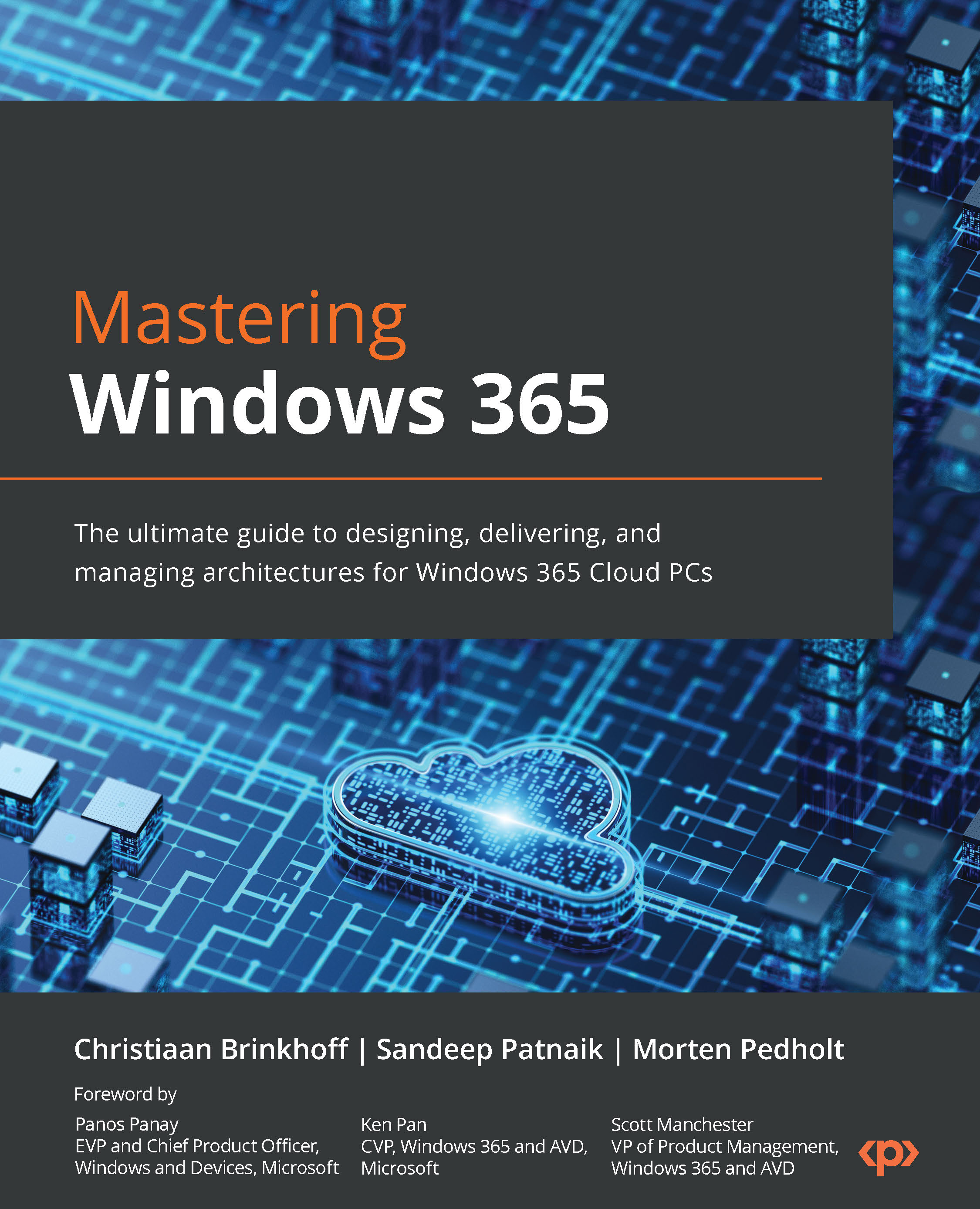
Mastering Windows 365

Mastering Windows 365

By : Christiaan Brinkhoff, Sandeep Patnaik, Morten Pedholt
4.5 (13)
close
close
Mastering Windows 365

Mastering Windows 365

4.5 (13)
By: Christiaan Brinkhoff, Sandeep Patnaik, Morten Pedholt

Overview of this book

Written by experts from the Windows 365 product group and a seasoned Microsoft MVP, this book offers a unique perspective on the features, functionality, and best practices of Windows 365. Drawing from their extensive professional experience and insight, the authors provide invaluable knowledge for those eager to learn about the next generation of cloud computing. Get ready to gain deep insights into this cutting-edge technology from industry insiders. Mastering Windows 365 starts by covering the fundamentals of Windows 365, helping you gain a deep understanding of deployment, management, access, security, analysis, and extensions with partner solutions. As you progress, you’ll explore the different connectivity layers and options to optimize your network connectivity from the endpoint to your Cloud PC. You’ll also learn how to manage a Cloud PC via the Microsoft Intune admin center successfully and experience how Windows and Windows 365 come together to provide new integrated experiences with Windows 11. In addition, this book will help you prepare for the new MD-102 Endpoint Administrator Exam, enhancing your career prospects. By the end of this book, you will be able to successfully plan, set up, and deploy Windows 365 Cloud PCs.
Table of Contents (16 chapters)
close
close
1
Part 1: Understanding the Basics of Windows 365
3
Part 2: Implementing and Managing Cloud PCs
7
Part 3: Accessing, Securing, and Analyzing Cloud PCs
11
Part 4: Extending Windows 365 with Partner Solutions

Introduction to Windows 365

In this chapter, we will introduce you to Windows 365. We will explore the fundamentals to help you understand the product in preparation for the other more technical chapters in the book. We highly recommend reading through this chapter fully.

We’re extremely excited to kick off this first chapter, in which we will cover the following subjects:

  • The Windows 365 vision – moving from buying computers to buying computing
  • What is Windows 365 and what is a Cloud PC?
  • Windows 365 Business and Enterprise
  • Windows 365 Government
  • Windows 365 Frontline
  • Windows 365 and Azure Virtual Desktop – the differences
  • Windows 365-supported regions
  • Windows 365 licensing requirements
  • Windows Copilot – bringing the power of AI to Windows 11
  • Microsoft Intune
  • Windows Autopatch
  • Microsoft Dev Box
  • Supported endpoints

Let’s kick off this first chapter with some interesting research information. As we emerge from the COVID-19 pandemic and shift into a new world of hybrid work, organizations will need to adopt digital solutions to keep their employees connected and collaborating, whether they are working from home, at the office, or anywhere in between. Now is probably the most complicated time to be an IT admin, and some of the reasons for this are as follows:

  • In recent surveys, 57% of remote employees plan to shift to hybrid work, whereas 51% are considering working remotely permanently
  • 68% of companies report experiencing a breach due to the exploitation of an endpoint in 2021
  • 67% of IT professionals feel overwhelmed by trying to manage remote work

Windows 365 can help solve these challenges for your business:

Figure 1.1 – Hybrid work market analysis

Figure 1.1 – Hybrid work market analysis

CONTINUE READING
83
Tech Concepts
36
Programming languages
73
Tech Tools
Icon Unlimited access to the largest independent learning library in tech of over 8,000 expert-authored tech books and videos.
Icon Innovative learning tools, including AI book assistants, code context explainers, and text-to-speech.
Icon 50+ new titles added per month and exclusive early access to books as they are being written.
Mastering Windows 365
notes
bookmark Notes and Bookmarks search Search in title playlist Add to playlist font-size Font size

Change the font size

margin-width Margin width

Change margin width

day-mode Day/Sepia/Night Modes

Change background colour

Close icon Search
Country selected

Close icon Your notes and bookmarks

Confirmation

Modal Close icon
claim successful

Buy this book with your credits?

Modal Close icon
Are you sure you want to buy this book with one of your credits?
Close
YES, BUY

Submit Your Feedback

Modal Close icon
Modal Close icon
Modal Close icon