Sign In Start Free Trial
Account

Add to playlist

Create a Playlist

Modal Close icon
You need to login to use this feature.
  • Book Overview & Buying Learn React with TypeScript 3
  • Table Of Contents Toc
  • Feedback & Rating feedback
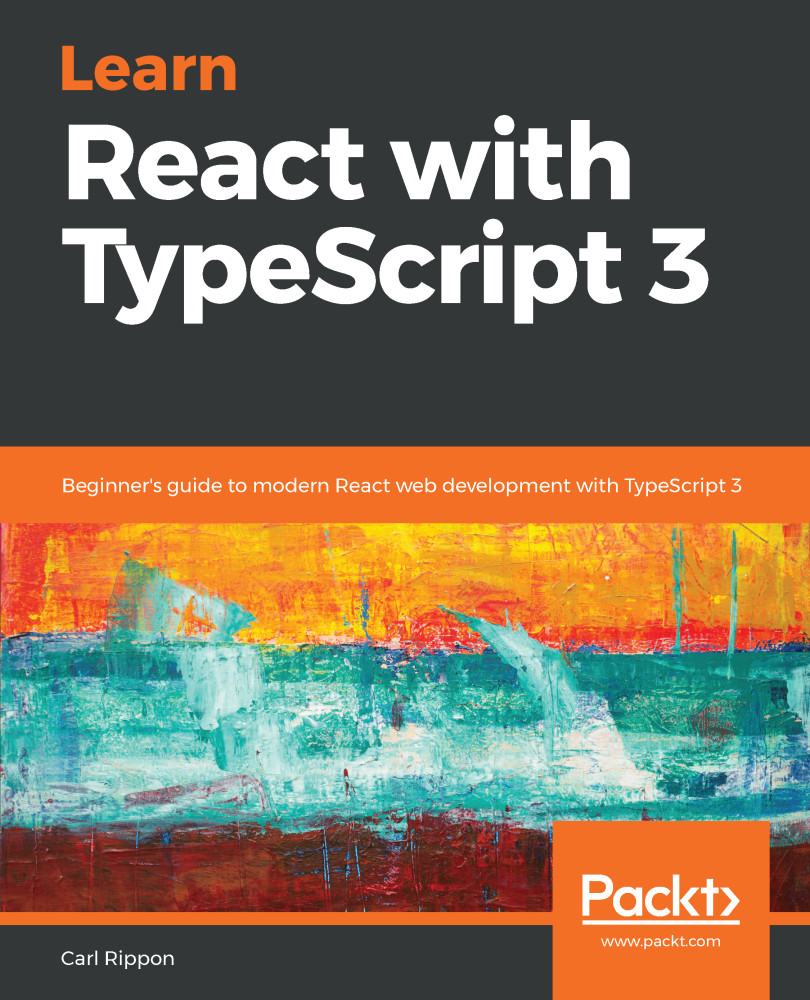
Learn React with TypeScript 3

Learn React with TypeScript 3

By : Carl Rippon
3.4 (11)
close
close
Learn React with TypeScript 3

Learn React with TypeScript 3

3.4 (11)
By: Carl Rippon

Overview of this book

React today is one of the most preferred choices for frontend development. Using React with TypeScript enhances development experience and offers a powerful combination to develop high performing web apps. In this book, you’ll learn how to create well structured and reusable react components that are easy to read and maintain by leveraging modern web development techniques. We will start with learning core TypeScript programming concepts before moving on to building reusable React components. You'll learn how to ensure all your components are type-safe by leveraging TypeScript's capabilities, including the latest on Project references, Tuples in rest parameters, and much more. You'll then be introduced to core features of React such as React Router, managing state with Redux and applying logic in lifecycle methods. Further on, you'll discover the latest features of React such as hooks and suspense which will enable you to create powerful function-based components. You'll get to grips with GraphQL web API using Apollo client to make your app more interactive. Finally, you'll learn how to write robust unit tests for React components using Jest. By the end of the book, you'll be well versed with all you need to develop fully featured web apps with React and TypeScript.

Table of Contents (14 chapters)
close
close

Type guards

Type guards allow us to narrow down the specific type of an object within a conditional branch of code. They are useful when working with union types, when we need to implement a branch of code that deals with a specific type in the union.

We already worked with a type guard in the last section when we implemented the intializeValue function. The switch statement on the discriminant property control allowed us to set the value on each type in the union.

There are other ways we can implement type guards. The following sections go through different ways.

Using the typeof keyword

The typeof keyword is a JavaScript keyword that returns a string that represents the type. So, we can use this in a condition to narrow...

Visually different images
CONTINUE READING
83
Tech Concepts
36
Programming languages
73
Tech Tools
Icon Unlimited access to the largest independent learning library in tech of over 8,000 expert-authored tech books and videos.
Icon Innovative learning tools, including AI book assistants, code context explainers, and text-to-speech.
Icon 50+ new titles added per month and exclusive early access to books as they are being written.
Learn React with TypeScript 3
notes
bookmark Notes and Bookmarks search Search in title playlist Add to playlist download Download options font-size Font size

Change the font size

margin-width Margin width

Change margin width

day-mode Day/Sepia/Night Modes

Change background colour

Close icon Search
Country selected

Close icon Your notes and bookmarks

Confirmation

Modal Close icon
claim successful

Buy this book with your credits?

Modal Close icon
Are you sure you want to buy this book with one of your credits?
Close
YES, BUY

Submit Your Feedback

Modal Close icon
Modal Close icon
Modal Close icon