Sign In Start Free Trial
Account

Add to playlist

Create a Playlist

Modal Close icon
You need to login to use this feature.
  • Book Overview & Buying Designing React Hooks the Right Way
  • Table Of Contents Toc
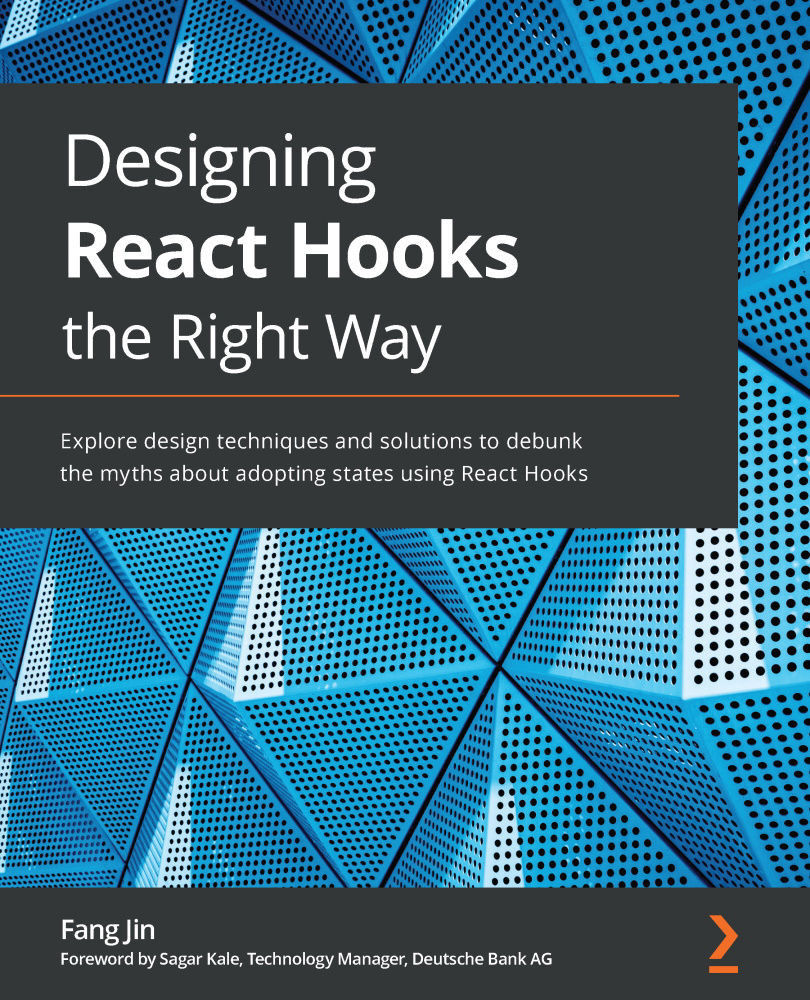
Designing React Hooks the Right Way

Designing React Hooks the Right Way

By : Jin
3.4 (7)
close
close
Designing React Hooks the Right Way

Designing React Hooks the Right Way

3.4 (7)
By: Jin

Overview of this book

React hook creates a unique solution for using states in function components to orchestrate UI communication. They provide you with an easy interface to write custom data management solutions with low development and maintenance costs. Understanding how Hooks are designed enables you to use them more effectively, and this book helps you to do just that. This book starts with a custom-crafted solution to reveal why Hooks are needed in the first place. You will learn about the React engine and discover how each built-in Hook can manage a persistent value by hooking into it. You will walk through the design and implementation of each hook with code so that you gain a solid understanding. Finally, you'll get to grips with each Hook's pitfalls and find out how to effectively overcome them. By the end of this React book, you'll have gained the confidence to build and write Hooks for developing functional and efficient web applications at scale.
Table of Contents (12 chapters)
close
close

State in React

By now, you should have some idea of what a state is. To recap, a state is a piece of memory stored inside a fiber, introduced in Chapter 3, Hooking into React. When combined with props, a state can represent a UI screen deterministically.

Figure 4.1 – A fiber tree with a source fiber

For example, let's say we build a site and end up with a fiber tree (such as the one seen in Figure 4.1). When a user makes an action (such as a click), the action sends a signal via an event handler to a fiber (the red dot in Figure 4.1). We call this fiber a source fiber.

Now, say the dispatched event changes a counter from 0 to 1. React should schedule an update based on this user action and then prepare all of the Document Object Model (DOM) elements for the screen. Assuming the red lines are the fibers that need to be changed, how does React figure this out?

Upon receiving this update request, React goes through the fiber tree from the root...

Visually different images
CONTINUE READING
83
Tech Concepts
36
Programming languages
73
Tech Tools
Icon Unlimited access to the largest independent learning library in tech of over 8,000 expert-authored tech books and videos.
Icon Innovative learning tools, including AI book assistants, code context explainers, and text-to-speech.
Icon 50+ new titles added per month and exclusive early access to books as they are being written.
Designing React Hooks the Right Way
notes
bookmark Notes and Bookmarks search Search in title playlist Add to playlist font-size Font size

Change the font size

margin-width Margin width

Change margin width

day-mode Day/Sepia/Night Modes

Change background colour

Close icon Search
Country selected

Close icon Your notes and bookmarks

Confirmation

Modal Close icon
claim successful

Buy this book with your credits?

Modal Close icon
Are you sure you want to buy this book with one of your credits?
Close
YES, BUY

Submit Your Feedback

Modal Close icon
Modal Close icon
Modal Close icon