


-
Book Overview & Buying
-
Table Of Contents

Designing React Hooks the Right Way
By :


Designing React Hooks the Right Way
By:
Overview of this book
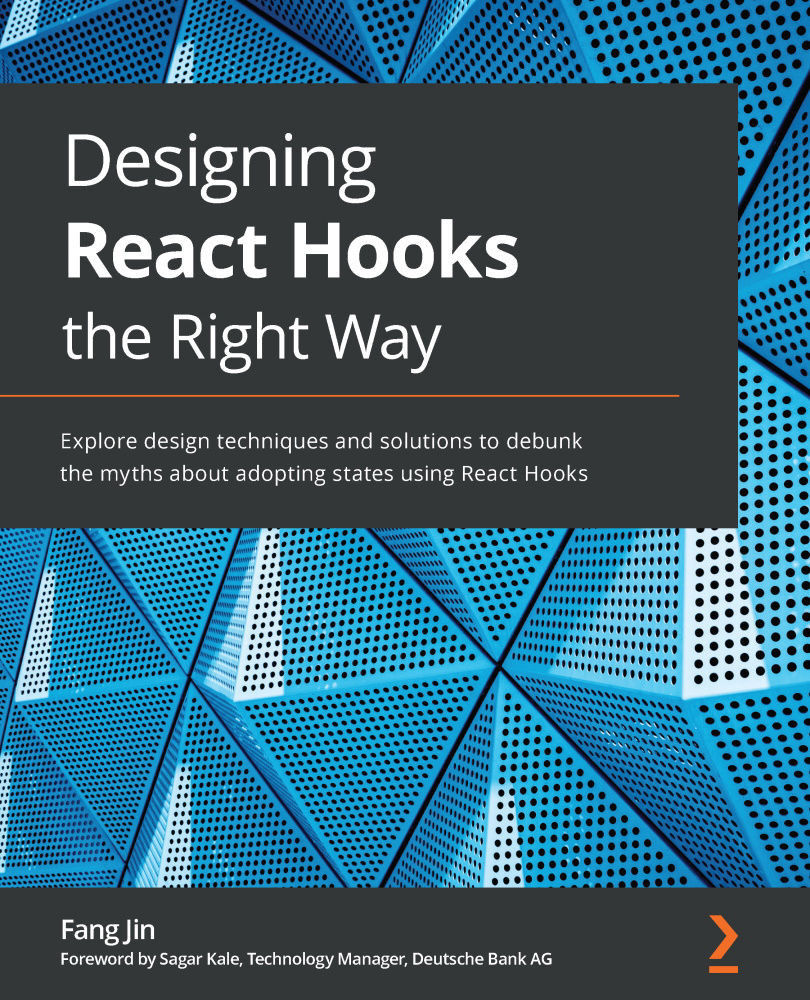
React hook creates a unique solution for using states in function components to orchestrate UI communication. They provide you with an easy interface to write custom data management solutions with low development and maintenance costs. Understanding how Hooks are designed enables you to use them more effectively, and this book helps you to do just that.
This book starts with a custom-crafted solution to reveal why Hooks are needed in the first place. You will learn about the React engine and discover how each built-in Hook can manage a persistent value by hooking into it. You will walk through the design and implementation of each hook with code so that you gain a solid understanding. Finally, you'll get to grips with each Hook's pitfalls and find out how to effectively overcome them.
By the end of this React book, you'll have gained the confidence to build and write Hooks for developing functional and efficient web applications at scale.
Table of Contents (12 chapters)
Preface


Chapter 1: Introducing the Function Component
 Free Chapter
Chapter 2: Crafting States in Functions
Chapter 3: Hooking into React
Chapter 4: Use State to Jumpstart Components
Chapter 5: Use Effect to Handle Side Effects
Chapter 6: Use Memo to Boost Performance
Chapter 7: Use Context to Cover an Area
Chapter 8: Use Ref to Hide Stuff

Chapter 9: Use Custom Hooks to Reuse Logic
Chapter 10: Building a Website with React
Other Books You May Enjoy


