


-
Book Overview & Buying
-
Table Of Contents

Real-World Web Development with .NET 10 - Second Edition
By :


Real-World Web Development with .NET 10
By:
Overview of this book
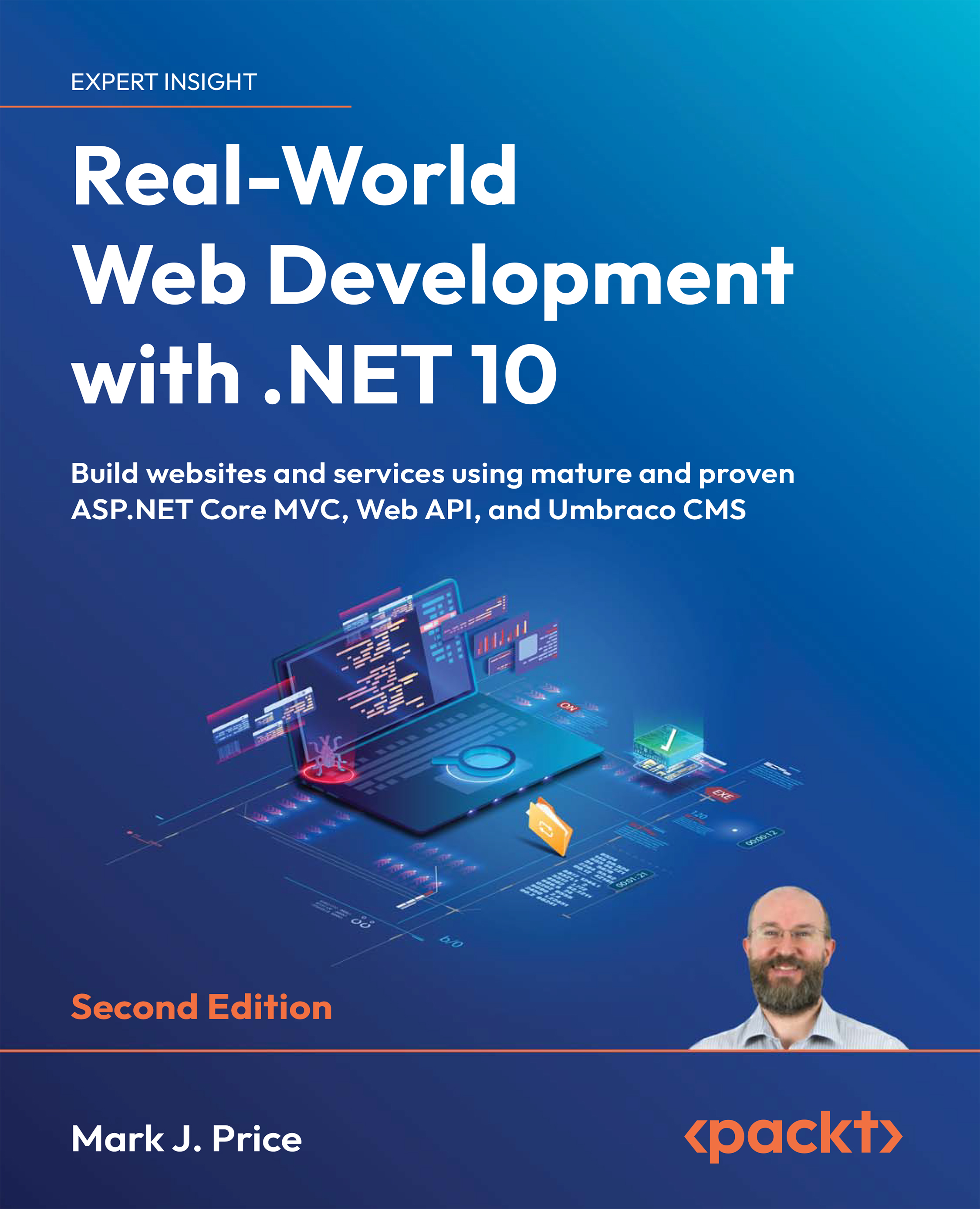
Using .NET for web development is a powerful way to build professional-grade websites and services. But moving from a basic project to a full-scale, production-ready system takes more than just business logic and views—it requires a deep understanding of architecture, maintainability, and scalability. Real-World Web Development with .NET 10 bridges that gap, guiding developers who want to build robust, secure, and maintainable web solutions using battle-tested .NET technologies.
You’ll start by designing structured websites using ASP.NET Core MVC, separating concerns, managing dependencies, and writing clean, testable code. From there, you’ll build RESTful services with Web API and use OData for rich, queryable endpoints. The book walks you through testing strategies and containerizing your applications. The final section introduces Umbraco CMS, showing you how to integrate content management into your site so end users can manage content independently.
By the end of the book, you'll be ready to build controller-based websites and services that are scalable, secure, and ready for real-world use while mastering Umbraco’s flexible, content-driven solutions—skills that are increasingly in demand across organizations and industries.
*Email sign-up and proof of purchase required
Table of Contents (19 chapters)
Preface


 Free Chapter
Introducing Real-World Web Development Using .NET
Building Websites Using ASP.NET Core MVC
Model Binding, Validation, and Data Using EF Core
Building and Localizing Web User Interfaces
Authentication and Authorization
Performance and Scalability Optimization Using Caching
Web User Interface Testing Using Playwright
Configuring and Containerizing ASP.NET Core Projects
Building Web Services Using ASP.NET Core Web API
Building Clients for Web Services
Testing and Debugging Web Services
Building Web Services Using ASP.NET Core OData

Building Web Services Using FastEndpoints
Web Content Management Using Umbraco CMS
Customizing and Extending Umbraco CMS
Epilogue
Unlock Your Exclusive Benefits
Index


