


-
Book Overview & Buying
-
Table Of Contents

Clean Code with TypeScript
By :


Clean Code with TypeScript
By:
Overview of this book
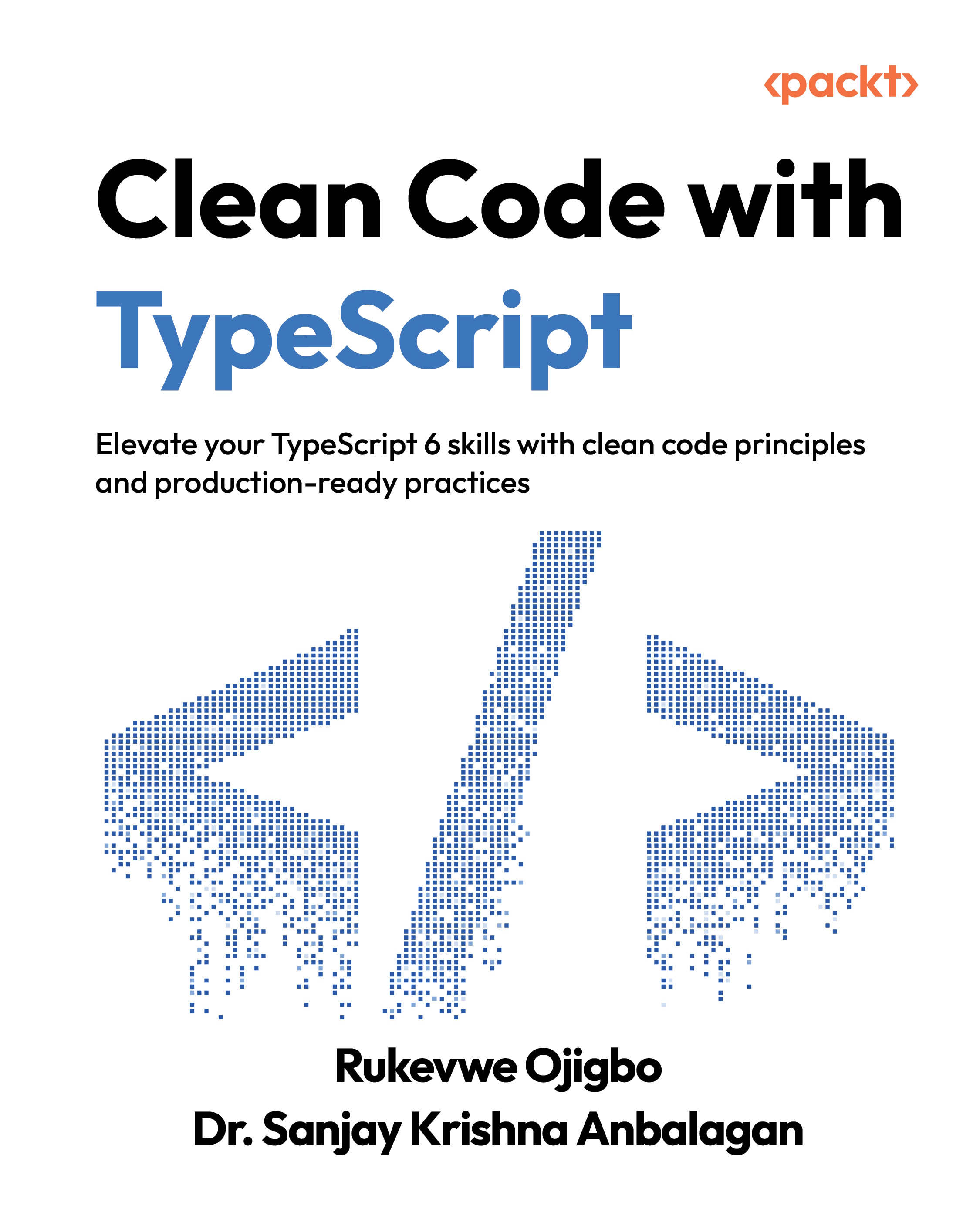
Clean Code with TypeScript is a practical guide to writing maintainable, efficient, and elegant TypeScript code. It equips developers with the essential principles and techniques to produce code that is both functional and easy to read and maintain.
Written by Rukevwe Ojigbo and Dr. Sanjay Krishna Anbalagan, expert software engineers with extensive experience in building scalable, high-performance applications across industries, this book reflects practical lessons from their real-world projects. Throughout the book, you’ll work through hands-on implementations, including an LLM integration project and a full-stack TypeScript application, ensuring the concepts are grounded, relevant, and applicable to real development environments.
What sets this book apart is its example-driven approach rooted in real-world scenarios. It goes beyond TypeScript best practices by developing your architectural thinking, enhancing team collaboration, and fostering long-term code quality. Whether you're new to TypeScript or an experienced developer, this guide will improve your TypeScript programming skills and help you deliver cleaner, more robust code.
*Email sign-up and proof of purchase required
Table of Contents (16 chapters)
Preface


 Free Chapter
Chapter 1: Introducing TypeScript

Chapter 2: Writing Clean Functions
Chapter 3: Object-Oriented Programming with TypeScript
Chapter 4: Clean Code in TypeScript Projects
Chapter 5: Testing and Test-Driven Development
Chapter 6: Error Handling, Debugging, and Security Best Practices
Chapter 7: Maximizing Performance Optimization
Chapter 8: Mastering Design Patterns in TypeScript
Chapter 9: Understanding Advanced TypeScript Features
Chapter 10: Setting Up Scalable TypeScript Projects
Chapter 11: TypeScript in Action: Building Full Stack Applications
Chapter 12: TypeScript in Evolving Systems
Chapter 13: Unlock Your Exclusive Benefits
Other Books You May Enjoy
Index


