-
Book Overview & Buying
-
Table Of Contents

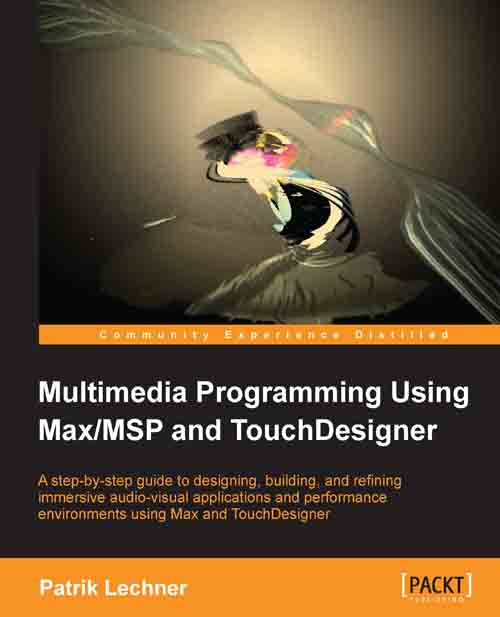
Multimedia Programming Using Max/MSP and TouchDesigner
By :


Multimedia Programming Using Max/MSP and TouchDesigner
By:
Overview of this book
Max 6 and TouchDesigner are both high-level visual programming languages based on the metaphor of connecting computational objects with patch cords. This guide will teach you how to design and build high-quality audio-visual systems in Max 6 and TouchDesigner, giving you competence in both designing and using these real-time systems. In the first few chapters, you will learn the basics of designing tools to generate audio-visual experiences through easy-to-follow instructions aimed at beginners and intermediate. Then, we combine tools such as Gen, Jitter, and TouchDesigner to work along with Max 6 to create 2D and 3D visualizations, this book provides you with tutorials based on creating generative art synchronized to audio. By the end of the book, you will be able to design and structure highly interactive, real-time systems.
Table of Contents (14 chapters)
Preface


 Free Chapter
1. Getting Started with Max
2. Max Setup and Basics
3. Advanced Programming Techniques in Max
4. Basic Audio in Max/MSP
5. Advanced Audio in Max/MSP

6. Low-level Patching in Gen
7. Video in Max/Jitter
8. Max for Live
9. Basic Visualization Using TouchDesigner
10. Advanced Visualization Using TouchDesigner
11. 3D Rendering and Examples
12. Connecting Our Software to the World
Index