


-
Book Overview & Buying
-
Table Of Contents

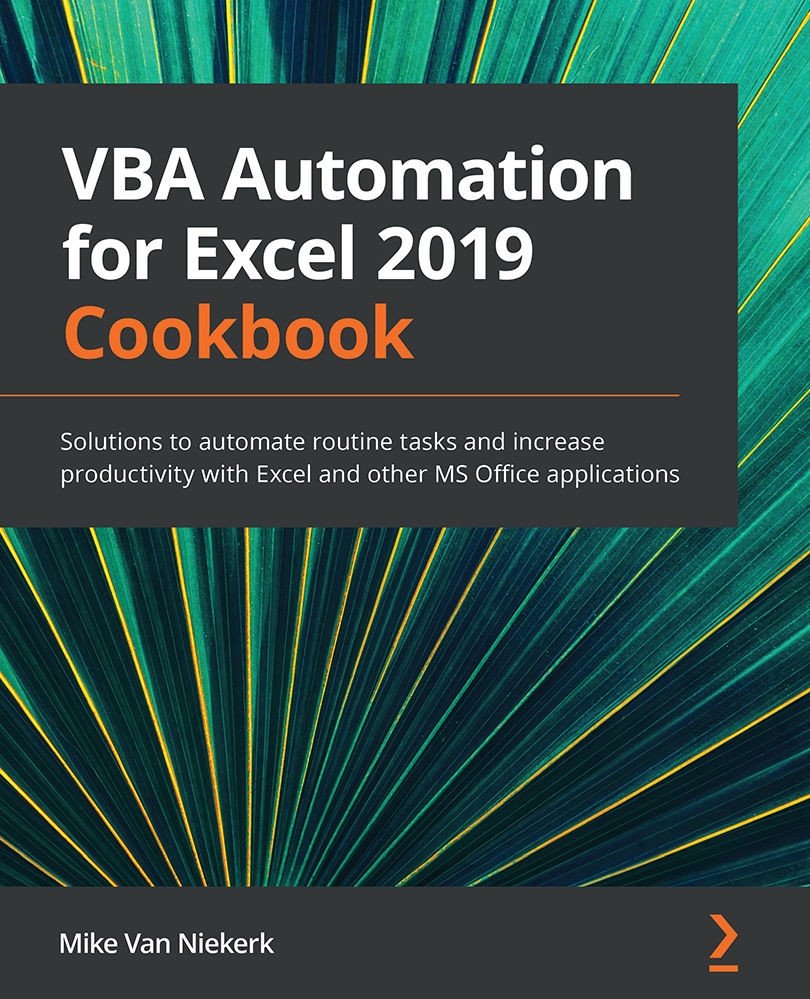
VBA Automation for Excel 2019 Cookbook
By :


VBA Automation for Excel 2019 Cookbook
By:
Overview of this book
Visual Basic for Applications (VBA) is a programming language developed by Microsoft to automate tasks in MS Office applications. This book will help you to focus on the essential aspects of your role by automating mundane tasks in Excel and other Office applications. With comprehensive coverage of VBA delivered in the form of practice problems and bite-sized recipes, this book will help you to hit the ground running.
Unlike most books that assume prior programming experience, this book starts with the fundamentals and gradually progresses to solving bigger problems.
You’ll start by becoming familiar with VBA so that you can start recording macros right away. With this foundation in place, you’ll advance to using the full capabilities of the language as you apply loops, functions, and custom dialog boxes to design your own automation programs. You'll also get to grips with embedded macros and other advanced tools to enhance productivity and explore topics relating to app performance and security. Throughout this VBA book, you’ll cover multiple practice projects in Excel, Word, and PowerPoint while exploring tips and best practices to hone your skills.
By the end of this book, you’ll have developed the skills you need to use VBA to create your own programs that control MS Office applications.
Table of Contents (20 chapters)
Preface


Chapter 1: Getting Started with VBA
 Free Chapter
Chapter 2: Working with the VBA Editor
Chapter 3: The VBA Object Model

Chapter 4: Working with Procedures
Chapter 5: Next Level Recording
Chapter 6: VBA Language Elements
Chapter 7: Working with Ranges
Chapter 8: Using Functions
Chapter 9: Implementing Program Flow
Chapter 10: Implementing Automation
Chapter 11: Handling Errors
Chapter 12: Debugging
Chapter 13: Creating and Modifying Dialog Boxes
Chapter 14: Creating UserForms
Chapter 15: UserForm Controls
Chapter 16: Creating Custom Functions
Chapter 17: Creating Word Documents with Excel VBA
Chapter 18: Working with PowerPoint in Excel VBA
Other Books You May Enjoy


