
Sign In Start Free Trial
Account

Add to playlist

Create a Playlist

Modal Close icon
You need to login to use this feature.
  • Book Overview & Buying Hands-On Business Intelligence with Qlik Sense
  • Table Of Contents Toc
Hands-On Business Intelligence with Qlik Sense

Hands-On Business Intelligence with Qlik Sense

By : Labbe, Clever Anjos , Solanki, DiMaso
3.3 (4)
close
close
Hands-On Business Intelligence with Qlik Sense

Hands-On Business Intelligence with Qlik Sense

3.3 (4)
By: Labbe, Clever Anjos , Solanki, DiMaso

Overview of this book

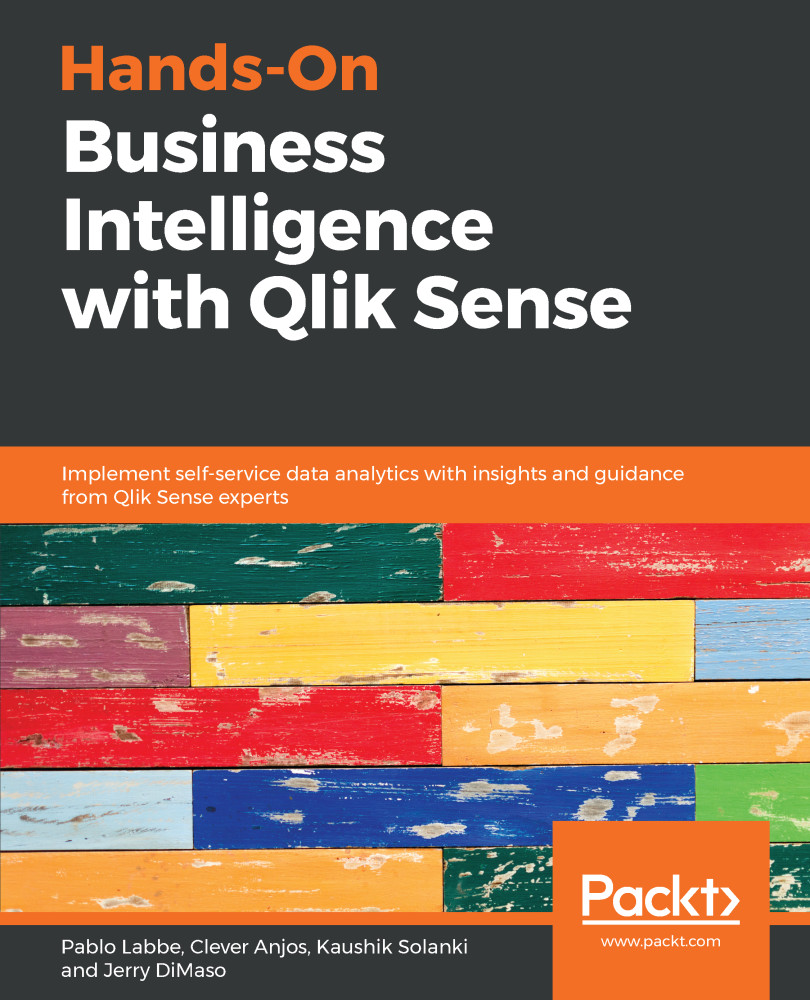
Qlik Sense allows you to explore simple-to-complex data to reveal hidden insights and data relationships to make business-driven decisions. Hands-On Business Intelligence with Qlik Sense begins by helping you get to grips with underlying Qlik concepts and gives you an overview of all Qlik Sense’s features. You will learn advanced modeling techniques and learn how to analyze the data loaded using a variety of visualization objects. You’ll also be trained on how to share apps through Qlik Sense Enterprise and Qlik Sense Cloud and how to perform aggregation with AGGR. As you progress through the chapters, you’ll explore the stories feature to create data-driven presentations and update an existing story. This book will guide you through the GeoAnalytics feature with the geo-mapping object and GeoAnalytics connector. Furthermore, you’ll learn about the self-service analytics features and perform data forecasting using advanced analytics. Lastly, you’ll deploy Qlik Sense apps for mobile and tablet. By the end of this book, you will be well-equipped to run successful business intelligence applications using Qlik Sense's functionality, data modeling techniques, and visualization best practices.
Table of Contents (18 chapters)
close
close
Lock Free Chapter
1
Section 1: Qlik Sense and Business Intelligence
3
Section 2: Data Loading and Modeling
6
Section 3: Building an Analytical Application
11
Section 4: Additional Features

Summary

In this chapter, we have learned how to prepare and deploy an app for mobile usage. We learned about how responsive layout works and how the objects are placed in a Mobile view. We learned about the functionalities available on each client to help us choose the ideal client for each use case. Finally, we learned how to set up an app for offline usage, and about the limitations and features to reduce the size of the app when downloading it to a device.

Qlik Sense is powerful, and provides so many features that it is impossible to cover in a single book. Here, we have covered the basics and the most important features you need to know about building compelling Qlik Sense applications. You should have learned the foundations that will allow you to proceed by yourself.

Thank you for reading. I hope you have enjoyed the book!

CONTINUE READING
83
Tech Concepts
36
Programming languages
73
Tech Tools
Icon Unlimited access to the largest independent learning library in tech of over 8,000 expert-authored tech books and videos.
Icon Innovative learning tools, including AI book assistants, code context explainers, and text-to-speech.
Icon 50+ new titles added per month and exclusive early access to books as they are being written.
Hands-On Business Intelligence with Qlik Sense
notes
bookmark Notes and Bookmarks search Search in title playlist Add to playlist download Download options font-size Font size

Change the font size

margin-width Margin width

Change margin width

day-mode Day/Sepia/Night Modes

Change background colour

Close icon Search
Country selected

Close icon Your notes and bookmarks

Confirmation

Modal Close icon
claim successful

Buy this book with your credits?

Modal Close icon
Are you sure you want to buy this book with one of your credits?
Close
YES, BUY

Submit Your Feedback

Modal Close icon
Modal Close icon
Modal Close icon