Sign In Start Free Trial
Account

Add to playlist

Create a Playlist

Modal Close icon
You need to login to use this feature.
  • Book Overview & Buying Power Query Cookbook
  • Table Of Contents Toc
Power Query Cookbook

Power Query Cookbook

By : Andrea Janicijevic
4.5 (14)
close
close
Power Query Cookbook

Power Query Cookbook

4.5 (14)
By: Andrea Janicijevic

Overview of this book

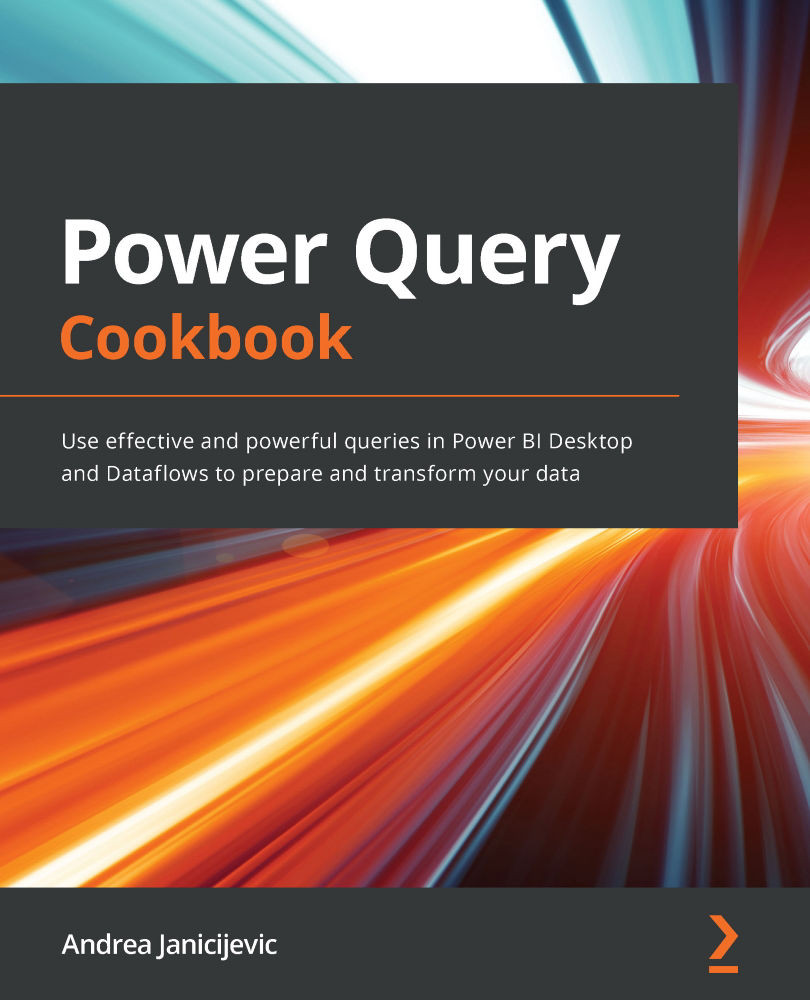
Power Query is a data preparation tool that enables data engineers and business users to connect, reshape, enrich, and transform their data to facilitate relevant business insights and analysis. With Power Query's wide range of features, you can perform no-code transformations and complex M code functions at the same time to get the most out of your data. This Power Query book will help you to connect to data sources, achieve intuitive transformations, and get to grips with preparation practices. Starting with a general overview of Power Query and what it can do, the book advances to cover more complex topics such as M code and performance optimization. You'll learn how to extend these capabilities by gradually stepping away from the Power Query GUI and into the M programming language. Additionally, the book also shows you how to use Power Query Online within Power BI Dataflows. By the end of the book, you'll be able to leverage your source data, understand your data better, and enrich it with a full stack of no-code and custom features that you'll learn to design by yourself for your business requirements.
Table of Contents (12 chapters)
close
close

Chapter 8: Adding Value to Your Data

You have the chance to connect to your data and create and transform it as you want thanks to a wide range of options explored in the previous chapters. Moreover, Power Query offers the chance to add data and enrich it with additional columns or define some functions to retrieve data. By adding columns, you can define your own customized logic in a few steps and leverage the UI or M code expressions, which represents the language behind the scenes of Power Query. M code expressions can be used to build functions and define input values and programmatically retrieve a defined output in order to simplify the entire transformation process.

In this chapter, you will explore how you can add data as new columns based on a pattern or a logic of existing data enriching it with valuable information and using a set of transformations.

In this chapter, we will cover the following recipes:

  • Adding columns from examples
  • Adding conditional columns...
CONTINUE READING
83
Tech Concepts
36
Programming languages
73
Tech Tools
Icon Unlimited access to the largest independent learning library in tech of over 8,000 expert-authored tech books and videos.
Icon Innovative learning tools, including AI book assistants, code context explainers, and text-to-speech.
Icon 50+ new titles added per month and exclusive early access to books as they are being written.
Power Query Cookbook
notes
bookmark Notes and Bookmarks search Search in title playlist Add to playlist download Download options font-size Font size

Change the font size

margin-width Margin width

Change margin width

day-mode Day/Sepia/Night Modes

Change background colour

Close icon Search
Country selected

Close icon Your notes and bookmarks

Confirmation

Modal Close icon
claim successful

Buy this book with your credits?

Modal Close icon
Are you sure you want to buy this book with one of your credits?
Close
YES, BUY

Submit Your Feedback

Modal Close icon
Modal Close icon
Modal Close icon