


-
Book Overview & Buying
-
Table Of Contents

Sculpting in ZBrush Made Simple
By :


Sculpting in ZBrush Made Simple
By:
Overview of this book
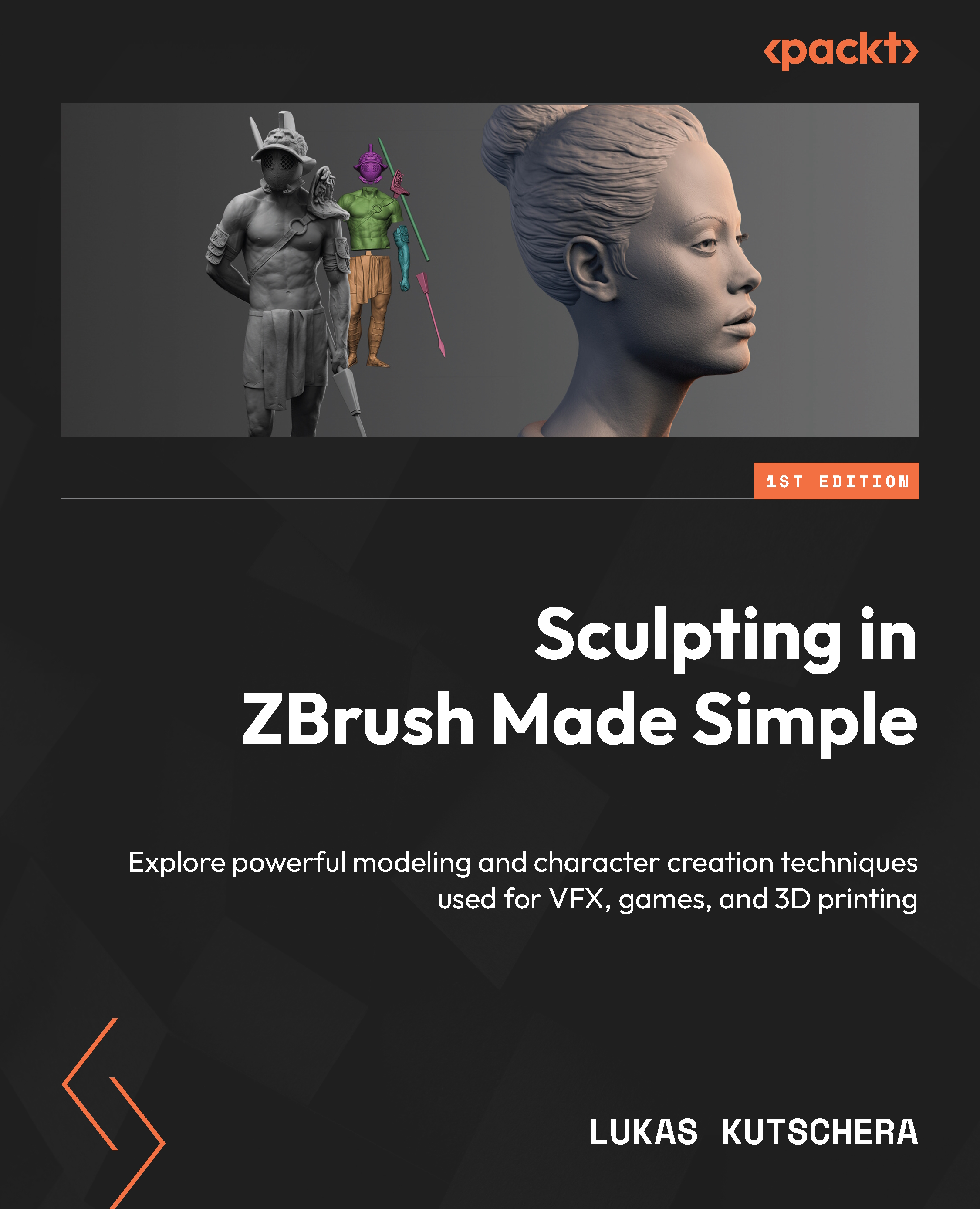
Embark on a creative journey with ZBrush, the leading software for creating characters, creatures, and props in films, games, and 3D printing. This guide will take you through its powerful yet user-friendly workflows, allowing you to explore its dynamic organic sculpting, painting, and hard-surface modeling tools.
The first part of this book is dedicated to helping you become familiar with ZBrush’s user interface and learning the very basics, from sculpting brushes and painting the model with Polypaint to setting up lights and rendering images. You’ll also create a demon bust with the help of ZBrush’s concept sculpting tool, DynaMesh. In the second part, you’ll get to grips with the creation of a humanoid character that is optimized for 3D printing. Focusing on anatomy, poly-modeling, and preparing the model for 3D printing, you’ll acquire the skills essential for sculptors. The final part delves into portrait sculpting, where you’ll learn everything from basic facial anatomy to hair creation with FiberMesh.
By the end of this book, you'll have developed the expertise necessary to succeed in the ever-evolving world of 3D character modeling, complemented by portfolio and social media tips for showcasing your standout work.
Table of Contents (19 chapters)
Preface


 Free Chapter
Part 1: The Adventure Begins: Sculpting in ZBrush
Chapter 1: Getting Started with ZBrush
Chapter 2: Sculpting a Demon Bust with DynaMesh
Chapter 3: Exploring the Gizmo, PolyGroups, and Masking
Chapter 4: Exploring Brushes and Alphas
Chapter 5: Creating an Optimized Mesh Using ZRemesher and ZProject
Chapter 6: Texturing Your Sculpture with Materials, Polypaint, and UVs
Chapter 7: Lighting and Rendering Your Model
Part 2: Creating Characters from Scratch: A Comprehensive Guide
Chapter 8: Sculpting Human Anatomy
Chapter 9: Creating Costumes, Armor, and Accessories with Classic Modeling Techniques
Chapter 10: Preparing and Exporting Our Model for 3D Printing

Part 3: Sculpting a Female Head: Tips and Techniques
Chapter 11: Sculpting a Female Head
Chapter 12: Adding Skin Detail, Sculpting Hair, and Using FiberMesh
Chapter 13: Building a Portfolio and Leveraging Social Media
Index


