


-
Book Overview & Buying
-
Table Of Contents

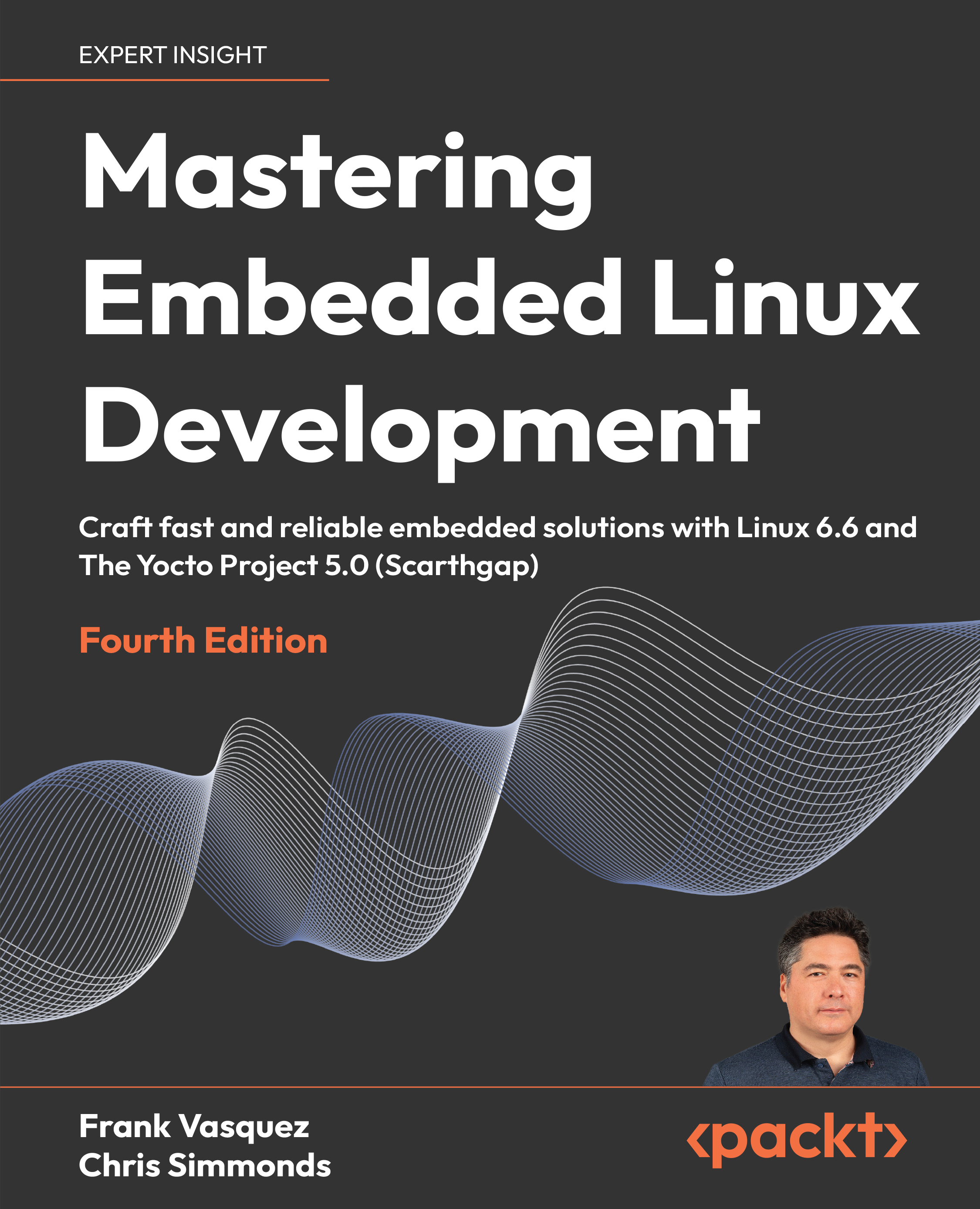
Mastering Embedded Linux Development - Fourth Edition
By :


Mastering Embedded Linux Development
By:
Overview of this book
Mastering Embedded Linux Development is designed to be both a learning resource and a reference for your embedded Linux projects.
In this fourth edition, you'll learn the fundamental elements that underpin all embedded Linux projects: the toolchain, the bootloader, the kernel, and the root filesystem. First, you will download and install a pre-built toolchain. After that, you will cross-compile each of the remaining three elements from scratch and learn to automate the process using Buildroot and the Yocto Project. The book progresses with coverage of over-the-air software updates and rapid prototyping with add-on boards. Two new chapters tackle modern development practices, including Python packaging and deploying containerized applications. These are followed by a chapter on writing multithreaded code and another on techniques to manage memory efficiently. The final chapters demonstrate how to debug your code, whether it resides in user space or in the Linux kernel itself. In addition to GNU debugger (GDB), the book also covers the different tracers and profilers that are available for Linux so that you can quickly pinpoint any performance bottlenecks in your system.
By the end of this book, you will be able to create efficient and secure embedded devices with Linux that will delight your users.
Table of Contents (28 chapters)
Preface


Part 1: Elements of Embedded Linux
 Free Chapter
Starting Out
Learning about Toolchains
All about Bootloaders
Configuring and Building the Kernel
Building a Root Filesystem
Part 2: Building Embedded Linux Images
Selecting a Build System
Developing with Yocto
Yocto under the Hood
Part 3: System Architecture and Design Decisions
Creating a Storage Strategy
Updating Software in the Field

Interfacing with Device Drivers
Prototyping with Add-On Boards
Starting Up – The init Program
Managing Power
Part 4: Developing Applications
Packaging Python
Deploying Container Images
Learning about Processes and Threads
Managing Memory
Part 5: Debugging and Optimizing Performance
Debugging with GDB
Profiling and Tracing
Real-Time Programming



