-
Book Overview & Buying
-
Table Of Contents

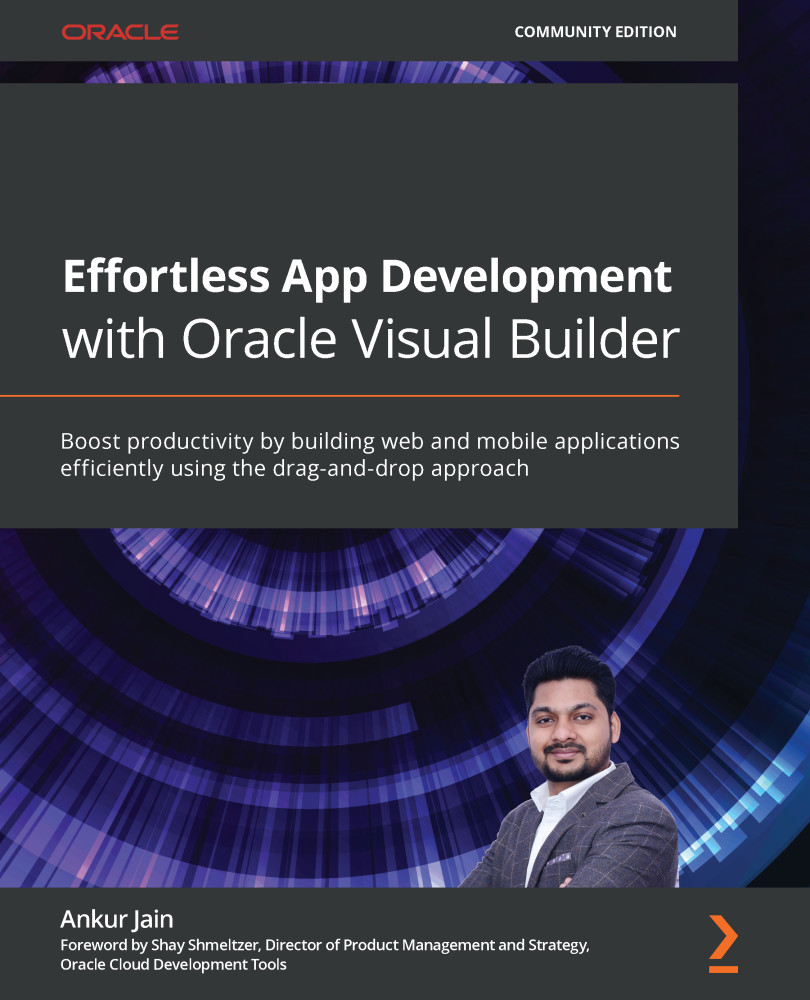
Effortless App Development with Oracle Visual Builder
By :


Effortless App Development with Oracle Visual Builder
By:
Overview of this book
Organizations are moving their applications, data, and processes to the cloud to reduce application costs, effort, and maintenance. However, adopting new technology poses challenges for developers, solutions architects, and designers due to a lack of knowledge and appropriate practical training resources. This book helps you get to grips with Oracle Visual Builder (VB) and enables you to quickly develop web and mobile applications and deploy them to production without hassle.
This book will provide you with a solid understanding of VB so that you can adopt it at a faster pace and start building applications right away. After working with real-time examples to learn about VB, you'll discover how to design, develop, and deploy web and mobile applications quickly. You'll cover all the VB components in-depth, including web and mobile application development, business objects, and service connections. In order to use all these components, you'll also explore best practices, security, and recommendations, which are well explained within the chapters. Finally, this book will help you gain the knowledge you need to enhance the performance of an application before deploying it to production.
By the end of this book, you will be able to work independently and deploy your VB applications efficiently and with confidence.
Table of Contents (23 chapters)
Preface


Section 1: Exploring the Building Blocks of VB
 Free Chapter
Chapter 1: What, Why, and How (WWH) of Visual Builder
Chapter 2: Provisioning and Understanding the Visual Builder Instance
Chapter 3: Exploring Visual Builder Ingredients
Section 2: Working with Data and Services
Chapter 4: Creating and Managing Business Objects
Chapter 5: Creating and Managing Service Connections
Chapter 6: Building Web Applications Using Real-World Examples
Chapter 7: Working with Life Cycle Events, Validations, and UI Logic
Section 3: Building Web and Mobile Apps Using Various VB Components
Chapter 8: Exploring Other Visual Components and Their Advanced Functionalities
Chapter 9: Extending Oracle and Non-Oracle SaaS Applications
Chapter 10: Working with Business Processes
Chapter 11: Building a Mobile Application with Live Examples
Section 4: Security, Recommendations, Best Practices, and Troubleshooting
Chapter 12: Securing VB Applications
Chapter 13: Understanding and Managing Various Stages of a VB App

Chapter 14: Best Practices and Recommendations for VB Applications
Chapter 15: Troubleshooting and Debugging VB Applications
Chapter 16: Managing VB Apps Using Visual Builder Studio
Assessments