Sign In Start Free Trial
Account

Add to playlist

Create a Playlist

Modal Close icon
You need to login to use this feature.
  • Book Overview & Buying Mastering Julia
  • Table Of Contents Toc
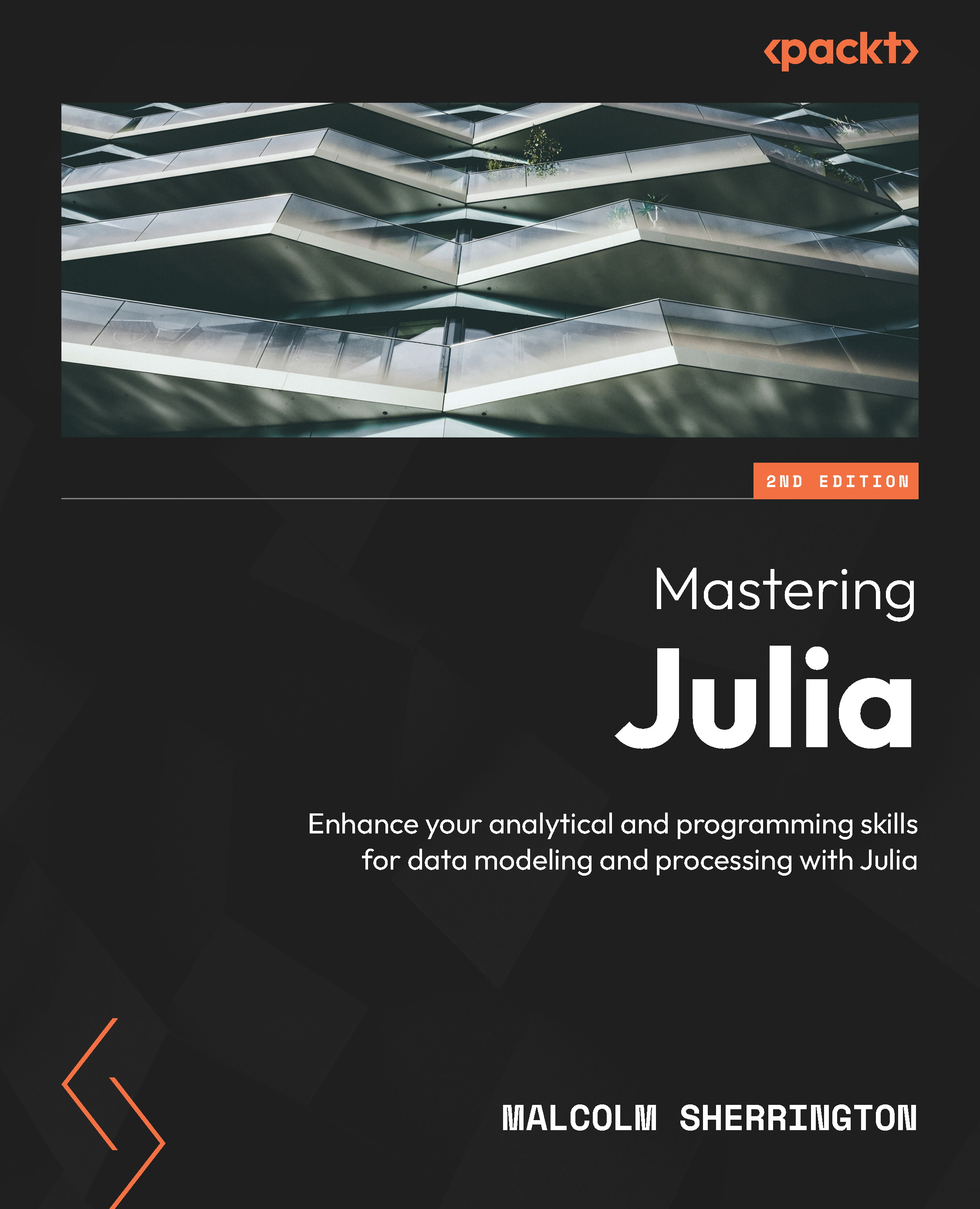
Mastering Julia

Mastering Julia - Second Edition

By : Malcolm Sherrington
4.3 (3)
close
close
Mastering Julia

Mastering Julia

4.3 (3)
By: Malcolm Sherrington

Overview of this book

Julia is a well-constructed programming language which was designed for fast execution speed by using just-in-time LLVM compilation techniques, thus eliminating the classic problem of performing analysis in one language and translating it for performance in a second. This book is a primer on Julia’s approach to a wide variety of topics such as scientific computing, statistics, machine learning, simulation, graphics, and distributed computing. Starting off with a refresher on installing and running Julia on different platforms, you’ll quickly get to grips with the core concepts and delve into a discussion on how to use Julia with various code editors and interactive development environments (IDEs). As you progress, you’ll see how data works through simple statistics and analytics and discover Julia's speed, its real strength, which makes it particularly useful in highly intensive computing tasks. You’ll also and observe how Julia can cooperate with external processes to enhance graphics and data visualization. Finally, you will explore metaprogramming and learn how it adds great power to the language and establish networking and distributed computing with Julia. By the end of this book, you’ll be confident in using Julia as part of your existing skill set.
Table of Contents (14 chapters)
close
close

Computing recursive functions

We considered previously the factorial function, which was an example of a function that used recursion—that is, it called itself. Recursive definitions need to provide a way to exit from the function. Intermediate values are pushed on the stack, and on exiting, the function unwinds, which has the side effect that a function can run out of memory, and so is not always the best (or quickest) method of implementation.

An example in the previous section where this is the case is computing values in the Fibonacci sequence, and we explicitly enumerate the first 15 values. Let’s look at this in a bit more detail:

  • The series has been identified as early 200 BCE by Indian mathematician Pingala.
  • More recently, in Europe around 1200, Leonardo of Pisa (aka Fibonacci) posed the problem of an idealized rabbit population, where a newly born breeding pair of rabbits are put out together and each breeding pair mates at the age of 1 month. At the end of the second month, they produce another pair of rabbits, and the rabbits never die. Fibonacci considered the following question: How many pairs will there be in 1 year?
  • In nature, the nautilus shell chambers adhere to the Fibonacci sequence’s logarithmic spiral, and this famous pattern also shows up in many areas, such as flower petals, pinecones, hurricanes, and spiral galaxies.

We noted that the sequence can be defined by the recurrence relation, as follows:

julia> A = Array{Int64}(undef,15);
julia> A[1]=1; A[2]=1;
julia> [A[i] = A[i-1] + A[i-2] for i = 3:length(A)];

This presents a similar problem to the factorial in as much as eventually, the value of the Fibonacci sequence will overflow.

To code this in Julia is straightforward:

function fib(n::Integer)
  @assert n >= 1
  return (n == 1 || n == 2 ? 1 : (fib(n-1) + fib(n-2)));
end

So, the answer to Fibonacci’s problem is fib(12), which is 144.

A more immediate problem is with the recurrence relation itself, which involves two previous terms, and the execution speed will get rapidly (as 2n ) longer.

My Mac Pro (Intel i7 processor with 16 GB RAM) runs out of steam around the value 50:

julia> @time fib(50);
 75.447579 seconds

To avoid the recursion relation, a better version is to store all the intermediate values (up to n) in an array, like so:

function fib1(n::Integer)
  @assert n > 0
  a = Array{typeof(n),1}(undef,n)
  a[1] = 1
  a[2] = 1
  for i = 3:n
    a[i] = a[i-1] + a[i-2]
  end
  return a[n]
end

Using the big() function avoids overflow problems and long runtimes, so let’s try a larger number:

julia> @time(fib1(big(101)))
0.053447 seconds (115.25 k allocations: 2.241 MiB)
573147844013817084101

A still better version is to scrap the array itself, which reduces the storage requirements a little, although there is little difference in execution times:

function fib2(n::Integer)
  @assert n > 0
  (a, b) = (big(0), big(1))
  while n > 0
    (a, b) = (b, a+b)
  n -= 1
  end
  return a
end
julia> @time(fib2(big(101)))
0.011516 seconds (31.83 k allocations: 760.443 KiB)
573147844013817084101

Observe that we need to be careful about our function definition when using list comprehensions or applying the |> operator.

Consider the following two definitions of the Fibonacci sequence we gave previously:

julia> [fib1(k) for k in 1:2:9 if k%2 != 0]
ERROR: BoundsError:attempt to access 1-element Vector{Int64} at index 
[2]
julia> [fib2(k) for k in 1:2:9 if k%2 != 0]
5-element Vector{BigInt}:
  1
  2
  5
 13
 34

The first version, which uses an array, raises a bounds error when trying to compute the first term, fib1(1), whereas the second executes successfully.

Implicit and explicit typing

In the definitions and the factorial function and Fibonacci sequence, the type of the input parameter was explicitly given (as an integer), which allowed Julia to raise that an error is real, complex, and so on, and was passed. This allowed us to check for positivity using the @asset macro.

The question arises: Can the return type of a function be specified as well? The answer is yes.

Consider the following code, which computes the square of an integer. The return value is a real number (viz. Float64) where normally, we would have expected an integer; we term this process as promotion, which we will discuss in more detail later in the book:

julia> sqi(k::Integer)::Float64 = k*k
sqi (generic function with 1 method)
julia> sqi(3)
9.0

In the next example, the input value is taken as a real number but the return is an integer:

julia> sqf(x::Float64)::Int64 = x*x
sqf (generic function with 1 method)

This works when the input can be converted exactly to an integer but raises an InexactError error otherwise:

julia> sqf(2.0)
4
julia> sqf(2.3)
ERROR: InexactError: Int64(5.289999999999999)

Alternatively, let’s consider explicitly specifying the type of a variable.

When using implicit typing, the variable can be reassigned and its type changes appropriately:

julia> x = 2; typeof(x)
Int64
julia> x = 2.3; typeof(x)
Float64
julia> x = "Hi"; typeof(x)
String

Now, if we try to explicitly define the type of the existing variable, it raises an error:

julia> x::Int64 = 2; typeof(x)
ERROR: cannot set type for global x. It already has a value or is 
already set to a different type.

So, let’s start with a new as yet undefined variable:

julia> y::Int64 = 2; # => 4
julia> typeof(y)
Int64

In this case, assigning the input to a non-integer results in an InexactError error, as before:

julia> y = 2.3
ERROR: InexactError: Int64(2.3)

Also, we cannot redefine the type of the variable now it has been defined:

julia> y::Float64 = 2.3; typeof(y)
ERROR: cannot set type for global y. It already has a value or is 
already set to a different type.

Finally, suppose that we prefix the assignment with the local epithet; this seems to be OK except that the variable type is unchanged and its value rounded down rather than an error being raised:

julia> local y::Float64 = 2.3;
julia> typeof(y)
Int64
julia> y
2

The value of the y global is not changed since we are not introducing a new block, and so the scope remains the same.

So far, we have been discussing arrays consisting of a single index (aka one-dimensional), which are equivalent to vectors. In fact, only column-wise arrays are considered to be vectors—that is, consisting of a single column and multiple rows. Here’s an example:

julia> [1; 2; 3]
3-element Vector{Int64}:
 1
 2
 3

Alternatively, an array comprising a single row and multiple columns is viewed as a two-dimensional array, which is commonly referred to as a matrix. We will turn to operating on matrices next:

julia> [1 2 3]
1×3 Matrix{Int64}:
 1  2  3

Note that a vector is created by separating individual items using a semicolon, whereas the 1x3 matrix is constructed only as space(s). This convention is used in creating multirow and column arrays.

Visually different images
CONTINUE READING
83
Tech Concepts
36
Programming languages
73
Tech Tools
Icon Unlimited access to the largest independent learning library in tech of over 8,000 expert-authored tech books and videos.
Icon Innovative learning tools, including AI book assistants, code context explainers, and text-to-speech.
Icon 50+ new titles added per month and exclusive early access to books as they are being written.
Mastering Julia
notes
bookmark Notes and Bookmarks search Search in title playlist Add to playlist download Download options font-size Font size

Change the font size

margin-width Margin width

Change margin width

day-mode Day/Sepia/Night Modes

Change background colour

Close icon Search
Country selected

Close icon Your notes and bookmarks

Confirmation

Modal Close icon
claim successful

Buy this book with your credits?

Modal Close icon
Are you sure you want to buy this book with one of your credits?
Close
YES, BUY

Submit Your Feedback

Modal Close icon
Modal Close icon
Modal Close icon