Sign In Start Free Trial
Account

Add to playlist

Create a Playlist

Modal Close icon
You need to login to use this feature.
  • Book Overview & Buying The JavaScript Workshop
  • Table Of Contents Toc
  • Feedback & Rating feedback
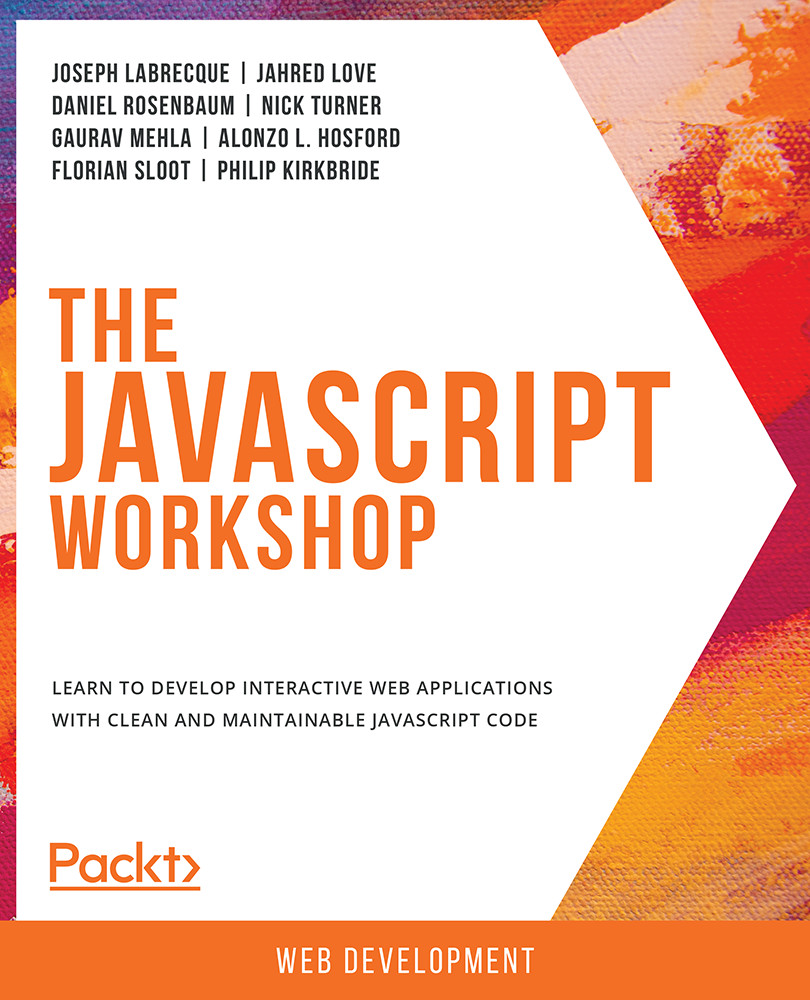
The JavaScript Workshop

The JavaScript Workshop

By : Joseph Labrecque, Jahred Love , Daniel Rosenbaum , Nick Turner , Gaurav Mehla , Alonzo L. Hosford , Florian Sloot , Philip Kirkbride
4 (8)
close
close
The JavaScript Workshop

The JavaScript Workshop

4 (8)
By: Joseph Labrecque, Jahred Love , Daniel Rosenbaum , Nick Turner , Gaurav Mehla , Alonzo L. Hosford , Florian Sloot , Philip Kirkbride

Overview of this book

If you're looking for a programming language to develop flexible and efficient apps, JavaScript is a great choice. However, while offering real benefits, the complexity of the entire JavaScript ecosystem can be overwhelming. This Workshop is a smarter way to learn JavaScript. It is specifically designed to cut through the noise and help build your JavaScript skills from scratch, while sparking your interest with engaging activities and clear explanations. Starting with explanations of JavaScript's fundamental programming concepts, this book will introduce the key tools, libraries and frameworks that programmers use in everyday development. You will then move on and see how to handle data, control the flow of information in an application, and create custom events. You'll explore the differences between client-side and server-side JavaScript, and expand your knowledge further by studying the different JavaScript development paradigms, including object-oriented and functional programming. By the end of this JavaScript book, you'll have the confidence and skills to tackle real-world JavaScript development problems that reflect the emerging requirements of the modern web.
Table of Contents (17 chapters)
close
close

HTML Element Manipulation with JavaScript

We have alluded to the ability of JavaScript to directly manipulate elements within an HTML document a number of times. We'll now go ahead and see firsthand exactly how the language can be leveraged to perform this sort of manipulation.

Before moving on to the activity, there are a couple of concepts to understand so that you know how HTML elements function. As you've seen through example, elements in HTML generally consist of an opening and closing tag, within which there is often text data. If you think of a <p> tag or paragraph element in HTML, the text within that element, between the opening and closing tags, is the text displayed to the user.

If we need to address a specific HTML element to manipulate, the best way to do so is with the getElementById() JavaScript method. Of course, the element in question must contain an ID attribute for this to function as expected.

For example, maybe we have a simple HTML...

Visually different images
CONTINUE READING
83
Tech Concepts
36
Programming languages
73
Tech Tools
Icon Unlimited access to the largest independent learning library in tech of over 8,000 expert-authored tech books and videos.
Icon Innovative learning tools, including AI book assistants, code context explainers, and text-to-speech.
Icon 50+ new titles added per month and exclusive early access to books as they are being written.
The JavaScript Workshop
notes
bookmark Notes and Bookmarks search Search in title playlist Add to playlist download Download options font-size Font size

Change the font size

margin-width Margin width

Change margin width

day-mode Day/Sepia/Night Modes

Change background colour

Close icon Search
Country selected

Close icon Your notes and bookmarks

Confirmation

Modal Close icon
claim successful

Buy this book with your credits?

Modal Close icon
Are you sure you want to buy this book with one of your credits?
Close
YES, BUY

Submit Your Feedback

Modal Close icon
Modal Close icon
Modal Close icon