-
Book Overview & Buying
-
Table Of Contents

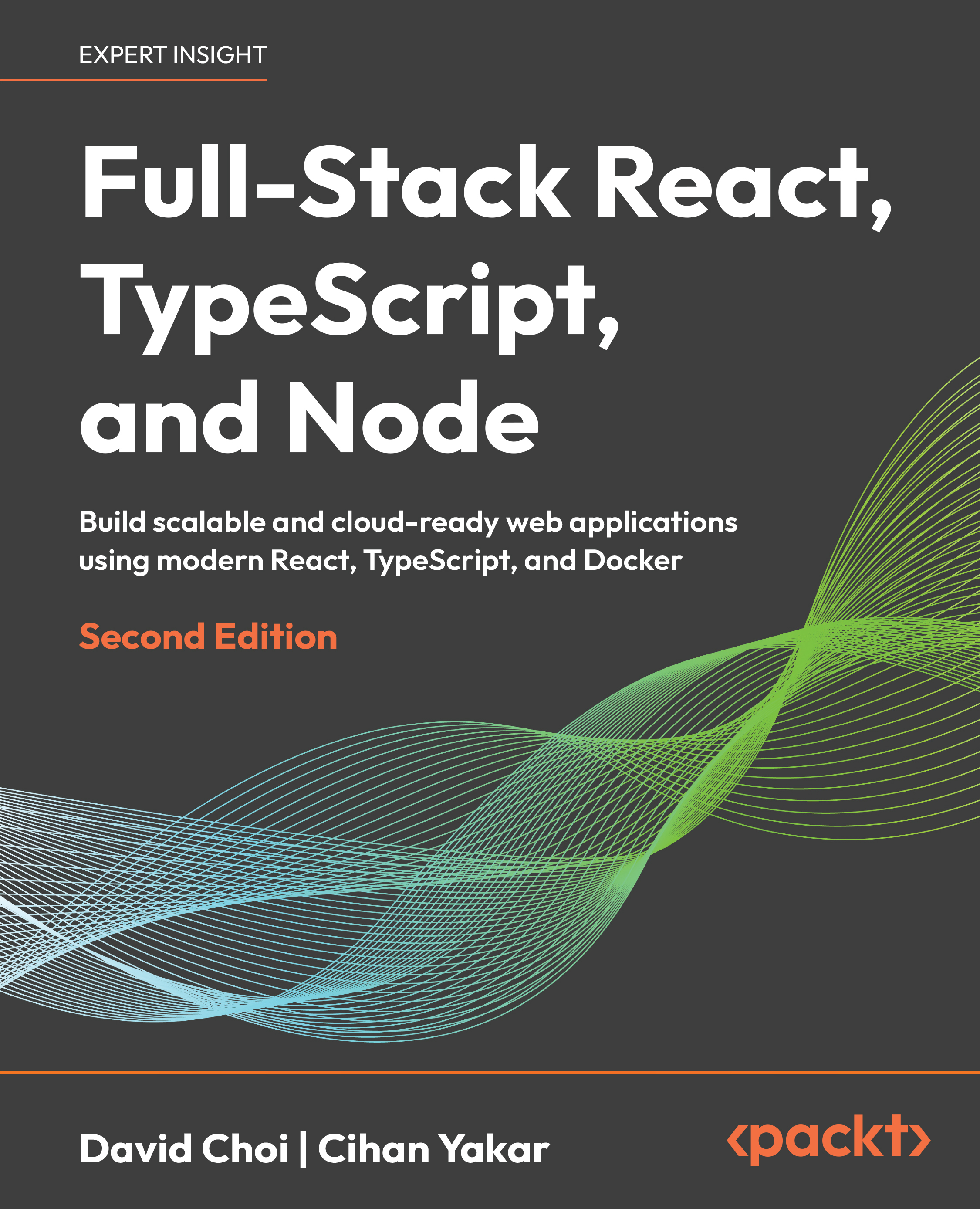
Full-Stack React, TypeScript, and Node - Second Edition
By :


Full-Stack React, TypeScript, and Node
By:
Overview of this book
In the fast-paced world of web development, React is a widely used library for building applications, while Node.js and Express support scalable server-side solutions and web services. TypeScript enhances JavaScript projects with robustness and maintainability, making it an essential tool for large-scale applications.
This edition provides a hands-on guide to mastering these technologies, with new chapters and updated content that reflects current industry practices. Begin with a solid foundation in TypeScript to build high-quality web applications. Explore React 19, leveraging the Hooks API and Redux Toolkit for state management. Then transition to server-side development with Express, incorporating modern practices like JWT-based authentication and Prisma ORM for database management. A major focus of this edition is production readiness. Learn how to containerize your application with Docker and Podman, automate builds and tests with GitHub Actions, and deploy to the cloud.
New chapters add monitoring and observability with OpenTelemetry and Grafana plus a hands-on guide to AI-assisted development with LLM coding agents. Other updates include Vitest for testing and expanded content on Postgres and Prisma ORM.
By the end of this book, you will have built and deployed a comprehensive full-stack application, ready for production.
Table of Contents (19 chapters)
Preface


Chapter 1: Understanding TypeScript
 Free Chapter
Chapter 2: Exploring TypeScript
Chapter 3: Building Better Apps with ES6+ Features
Chapter 4: Learning Single Page Application Concepts with React
Chapter 5: React Development with Hooks
Chapter 6: Learning Redux, Context, and React Router
Chapter 7: Testing with Vitest and React Testing Library
Chapter 8: Understanding Node.js

Chapter 9: Learning Express
Chapter 10: Database and Persistence with PostgreSQL + Prisma
Chapter 11: Authentication and Authorization
Chapter 12: Building the Full-Stack Application
Chapter 13: Deploying Full-Stack Applications
Chapter 14: Monitoring and Observability
Chapter 15: AI-Assisted Development with LLM Coding Agents
Chapter 16: Unlock Your Exclusive Benefits
Other Books You May Enjoy
Index