-
Book Overview & Buying
-
Table Of Contents
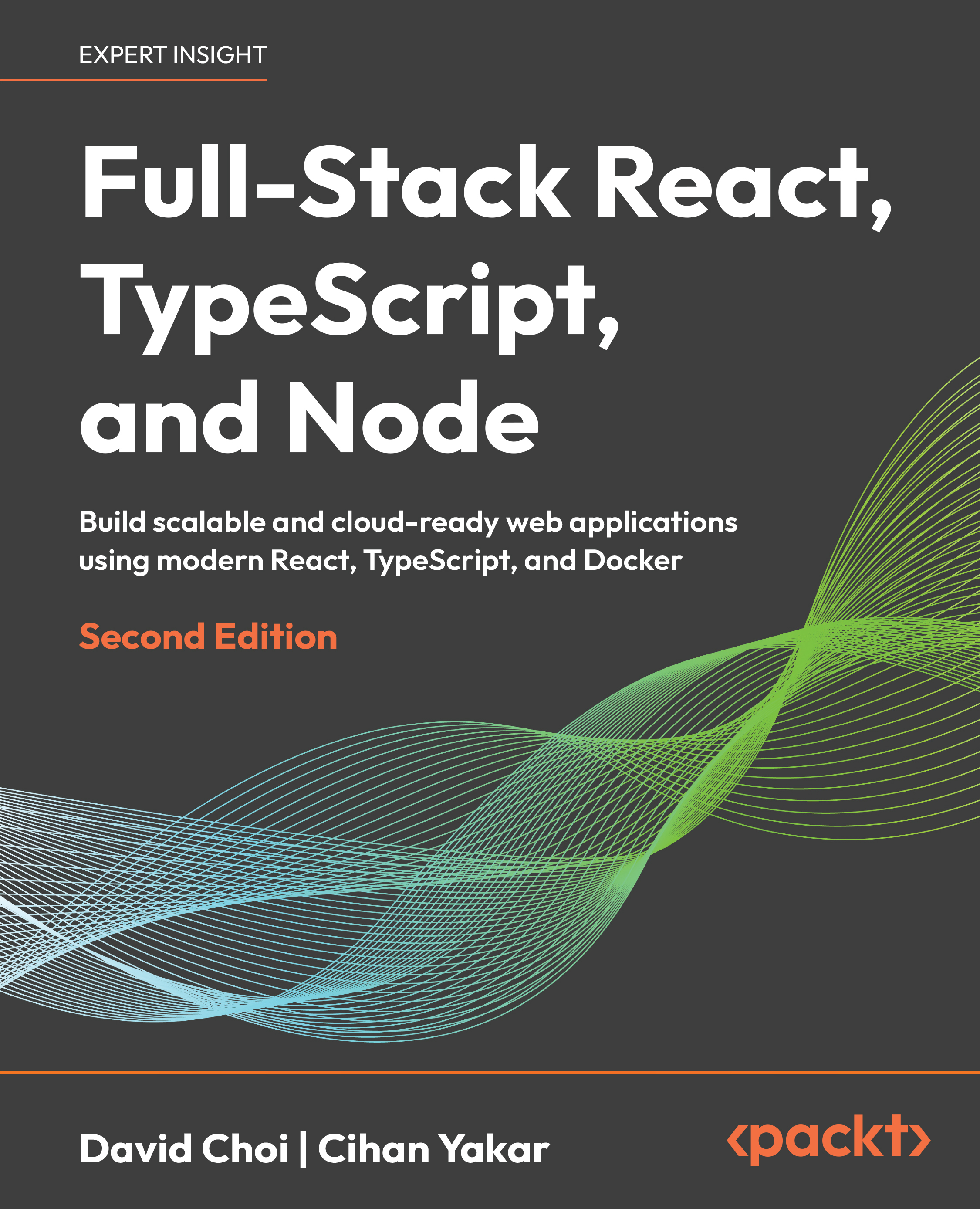
Full-Stack React, TypeScript, and Node - Second Edition
By :
When you set out to build a web application, the number of choices in front of you is almost endless. Which one/stack is the best? There is no honest answer to a question that broad. Pick almost any single quality you care about—faster, smaller, easier to pick up—and you can find something that beats React on that one axis without looking very hard.
What React gets right is balance. If you already know JavaScript and HTML, getting started is not a big leap. Used correctly, its performance is more than satisfying and showing you what "used correctly" actually means is one of the things this book sets out to do. There is no shortage of examples to learn from either: open-source projects, libraries, articles, and videos covering almost anything you might want to build.
The rest of the stack is chosen the same way. The backend, the database, the smaller tools you reach along the way—each one earns its place by how well it balances what it gives you against the effort it asks for. PostgreSQL is here for exactly that reason, not because it wins every benchmark. Your own projects will have their own constraints, and where a different tool would suit you better, I try to point you toward it instead of pretending the choice in these pages is the only one.
The book moves the way a real project does. We start small and keep building, one layer on top of the last, until what began as a few lines of TypeScript becomes a full application you can deploy.
The final chapter steps back and looks at where this is all going. By then you will have built the whole thing yourself, and that is the point. Once you understand how the pieces fit together, you can work alongside an AI coding agent and stay in charge of it, instead of handing it a problem you could not have solved on your own.
Author Disclosure for AI Use
Tools used:
Claude Opus 4.8 (Anthropic), Claude Fable 5 (Anthropic)
For what tasks:
Used to improve fluency in selected paragraphs, grammar checking, source code testing, text formatting, and fact-checking. No content generation or structural contribution was performed by the tools.
What verification was performed:
All AI-assisted sections were reviewed by the author for accuracy and consistency with the intended technical content. The author remains fully responsible for the final text.
This book is for developers who can already write some JavaScript and want to build complete, deployable applications instead of pieces of them. If you have built a frontend and always wondered what really happens on the server, or written APIs and felt shaky the moment someone mentions React, you are who I had in mind.
You do not need to know TypeScript yet, since we start from the beginning. You do not need a backend background either. What helps most is a working knowledge of JavaScript and the patience to build something one layer at a time.
Chapter 1, Understanding TypeScript, starts with the language itself, what TypeScript adds on top of JavaScript, why those additions matter, and how it handles object-oriented ideas such as classes, interfaces, and access modifiers.
Chapter 2, Exploring TypeScript, goes further into the type system, explicit type annotations, the built-in types, and composing your own types with unions, generics, and utility types such as Omit.
Chapter 3, Building Better Apps with ES6+ Features, covers the modern JavaScript that the rest of the book leans on: block-scoped variables, arrow functions, destructuring, modules, and working with asynchronous code.
Chapter 4, Learning Single Page Application Concepts with React, explains how the web moved from server-rendered pages to single-page applications, what you gain and give up in that move, and where React fits. Along the way you set up the project with Vite.
Chapter 5, React Development with Hooks, builds components the modern way, with function components and hooks for state, effects, and shared logic, including newer additions such as Suspense with use and optimistic updates.
Chapter 6, Learning Redux, Context, and React Router, deals with the parts of an app that live above any single component: global state with Redux Toolkit, lighter sharing with Context, and navigation between pages with React Router.
Chapter 7, Testing with Vitest and React Testing Library, shows how to test a frontend by its behavior rather than its internals, using Vitest as the runner, React Testing Library for components, and mocking for the parts you would rather not call for real.
Chapter 8, Understanding Node.js, crosses over to the server, how Node runs JavaScript through the V8 engine, its module system and event loop, and how to read files and answer HTTP requests with nothing but the standard library.
Chapter 9, Learning Express, adds the framework most Node APIs are built on, with middleware, routing, and request and response handling, and a small REST API tested with Node's built-in test runner and supertest.
Chapter 10, Database and Persistence with PostgreSQL + Prisma, gives the application a memory. You will see why data has to outlive a process, set up PostgreSQL, model your data with Prisma, run migrations, and work with relations and transactions from fully typed code.
Chapter 11, Authentication and Authorization, will see how JSON Web Tokens work, hash passwords with Argon2, build registration and login, protect routes with middleware, add role-based access control, and rotate refresh tokens safely.
Chapter 12, Building the Full-Stack Application, wires the two halves together, with a type-safe API client, authentication state in Redux, protected routes, and the awkward details such as token refresh and race conditions that only show up once both ends are talking.
Chapter 13, Deploying Full-Stack Applications, takes the app off your laptop, explains what changes when code runs in production, and how to package the frontend, backend, and database into containers with Docker and Podman.
Chapter 14, Monitoring and Observability, answers the question deployment leaves open: how you actually know the system is healthy, through the difference between monitoring and observability, the three pillars, and tracing requests with OpenTelemetry and Grafana.
Chapter 15, AI-Assisted Development with LLM Coding Agents, looks at how this work is changing, how to set up an AI coding agent for a real full-stack project, and a specification-first way of working that keeps you in charge rather than along for the ride.
You should be comfortable reading and writing JavaScript. Everything else—TypeScript, React, Node, and the database—is introduced as we go. You will need a recent version of Node.js, a code editor (the examples assume Visual Studio Code), and, from Chapter 10 onward, a way to run PostgreSQL, either installed directly or through a container.
Here are the main tools and the versions the examples were written and tested against. Newer minor versions should be fine, and where a specific version matters, the text says so.
|
Software/hardware covered in the book |
Operating system requirements |
|---|---|
|
Node.js 24 |
Windows, macOS, or Linux |
|
TypeScript 6 |
Windows, macOS, or Linux |
|
React 19 |
Windows, macOS, or Linux |
|
Vite 8 and Vitest 4 |
Windows, macOS, or Linux |
|
Express 5 |
Windows, macOS, or Linux |
|
PostgreSQL 16 or later |
Windows, macOS, or Linux |
|
Prisma |
Windows, macOS, or Linux |
|
Docker or Podman |
Windows, macOS, or Linux |
If you are using the digital version of this book, type the code yourself where you can. You will notice things by typing that you would skim past by copying, and the full example code is on GitHub if you get stuck.
The code bundle for the book is hosted on GitHub at https://github.com/PacktPublishing/Full-Stack-React-TypeScript-and-Node-2nd-Edition. If there is an update to the code, it will be updated in that repository. We also have other code bundles from our catalog at https://github.com/PacktPublishing. Check them out.
There are a number of text conventions used throughout this book.
Code in text indicates code words in text, type and variable names, file names, file extensions, paths, and user input. For example, run npm run dev to start the Vite development server.
A block of code is set as follows:
function greet(name: string): string {
return `Hello, ${name}`;
}
When we want to draw your attention to a particular part of a code block, the relevant lines are set in bold.
Any command-line input or output is written as follows:
npm run dev
Bold indicates a new term, an important word, or words you see on screen. For instance, words in menus or dialog boxes appear like this. For example, open the Network tab in your browser's developer tools.
Warnings or important notes appear like this.
Tips or important notes Appear like this.
Feedback from our readers is always welcome.
General feedback: If you have questions about any aspect of this book, email us at [email protected] and mention the book's title in the subject of your message.
Errata. Although we have taken every care to ensure the accuracy of our content, mistakes do happen. If you have found a mistake in this book, we would be grateful if you reported it to us. Please visit http://www.packt.com/submit-errata, click Submit Errata, and fill in the form.
Piracy. If you come across any illegal copies of our works in any form on the internet, we would be grateful if you would provide us with the location address or website name. Please contact us at [email protected] with a link to the material.
If you are interested in becoming an author, and if there is a topic that you have expertise in and you are interested in either writing or contributing to a book, please visithttp://authors.packt.com.
Once you've read Full-Stack React, TypeScript, and Node, Second Edition, we'd love to hear your thoughts! Scan the QR code below to go straight to the Amazon review page for this book and share your feedback.

https://packt.link/r/1803235772
Your review is important to us and the tech community and will help us make sure we're delivering excellent quality content.
Change the font size
Change margin width
Change background colour