


-
Book Overview & Buying
-
Table Of Contents

Accelerate DevOps with GitHub
By :


Accelerate DevOps with GitHub
By:
Overview of this book
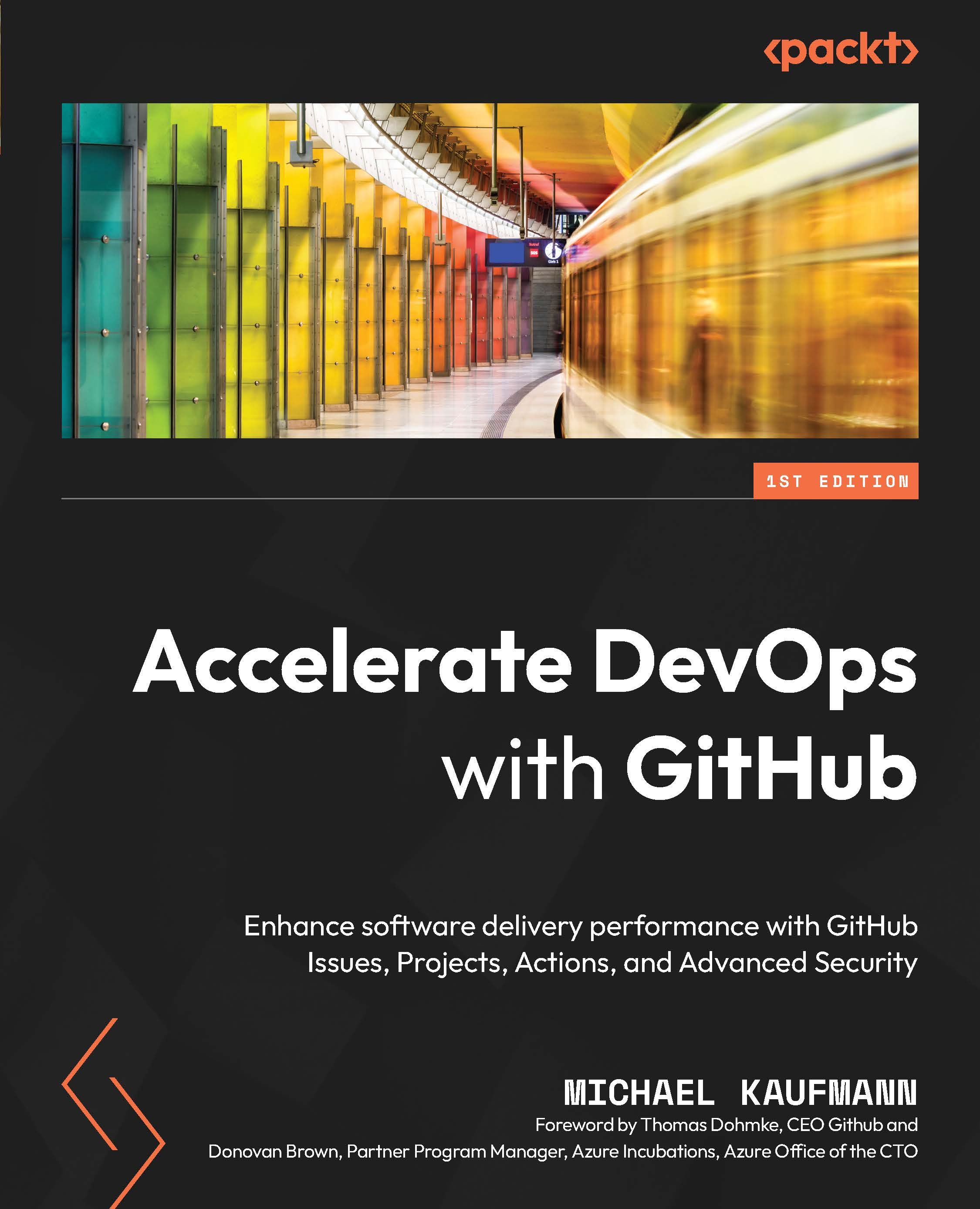
This practical guide to DevOps uses GitHub as the DevOps platform and shows how you can leverage the power of GitHub for collaboration, lean management, and secure and fast software delivery.
The chapters provide simple solutions to common problems, thereby helping teams that are already on their DevOps journey to further advance into DevOps and speed up their software delivery performance. From finding the right metrics to measure your success to learning from other teams’ success stories without merely copying what they’ve done, this book has it all in one place. As you advance, you’ll find out how you can leverage the power of GitHub to accelerate your value delivery – by making work visible with GitHub Projects, measuring the right metrics with GitHub Insights, using solid and proven engineering practices with GitHub Actions and Advanced Security, and moving to event-based and loosely coupled software architecture.
By the end of this GitHub book, you'll have understood what factors influence software delivery performance and how you can measure your capabilities, thus realizing where you stand in your journey and how you can move forward.
Table of Contents (31 chapters)
Preface


Part 1: Lean Management and Collaboration
 Free Chapter
Chapter 1: Metrics That Matter
Chapter 2: Plan, Track, and Visualize Your Work

Chapter 3: Teamwork and Collaborative Development
Chapter 4: Asynchronous Work: Collaborate from Anywhere
Chapter 5: The Influence of Open and Inner Source on Software Delivery Performance
Part 2: Engineering DevOps Practices
Chapter 6: Automation with GitHub Actions
Chapter 7: Running Your Workflows
Chapter 8: Managing Dependencies Using GitHub Packages
Chapter 9: Deploying to Any Platform
Chapter 10: Feature Flags and the Feature Lifecycle
Chapter 11: Trunk-Based Development
Part 3: Release with Confidence
Chapter 12: Shift Left Testing for Increased Quality
Chapter 13: Shift-Left Security and DevSecOps
Chapter 14: Securing Your Code
Chapter 15: Securing Your Deployments
Part 4: Software Architecture
Chapter 16: Loosely Coupled Architecture and Microservices
Chapter 17: Empower Your Teams
Part 5: Lean Product Management
Chapter 18: Lean Product Development and Lean Startup
Chapter 19: Experimentation and A|B Testing
Part 6: GitHub for your Enterprise
Chapter 20: GitHub – The Home for All Developers
Chapter 21: Migrating to GitHub
Chapter 22: Organizing Your Teams
Chapter 23: Transform Your Enterprise
Other Books You May Enjoy


